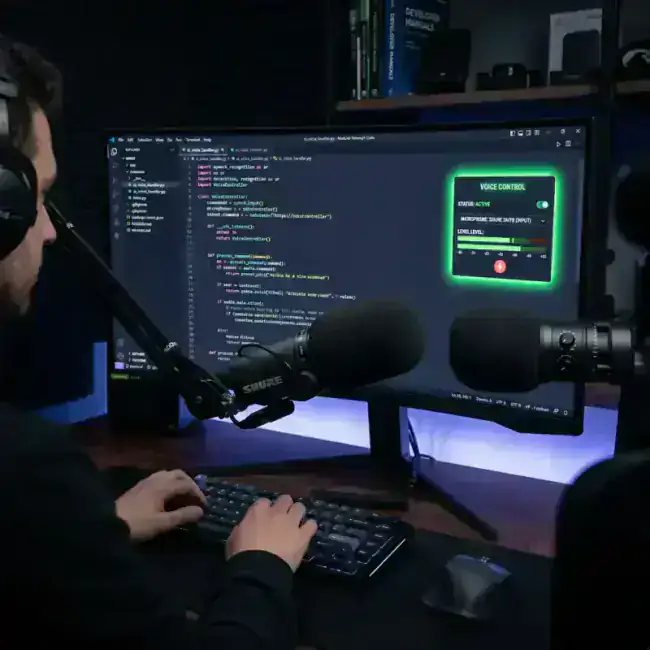
"Writing code is only 20% of my job. The rest is writing PR descriptions, documentation, and answering Slack messages."
For senior developers in 2026, the biggest bottleneck isn't the code; it’s the communication. Between explaining a complex architectural decision to stakeholders and writing the README.md for a new feature, engineers are spending 3-4 hours a day on the keyboard—not for coding, but for typing.
Is it possible to dictate code? Yes. Is it better? Absolutely. Here are the 3 best AI dictation tools for Mac developers in 2026.
Why Developers are Switching to Voice
- RSI Protection: Thousands of developers develop Repetitive Strain Injury (RSI). Voice dictation is the only way to keep working while letting your hands rest.
- Context Switching: Jumping from writing a C++ class to a formal email for a manager is a massive cognitive load. Voice helps bridge that gap.
- Speed for Docs: Documentation is the area where voice wins the most. Most engineers talk faster than they type.
1. LumeVoice (The Xcode and VS Code Choice)
LumeVoice is currently the only tool designed for technical people. It understands more than just "standard English."
- Key Feature: Code-Aware Refinement. LumeVoice knows the difference between a variable name (
camelCase) and a sentence. You can dictate a quick explanation of a bug, and it will format it into a perfect GitHub Issue or PR description, including code blocks. - Privacy: Pro users get local-only processing, which is essential for private company code.
Ready to Code Faster?
Join the LumeVoice waitlist and stop typing your PRs. Just speak, and we'll handle the documentation.
For macOS 13+ (Apple Silicon recommended)
2. DictaFlow (The "Hold-to-Talk" Specialist)
DictaFlow is a lightweight, technical-first tool that is popular among Linux and Mac developers who like a CLI-style experience.
- Pros: Very fast, low CPU usage, and highly stable.
- Cons: Lacks the sophisticated AI rewriting found in LumeVoice or Wispr Flow.
3. Superwhisper (The Customizable Power User tool)
Superwhisper is a favorite for developers who want to create their own custom "Modes."
- Pros: You can create a "Mode" for Python, a "Mode" for Documentation, and a "Mode" for Email.
- Cons: It takes a bit of time to get the perfect "Prompt" for each mode.
How to Dictate Your First PR Description
Here is the workflow we recommend for developers using LumeVoice:
- Select the PR text area in GitHub or GitLab.
- Hit your shortcut (usually
Option + Space). - Speak your brain dump:
"I fixed that bug in the user auth module, specifically the part where the session wasn't refreshing properly after 30 minutes. Also added a unit test for it in
auth_test.go." - Watch the magic: LumeVoice turns that into a perfectly formatted, bulleted PR description with the right technical terms.
Final Verdict: Which Developer Tool is best?
- If you want the most "intelligent" tool that understands code and technical intent, LumeVoice is the winner.
- If you want a lightweight, simple dictation tool for quick comments, DictaFlow is a great choice.
- If you like tweaking prompts and want total privacy, go with Superwhisper.
?Frequently Asked Questions
Can I actually write code via voice?
Yes, but we recommend it for boilerplate, comments, and documentation first. For complex logic, typing is still king. However, for 80% of your daily communication, voice is the future.
Is it faster than Copilot?
They are different tools! Copilot generates code; LumeVoice dictates your intent. Using them together is the ultimate "10x Developer" stack for 2026.