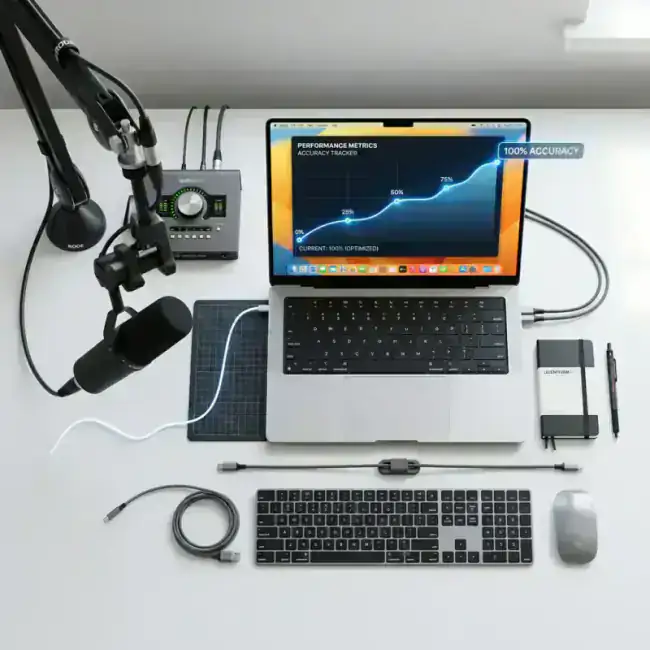
"My Mac just keep writing the wrong words!"
It's 2026, and we're officially in the "AI Age," but for some users, their Mac's built-in dictation still feels like something out of 2012. If you're struggling with accuracy, you’re not alone. The problem usually isn't your voice—it's the tool you're using.
Here are the 5 proven ways to fix poor dictation accuracy on your Mac in minutes.
1. Stop Using "Apple Dictation" for Long Sentences
Apple’s built-in dictation (the one that pops up when you hit the microphone icon) is primarily optimized for short, simple replies on an iPhone.
If you are trying to write a long email or a document, it will frequently hallucinate or add the wrong punctuation.
The Solution:
Switch to a tool like LumeVoice or Superwhisper. These apps use OpenAI’s Whisper engine, which is specifically trained on thousands of hours of speech to handle complexity far better than Apple's on-device model.
2. Check Your Hardware (Microphone Quality)
"Garbage in, garbage out." If your Mac is using a low-quality built-in microphone in a noisy room, even the best AI will struggle.
The Solution:
- External Mic: Use a dedicated USB microphone (like the Blue Yeti or a Shure MV7) if you are in a quiet office.
- AirPods: In 2026, AirPods have advanced noise cancellation specifically for your voice. They are often better than your Mac's built-in mic.
3. Speak in "Full Thoughts," Not Fragments
Many people try to dictate code or emails by speaking slowly and one word at a time.
"Hi... John... I... am... sorry... for... the... delay."
This actually makes accuracy WORSE.
Modern AI models need context to understand what you're saying. If you speak in full, natural sentences, the AI can use the surrounding words to guess the right spelling of a tricky term.
4. Use LumeVoice's "Agentic Refinement"
This is the biggest hack for accuracy in 2026.
Standard dictation tools just transcribe what they hear. If they hear "hear" instead of "here," you have to manually fix it.
LumeVoice doesn't just transcribe—it refines. It looks at the whole sentence and thinks: "Wait, in this context, they definitely meant 'here'."
It automatically fixes the errors, removes your "umms," and makes you sound like a pro.
The Accuracy You’ve Been Waiting For
Try LumeVoice and see the difference that "Agentic Refinement" makes. It’s faster and significantly more accurate than standard dictation. Join our early access today.
For macOS 13+ (Apple Silicon recommended)
5. Train the AI (Custom Vocabulary)
If you use a lot of technical terms, industry-specific jargon, or unique names, even the best AI will get them wrong.
The Solution:
Go into your dictation app settings and add these terms to your "Custom Vocabulary" list. In LumeVoice, for example, you can upload a list of your most common product names or technical abbreviations, and it will never misspell them again.
Final Recommendation: Which Tool to Choose?
If you are still pulling your hair out over poor accuracy, stop settle for generic tools.
Switch to LumeVoice. It's built on the most powerful AI speech models in the world and refined with custom logic for professionals who can't afford a single typo.
?Frequently Asked Questions
Does my accent matter?
In 2026, not really! High-end AI models like LumeVoice are trained on thousands of variations of accents (Indian, Chinese, European, etc.). They are remarkably accurate.
Can I use it in a noisy room?
Yes, if you use a tool with great noise suppression like LumeVoice or high-quality hardware like AirPods.