Accuracy stopped being the hard problem in AI dictation a while ago. For legal and medical work, the hard problem is privacy, and specifically whether your client's name or your patient's history is being transmitted anywhere at all.
This guide covers the Mac dictation tools that process audio entirely on your own machine, what "private" actually means when vendors use the word, what HIPAA requires before patient information goes to a dictation vendor, and the questions worth asking before you trust any tool with confidential material.
Why On-Device Processing Matters Here#
Most dictation tools record your voice, send it to a server, process it and send text back. For general writing that's fine. For privileged or protected information it introduces three problems:
- Transmission: the audio crosses a network you don't control.
- Retention: where does that recording sit afterwards, and for how long?
- Training: is your confidential material improving somebody's model?
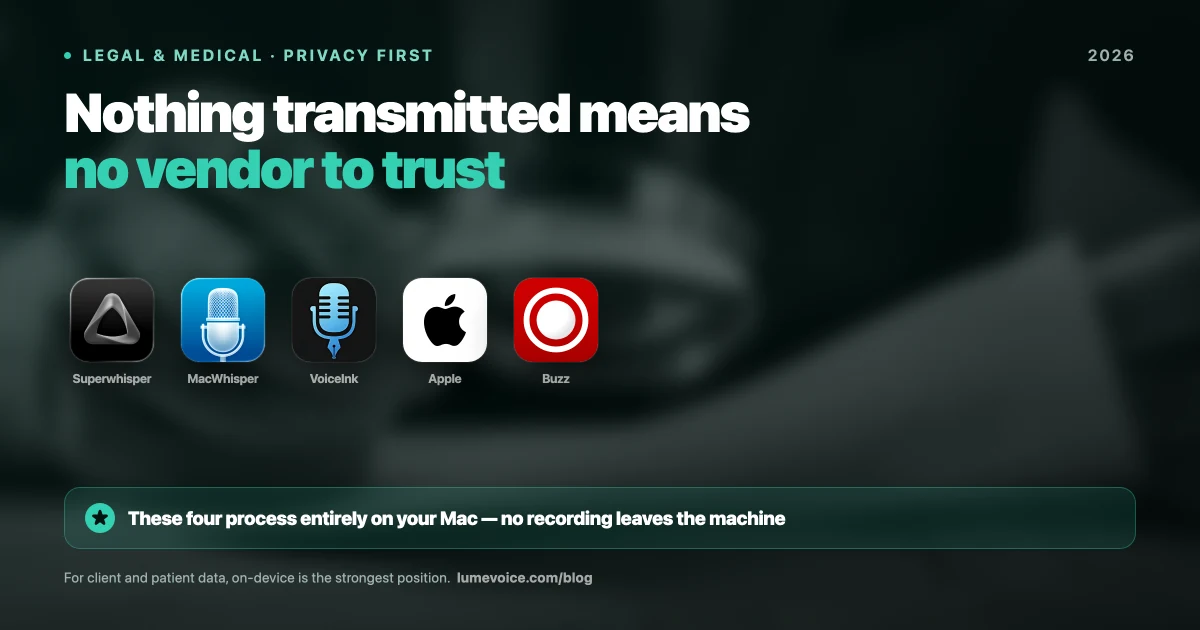
On-device processing eliminates all three at once, and that's the key point: it doesn't mitigate the risk, it removes the category. There's no transmission to secure, no retention policy to audit, no training question to ask.
That distinction matters more than any privacy policy, because a policy is a promise and on-device is an architecture. Promises require trust and verification. Architecture doesn't.
The Genuinely On-Device Options#
1. Superwhisper: the strongest all-round choice#
Superwhisper can download Whisper models to your Mac and run everything locally, with no internet connection needed. It also offers cloud models, so for confidential work, stick to the local ones.
- Pros: Fully offline with local models. Deep model control. Custom modes you can tune for medical or legal vocabulary. Runs on macOS, Windows and iOS.
- Cons: Larger local models need a capable Mac (Apple Silicon helps) and plenty of memory. Meaningful setup investment.
- Price: A free tier with limits, then Pro at $8.49/month, $84.99/year or $249.99 lifetime (plans).
2. MacWhisper: best for recorded material#
If you're working through deposition recordings or patient interviews rather than dictating live, this is the right kind of tool.
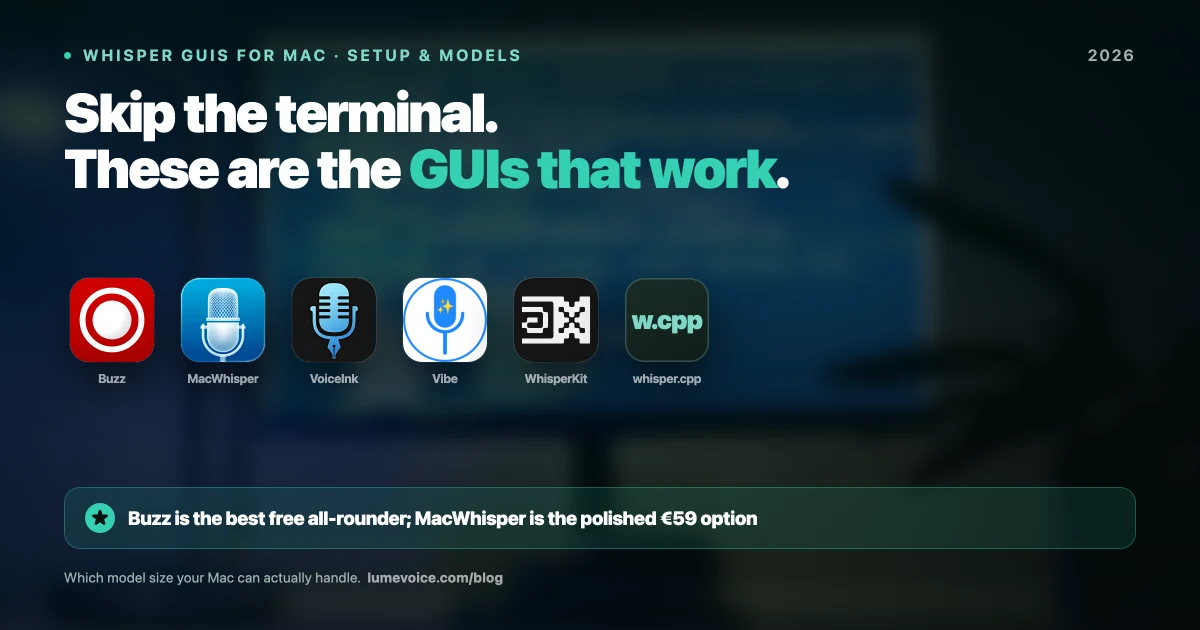
- Pros: Solid file transcription, processed locally. The free version uses the Small and Base Whisper models; Pro adds larger models for a one-time €59 (Gumroad).
- Cons: Built for files, not live typing into your EHR or email. macOS only.
- Note: If you switch on any optional feature that sends text to an online AI service, that part is no longer local. Leave such features off for confidential work.
3. VoiceInk: open source#
Open source (GPLv3), locally run and auditable. For institutions that need to verify what software actually does rather than take a vendor's word, source availability is a genuine advantage.
- Pros: Fully local. Open source. One-time licences from $25 (one Mac), $39 (two) or $49 (three), or free if you build it yourself.
- Cons: Needs macOS 14 or later on Apple Silicon. Less polish and more setup than the bigger commercial tools.
4. Apple Dictation: already installed#
Apple's built-in dictation runs on-device in many languages on Apple Silicon Macs.
- Pros: Free, pre-installed, and Apple's privacy posture is well documented.
- Cons: No custom vocabulary and no AI cleanup, so specialist terms and all formatting are yours to fix. Check that on-device processing covers your Mac and your language.
Prices as of October 2026; vendors change them, so check their sites.
Where Cloud Tools With Zero Retention Fit#
Here's the part most articles in this category get wrong, including an earlier version of this one.
There's a meaningful middle ground between "fully local" and "sends your data to a server that keeps it": tools that process in the cloud but retain nothing and never train on your data. LumeVoice works this way: audio is processed remotely, nothing is stored afterwards, none of it trains a model, and your dictation history stays on your device.
That is genuinely different from a typical cloud tool, and it is genuinely not the same as on-device. Being straight about which one you need:
| On-device (Superwhisper local models, MacWhisper) | Zero-retention cloud (LumeVoice) | Typical cloud service | |
|---|---|---|---|
| Audio transmitted | Never | Yes, for processing | Yes |
| Audio retained | N/A | No | Varies; read the policy |
| Used for training | No | No | Varies; read the policy |
| Requires trusting vendor | No | Yes | Yes |
| BAA needed for PHI | No | Yes | Yes |
| BAA offered | Not needed | No, so don't use it for PHI | Some vendors offer one; ask |
Swipe to see all columns
If your obligation is "this recording must never leave the device" (privileged communications, PHI under a strict interpretation, classified or contractually restricted material), use a local tool from the list above. No retention policy substitutes for that, and we won't pretend otherwise.
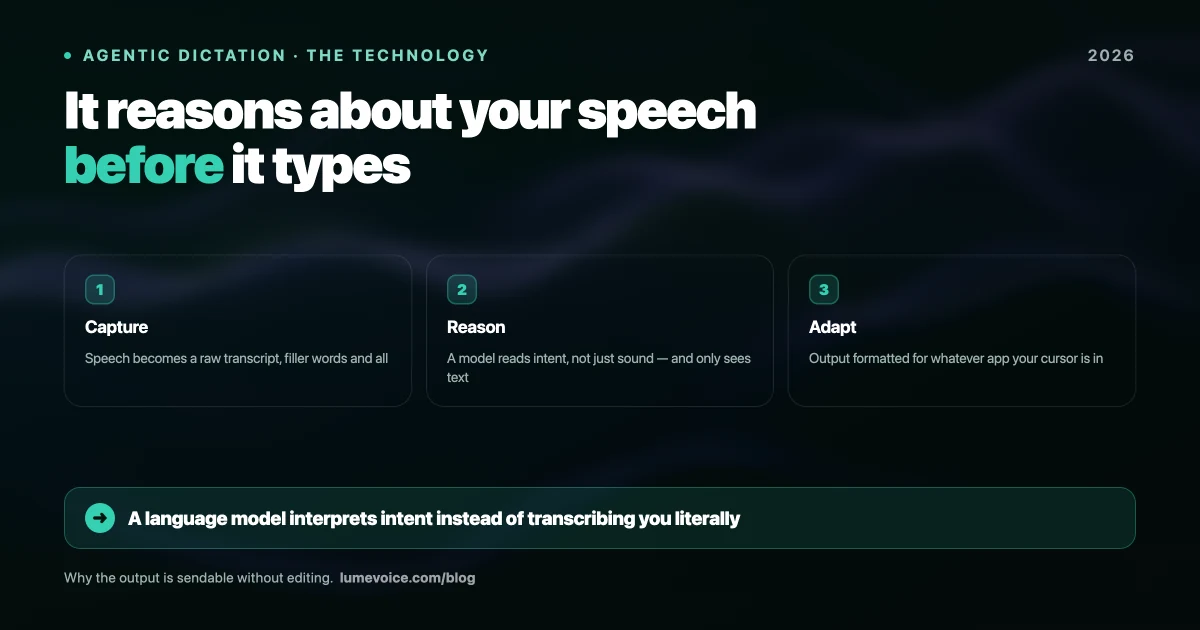
If your constraint is "I don't want a vendor building a library of my voice or training on my work," zero-retention cloud processing addresses that directly, and you get automatic cleanup (filler words removed, self-corrections applied, lists formatted) in exchange for the transmission.
Know which of those two you actually are before you choose. Most people assume the first and would be fine with the second, but if you're bound by the first, it's not a preference, it's a requirement. And if patient health information is involved, there's a third, stricter test: the next section.
HIPAA and Dictation: What a Vendor Has to Sign#
HIPAA applies to covered entities (healthcare providers, health plans and clearinghouses) and to the business associates that handle protected health information (PHI) for them. For dictation, the rules that matter are short:
- If PHI goes to a vendor, you need a Business Associate Agreement (BAA) with that vendor first. HHS guidance on cloud computing treats a cloud service that creates, receives, maintains or transmits electronic PHI for you as a business associate, which needs a BAA. Zero retention doesn't change that: the vendor still receives and processes the audio.
- A BAA is a contract, not a badge. It commits the vendor to safeguard PHI, report breaches and hold its own subcontractors to the same terms. Check that the BAA covers the specific product and feature you'll use.
- "HIPAA compliant" on a website is a claim to verify. HHS doesn't certify software as HIPAA compliant, so ask for the BAA itself.
- On-device tools change the question. If audio and transcripts never leave your device, the app's maker never receives PHI, so there's no vendor agreement to sign. Your device, its encryption and its backups are still covered by your own safeguards, so keep transcripts out of unapproved cloud sync too.
Which dictation tools offer a BAA?#
| Tool | BAA for PHI? | What we could verify |
|---|---|---|
| LumeVoice | ❌ No | Our Acceptable Use Policy states that LumeVoice is a general-purpose dictation tool, isn't certified under HIPAA and doesn't offer a BAA. Don't use it to dictate patient health information. |
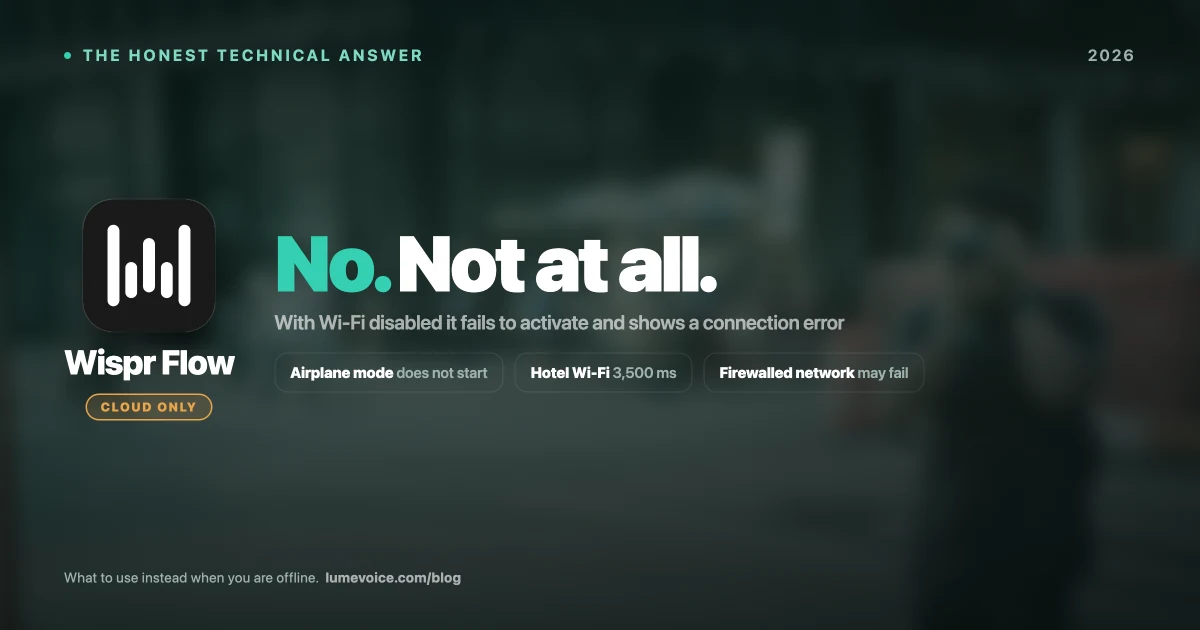
| Wispr Flow | ✅ On Mac, Windows and iOS | Its help center describes signing a BAA in the app's Data & Privacy settings, with no BAA flow on Android. Check which plan your organisation needs. |
| Otter.ai (meeting transcription, not dictation) | Ask | Otter announced HIPAA compliance in July 2025. Confirm the BAA, and which plan it covers, with its sales team. |
| On-device tools (Superwhisper local models, MacWhisper, VoiceInk, Apple Dictation on Apple Silicon) | Not needed if nothing leaves the device | Confirm with the Wi-Fi-off test below, and keep transcripts and backups out of unapproved cloud services. |
Swipe to see all columns
Dedicated medical dictation products are usually bought through a sales contract. Whichever vendor you choose, get the signed BAA before any PHI goes in.
Outside HIPAA: lawyers don't sign BAAs, but the duty is similar. In the US, ABA Model Rule 1.6(c) asks lawyers to make reasonable efforts to prevent unauthorised disclosure of client information, and bar associations have published guidance on cloud tools. In the EU and UK, the GDPR expects a data processing agreement with any service that processes personal data for you, and treats health data as a special category.
This is general information, not legal advice. For regulated work, your organisation's compliance or legal team should review any dictation tool before you use it.
What to Verify Before Trusting Any Tool#
Marketing language in this category is unreliable. "Private," "secure" and even "local" get used loosely. Check these:
Does it work with Wi-Fi off? The single most useful test. Disable networking and dictate. If text still appears, processing is genuinely local. If it fails or silently queues, it isn't.
Is there a written retention statement? Not a general privacy page, but a specific claim about how long audio is kept and whether it's used for training.
Will they sign a BAA? If PHI is transmitted, HIPAA generally requires one. If a vendor won't sign, that answers your question.
What do the optional features do? Several local-first tools add optional cloud models or online AI features. Local by default doesn't mean local in every mode, so check each setting you turn on.
Is the transcript stored, and where? Audio handling and transcript handling are different questions, and the transcript is the part containing the client's name.
Compliance Is About Your Setup, Not the App#
A local dictation tool does not make you HIPAA or GDPR compliant. It removes one significant risk from a much longer list.
You still need full-disk encryption, device access controls, an automatic screen lock, a plan for what happens if the laptop is stolen, and appropriate handling of the transcripts once they exist. An unencrypted MacBook running a perfectly local dictation tool is still a breach waiting to happen.
Think of on-device processing as removing the hardest problem from your compliance work, not as completing it.
Conclusion#
For confidential legal and medical work, on-device processing is the strongest privacy position available, and Superwhisper (with local models), MacWhisper, VoiceInk and Apple Dictation on Apple Silicon all offer it. If your obligations require that audio never leaves the machine, pick from those and verify with the Wi-Fi-off test.
If patient health information is involved and you want a cloud tool, you need a vendor that signs a BAA, and LumeVoice doesn't. If your real concern is retention and training rather than transmission, and no PHI is involved, a zero-retention tool is a reasonable choice that saves you manual cleanup. Just make that decision deliberately.
Either way, verify the data flow yourself. In this category the marketing claims and the architecture don't always match.
Dictate Faster Without Feeding a Training Set#
If your constraint is retention rather than transmission, and you're not dictating patient health information, you don't have to accept clunky output to protect your data.
LumeVoice turns speech into clean, formatted text in any app on Mac and Windows, with a keyboard for iPhone and a floating bubble on Android: filler words removed, self-corrections resolved. Audio isn't stored after processing, nothing you say trains a model, and your dictation history stays on your device. It's not a tool for PHI: LumeVoice doesn't offer a BAA. Free to start, no card needed.