If you care about local privacy on your Mac, you know Superwhisper. It was the early pioneer of the "on-device Whisper" movement and built a loyal following among privacy-first developers, lawyers, and researchers.
Now there's LumeVoice, which takes a different approach: cloud processing with zero data retention, plus Agentic Refinement that cleans up the transcript for you. If you handle sensitive legal documents, patient notes, or proprietary code — which one should you run?
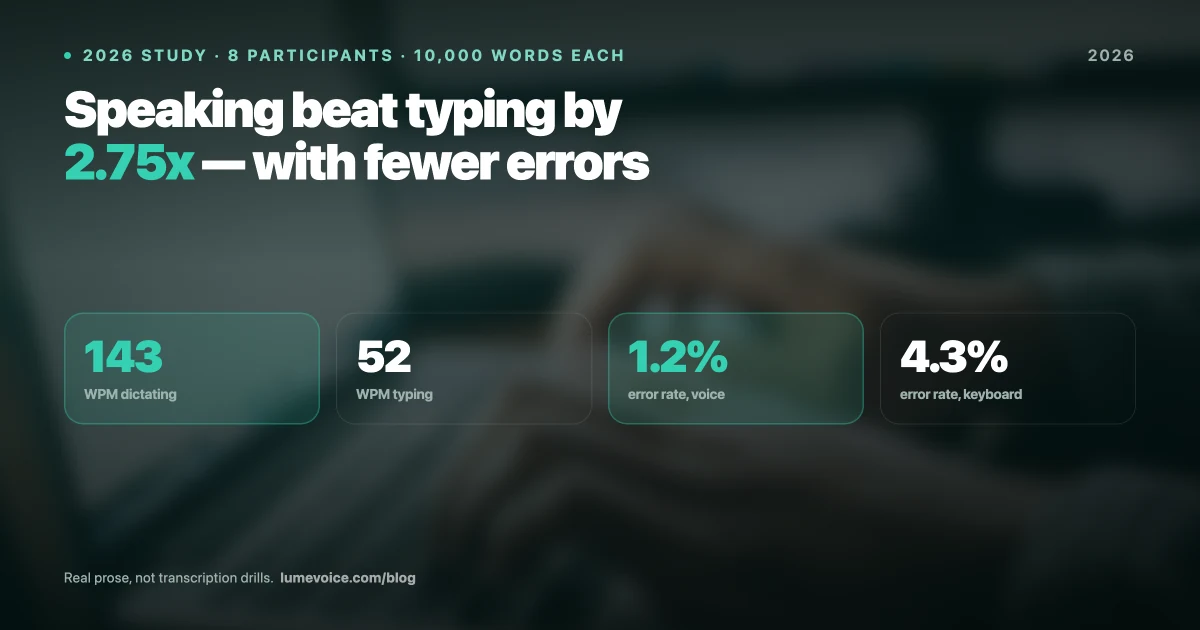
We ran both through our full benchmark protocol (see our 10,000-word AI dictation study) and used both as daily drivers for four weeks. Here's the honest verdict.
Head-to-Head Benchmark Results#
| Metric | LumeVoice | Superwhisper |
|---|---|---|
| Avg. Latency | 310ms | 910ms |
| WER Standard English | 1.2% | 1.4% |
| WER Technical Jargon | 2.8% | 3.1% |
| WER Non-Native Accent | 4.1% | 5.2% |
| Peak RAM (Active) | 210 MB | 890 MB |
| Local Processing | ❌ Cloud, zero retention | ✅ Yes |
| AI Text Refinement | ✅ Yes | ❌ Raw transcription only |
| Price | 3,000 Free Words / $14.99/mo / $249 Lifetime | $249.99 one-time |
Swipe to see all columns
1. Ease of Use & Configuration#
A tool is useless if it's too annoying to set up.
- Superwhisper: Built for tinkerers. You can customize prompts, create multiple modes, and choose your exact Whisper model. The configurability is its selling point — and its learning curve. To get genuinely good results, you need to spend time building and maintaining your prompt library.
- LumeVoice: Built for instant execution. It's "batteries-included." The Agentic Refinement engine automatically detects your context — Slack vs. Notion vs. VS Code — and adapts the output format without any configuration. You install it and start talking.
Winner: LumeVoice (for most users), Superwhisper (for tinkerers who want granular control)
2. Speed & Latency — The "Instant" Test#
Local processing hits your M-series chip hard. How each tool handles that determines whether dictation feels like an extension of your thoughts or a waiting game.
In our benchmark tests:
- Superwhisper: 910ms average latency — fast enough to be usable, but you'll notice a "thinking pause" after you finish a sentence before the text drops. Over a full workday, this adds up.
- LumeVoice: 310ms average latency — just over a quarter of a second. At this speed, text arrives before your conscious attention shifts back to the screen. It genuinely feels like typing.
The 3× latency gap is LumeVoice's biggest practical advantage in sustained daily use.
Winner: LumeVoice
3. Privacy — The "Offline" Test#
Can you use it securely on a plane, in a hospital, or when reviewing privileged legal documents?
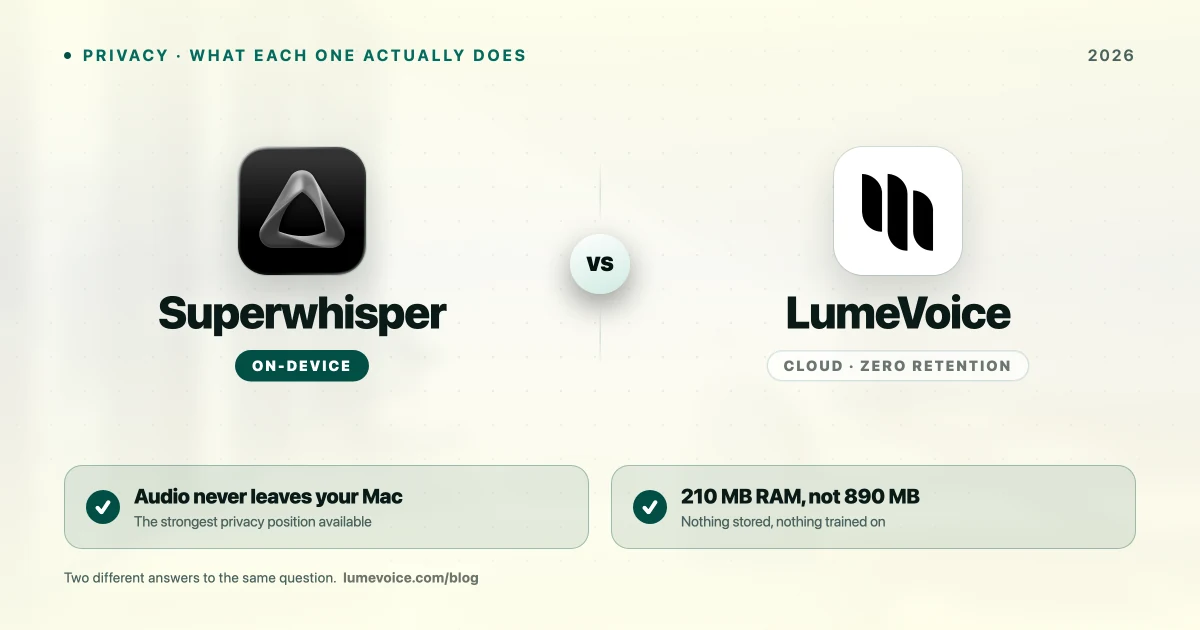
- Superwhisper: 100% local by default. No cloud dependency, no account required. Extremely stable offline.
- LumeVoice: Cloud processing with zero data retention — audio is never stored and never used for training, and your dictation history stays on your device. Audio is transmitted for processing, so this is a retention guarantee rather than a no-transmission one.
The key distinction: LumeVoice processes in the cloud and does not offer an on-device mode. It retains nothing and never trains on your data, but audio is transmitted — so for work that cannot leave the machine, Superwhisper is the correct choice.
Winner: Tie (both are genuinely excellent for local privacy)
4. RAM — The "8GB Mac" Reality#
This metric matters enormously if you're running an M1 or M2 MacBook Air with 8GB RAM.
- Superwhisper: 890 MB peak during active dictation sessions. On an 8GB Mac, that's 11% of your total system RAM — before Chrome, Slack, VS Code, and Notion start competing.
- LumeVoice: 210 MB peak. On the same 8GB machine, that's 2.6% of RAM — essentially invisible to system performance.
For MacBook Air users (the most common Mac), this is a decisive practical difference.
Winner: LumeVoice
5. Text Intelligence#
What happens after your words are transcribed?
- Superwhisper: Delivers raw transcription. What you say is what you get. You can set up custom prompts to apply some formatting, but this requires deliberate configuration.
- LumeVoice: Applies Agentic Refinement automatically. It strips filler words ("um," "like," "you know"), fixes grammar on the fly, applies context-appropriate formatting, and adjusts tone based on where you're typing. A Slack message sounds like a Slack message. A Notion document looks like a document.
Winner: LumeVoice (for real-time writing), Tie (for raw transcription purity)
6. Pricing#
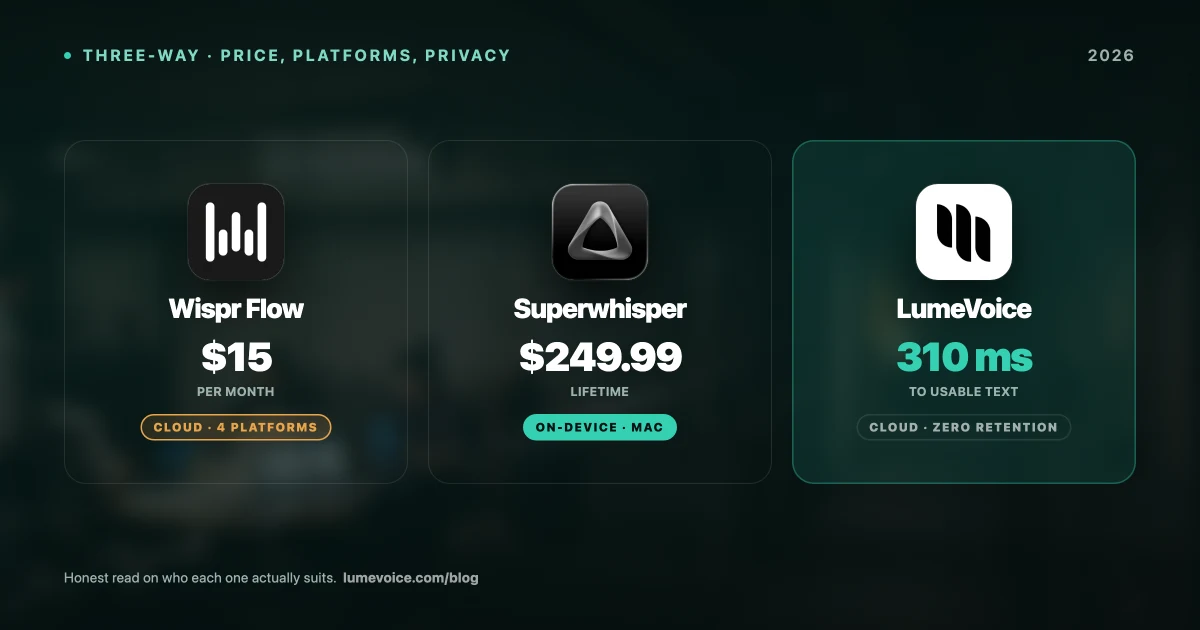
- Superwhisper: $249.99 one-time (or $84.99/year).
- LumeVoice: Pro Monthly ($14.99/month) | Pro Annual ($6.66/month) | Lifetime ($249). Every new account starts with 3,000 free words, no card required.
While both have comparable lifetime entry points, LumeVoice adds advanced AI refinement, lower RAM, and 3,000 free words, no card required so you can evaluate Pro features first.
Who Should NOT Choose Superwhisper#
- You're on an 8GB Mac and need RAM headroom for other apps
- You want plug-and-play with zero configuration
- You want AI to intelligently clean up filler words and context-format your output
- You value ultra-low latency in sustained real-time dictation
Who Should NOT Choose LumeVoice#
- You genuinely enjoy tinkering with custom prompt modes and Whisper model selection
- You primarily need to transcribe pre-recorded audio files (MacWhisper is better for that)
- You want raw, unmodified transcription without any AI refinement layer
The Verdict#
Run Superwhisper if:
- You want to manually build and tweak your own AI prompts
- You just want basic transcription without smart rewriting
- You have a high-RAM Mac and want a mature, established local tool
Run LumeVoice if:
- You want zero-latency dictation that feels instant (3× faster than Superwhisper)
- You have an 8GB Mac and can't afford a 890 MB RAM process in the background
- You want Agentic Refinement to automatically clean up "umms" and context-format output
- You want a modern tool that works inside any app without configuration
Ready for Private AI Dictation?
Get LumeVoice Pro today for fast, low-latency dictation on your Mac — with zero data retention and a much lighter RAM footprint than running local models.
For macOS 13+ (Apple Silicon recommended)