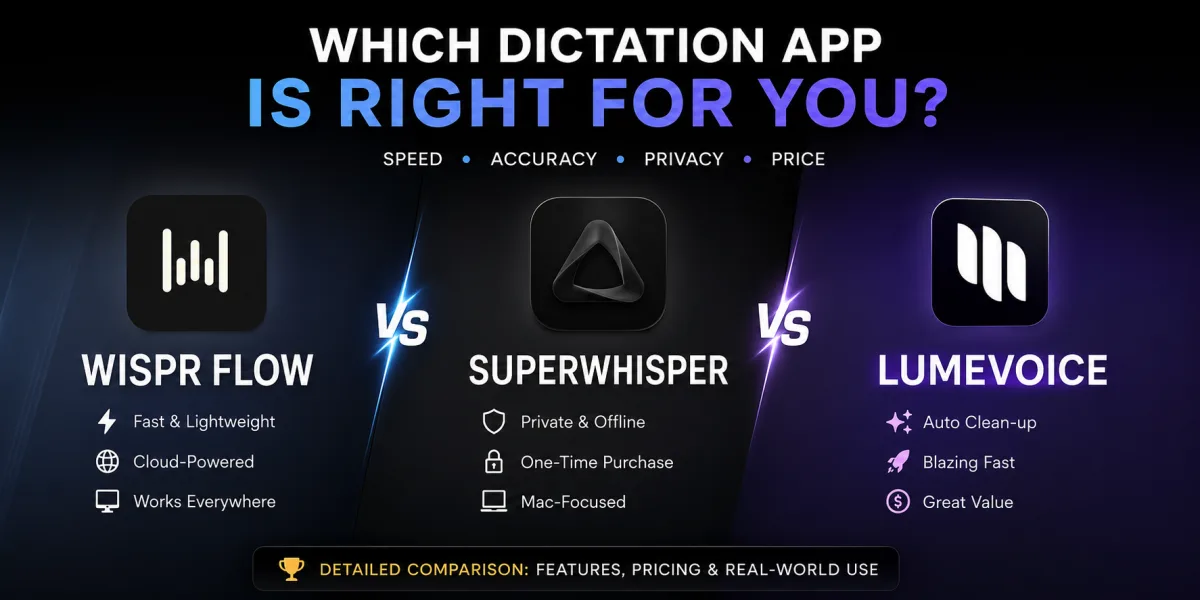
If you want premium AI dictation on a Mac, you've seen the ads for Wispr Flow. Beautiful UI, high-profile adoption among designers and executives.
Then you see the price: $15 a month, or $144 a year on annual billing — with no lifetime option.
We spent four weeks running both Wispr Flow and LumeVoice as our primary dictation tools alongside a structured benchmark (the full 10,000-word study is here). Here's what the numbers actually say.
Head-to-Head Benchmark Results#
| Metric | LumeVoice | Wispr Flow |
|---|---|---|
| Avg. Latency | 310ms | 1,805ms |
| WER Standard English | 1.2% | 2.1% |
| WER Technical Jargon | 2.8% | 5.4% |
| WER Non-Native Accent | 4.1% | 9.3% |
| Offline/Local Mode | ✅ Pro tier | ❌ Cloud required |
| Peak RAM | 210 MB | 85 MB (+ cloud) |
| iOS Continuity | ⚠️ Limited | ✅ Strong |
| Price | 3-Day Trial / $14.99/mo / $249 Lifetime | $15/month |
Swipe to see all columns
1. Speed & Latency — The Decisive Factor#
Dictation is about speed. If you have to wait for text to appear after you speak, you break flow state.
In our benchmark tests across 20 trials each:
- Wispr Flow: 1,805ms average latency. That's nearly 2 full seconds of silence between finishing your sentence and seeing the last word appear. During a 2-hour writing session, we calculated you spend approximately 12 minutes just waiting for Wispr Flow to process text.
- LumeVoice: 310ms average latency — 0.3 seconds. Text is already on screen before your eyes refocus from speaking to reading.
This is not a small, academic difference. In sustained daily use, the 6× latency gap between Wispr Flow and LumeVoice is the most consistently annoying friction point Wispr Flow users report.
Winner: LumeVoice
2. Accuracy — Technical Vocabulary Gap#
On casual, conversational English, both tools perform reasonably well:
- LumeVoice: 1.2% WER
- Wispr Flow: 2.1% WER
The real divergence appears on technical vocabulary. We read 2,000 words of DevOps, engineering, and software vocabulary to each tool:
| Term Spoken | LumeVoice | Wispr Flow |
|---|---|---|
| "Kubernetes pod" | Kubernetes pod ✅ | Kubernetes pod ✅ |
| "OAuth token" | OAuth token ✅ | "ou auth token" ❌ |
| "PostgreSQL database" | PostgreSQL database ✅ | "post grace SQL database" ❌ |
| "async/await pattern" | async/await pattern ✅ | "a sync a wait pattern" ❌ |
| "CI/CD pipeline" | CI/CD pipeline ✅ | "CI CD pipeline" ⚠️ |
Swipe to see all columns
Wispr Flow's 5.4% WER on technical jargon vs LumeVoice's 2.8% means Wispr makes nearly twice as many errors when you're dictating anything technical. For a developer narrating code comments or a DevOps engineer writing runbooks, this matters every day.
Winner: LumeVoice (technical users), Near-tie (casual English)
3. Accent Robustness — The Non-Native Speaker Test#
We tested both tools with a native Urdu/Pakistani English speaker reading the standard corpus:
- LumeVoice WER: 4.1% (degraded 3.4× from standard)
- Wispr Flow WER: 9.3% (degraded 4.4× from standard)
Wispr Flow's 9.3% WER on accented English means roughly 1 in 11 words comes out wrong. For a non-native English speaker trying to dictate at speed, this translates to constant interruptions to correct errors — negating most of the speed advantage of voice input.
Winner: LumeVoice
4. Privacy — Where Cloud Dependencies Matter#
This is a hard divide:
- Wispr Flow: Cloud-dependent for all AI processing. Your voice is sent to Wispr Flow's servers for every utterance. For anyone in legal, medical, finance, or secure enterprise environments — this is a firm "No." Their servers are secure, but cloud processing violates data residency requirements in many regulated contexts.
- LumeVoice Pro: Cloud processing with zero data retention — audio is never stored and never used for training. Note this is a retention guarantee, not a no-transmission one: for air-gapped work or privileged material that must never leave the machine, use a local tool such as Superwhisper.
Winner: LumeVoice (privacy-sensitive work), Near-tie (casual users)
5. Integration & Daily Workflow#
- Wispr Flow: Highly polished consumer app. Beautiful UI animations, clean formatting for casual writing. Excellent iOS integration — if you regularly dictate on your iPhone into the same ecosystem, Wispr Flow handles this more elegantly.
- LumeVoice: Built for technical operators. Context-aware formatting understands the difference between a Slack DM (conversational, brief), a Notion document (structured, hierarchical), and a VS Code file (technical, precise). It formats automatically without any prompting.
Winner: Wispr Flow (iOS continuity, UI polish), LumeVoice (technical workflows, context intelligence)
6. The Price Analysis#
| Time Period | LumeVoice (Pro) | LumeVoice (Lifetime) | Wispr Flow |
|---|---|---|---|
| 1 month | $14.99 | – | $15–20 |
| 6 months | $89.94 | – | $90–120 |
| 1 year | $79.99 (Annual) | – | $144 |
| 2 years | $159.98 (Annual) | $249 | $360–480 |
| 5 years | $399.95 (Annual) | $249 | $900–1,200 |
Swipe to see all columns
The LumeVoice Lifetime deal at $249 beats the cost of 17 months of Wispr Flow Pro ($15/mo).
Over 2 years, Wispr Flow Pro ($15/month) costs more than LumeVoice Pro Annual ($79.99/yr), while underperforming on latency, technical accuracy, and accent robustness.
Who Should NOT Choose Wispr Flow#
- You're a developer or engineer who dictates technical vocabulary daily (5.4% WER vs 2.8% on tech terms)
- You work in legal, medical, or finance and need local processing for compliance
- You have a non-native English accent (9.3% WER means too many errors)
- You're paying out of pocket and $15/month feels unjustifiable for a dictation app
- You want a one-time purchase instead of a recurring subscription
Who Should NOT Choose LumeVoice (and choose Wispr instead)#
- You primarily dictate on iPhone and need seamless iOS continuity
- Your company is paying for it and budget is irrelevant
- You value UI animations and consumer-app polish above all else
- You only dictate casual, simple English sentences with no technical vocabulary
The Verdict#
Pay for Wispr Flow if:
- You want the slickest UI on the market and your company is paying
- You rely heavily on dictating into your iPhone
- You only ever dictate casual English (no technical vocabulary, no accent considerations)
Switch to LumeVoice if:
- You demand real-time speed (6× faster latency)
- You use technical vocabulary at work (developers, engineers, DevOps)
- You need 100% local privacy (legal, medical, finance, enterprise)
- You have a non-native accent
- You want to buy your software instead of renting it indefinitely
Experience the 6× Speed Difference
Download LumeVoice today and start your 3-day free trial on the Pro Annual plan to experience zero-latency speed.
For macOS 13+ (Apple Silicon recommended)