Voice dictation stopped being a novelty a while ago. The question now isn't whether it works — it's which tool fits how you actually work.
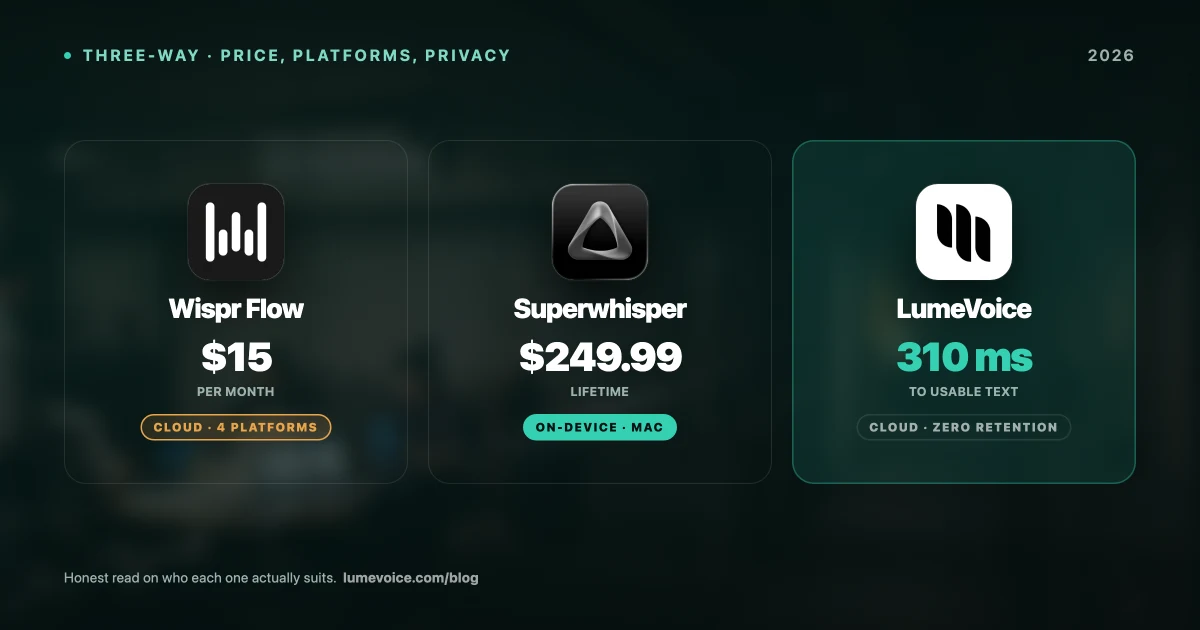
We compared the three most-recommended options on macOS: Wispr Flow, Superwhisper, and LumeVoice. All three are good. They're also built on genuinely different architectures, and that difference decides which one is right for you.
The Short Answer#
| Wispr Flow | Superwhisper | LumeVoice | |
|---|---|---|---|
| Processing | Cloud | Local (on-device) | Cloud |
| Works offline | ❌ No | ✅ Yes | ❌ No |
| Platforms | Mac, Windows, iPhone, Android | Mac, iOS, Windows | Mac, Android |
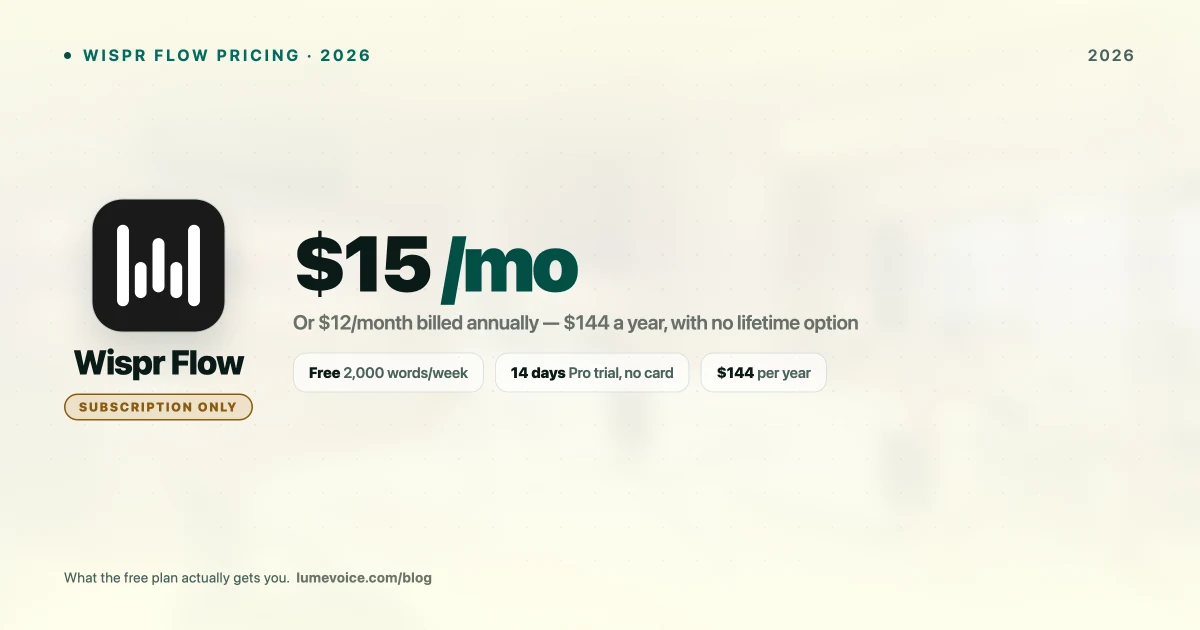
| Monthly | $15 | $8.49 | $14.99 |
| Annual | $144 | $84.99 | $79.99 |
| Lifetime | ❌ None | $249.99 | $249 |
| Free tier | 2,000 words/wk desktop | 15-min cap | 3,000 Free Words, one time |
| Auto filler removal | ✅ Yes | ❌ Faithful transcript | ✅ Yes |
| Student discount | 3 mo free, then 50% | 40% off | Available |
Swipe to see all columns
Pick Superwhisper if audio must never leave your device, or you dictate offline. Pick Wispr Flow if you want the most polished experience across the most devices. Pick LumeVoice if you want automatic cleanup, Android support, and to pay once.
The Architectural Split That Decides Everything#
This is the part most comparisons bury, and it matters more than any feature list.
Superwhisper runs Whisper models on your Mac. Audio never leaves the machine. It works on a plane. There's no vendor retention policy to trust because there's no transmission. The cost is RAM — the large models consume over a gigabyte — and inference speed depends on your hardware.
Wispr Flow and LumeVoice process in the cloud. That buys better handling of difficult audio, a cleanup layer that would be heavy to run locally, and no RAM penalty. The cost is that a connection is mandatory and your audio is transmitted.
Neither is objectively better. But if you're bound by a rule that says recordings cannot leave the device — privileged legal material, some clinical settings, certain government work — that's not a preference, it's a requirement, and only Superwhisper satisfies it. Our legal and medical privacy guide covers how to verify this properly.
Speed#
Real-world numbers here vary more than vendors admit, because they depend on your hardware, your model choice, and your network.
Superwhisper typically lands around 1–2 seconds depending on which Whisper model you've selected. A small model is quick; Large-v3 is noticeably slower but more accurate. You control the tradeoff.
Wispr Flow runs roughly 0.7–2 seconds in normal conditions — fast when your connection is good, worse when it isn't.
LumeVoice targets around 310ms in our own testing, with the caveat that this is our benchmark of our own product; treat it accordingly and test it yourself. Full methodology is in our accuracy benchmark.
The honest summary: all three are fast enough that speed rarely decides the purchase. Network reliability matters more than raw latency for the two cloud tools.
🎙️ Want to try the cleanup approach yourself? LumeVoice removes filler words and resolves mid-sentence corrections automatically. Try it free →
Accuracy and Output Quality#
The underlying models are closer than the marketing suggests. Superwhisper's Large-v3 and Wispr Flow's cloud pipeline both sit around 95–97% on ordinary speech, and for normal sentences the difference is noise.
Where they genuinely diverge is what happens after transcription:
Superwhisper gives you a faithful transcript. Every "um", every false start, every time you restarted a sentence. That's the correct behaviour for a transcription tool, and you can configure custom prompts to clean it up — but that's setup work.
Wispr Flow and LumeVoice clean up by default. Filler words removed, grammar corrected, formatting applied to suit the app you're in.
For dictating a document you'll edit anyway, the faithful transcript is fine. For firing off Slack messages and emails you want to send immediately, the cleanup layer saves a real editing pass every time.
Technical vocabulary is the other differentiator. All three support custom dictionaries, and using them matters far more than which tool you picked — untrained, all three will mangle your stack's terminology.
Platforms#
This has changed recently and older comparisons are out of date:
- Wispr Flow: Mac, Windows, iPhone, and Android since February 2026. Broadest coverage.
- Superwhisper: Mac, iOS, and Windows since late 2025. No Android. Five macOS features haven't reached Windows yet, including the agentic coding integrations.
- LumeVoice: macOS, iOS, and Android live; Windows on the waitlist.
If you're an Android user, note that Wispr Flow's free plan gives unlimited words on Android — you may not need to pay anything.
Price Over Time#
| Year 1 | Year 2 | Year 3 | |
|---|---|---|---|
| Wispr Flow (annual) | $144 | $288 | $432 |
| Superwhisper (annual) | $84.99 | $170 | $255 |
| Superwhisper lifetime | $249.99 | $249.99 | $249.99 |
| LumeVoice lifetime | $249 | $249 | $249 |
| LumeVoice (annual) | $79.99 | $160 | $240 |
Swipe to see all columns
Wispr Flow is cheapest for the first year and the most expensive after that, because it has no lifetime option. Superwhisper's annual plan is the cheapest ongoing subscription. Both lifetime licences pay for themselves against Wispr Flow somewhere around month 21.
Students should look closely: Wispr Flow gives 3 months free then 50% off, Superwhisper 40% off. For a student, Wispr Flow's effective first-year cost is very competitive.
Who Should Buy Which#
Superwhisper — you need offline dictation or genuine on-device processing; you're technical enough to enjoy model configuration; you're on Mac, iOS, or Windows; you want to pay once. Details in our Superwhisper pricing breakdown.
Wispr Flow — you want the most polished product; you work across Mac, Windows, iPhone and Android; you're a student taking the discount; you're fine with a subscription and always have a connection. See the full pricing breakdown.
LumeVoice — you want automatic cleanup rather than a raw transcript; you use Android alongside Mac; you'd rather buy once than subscribe; your privacy concern is retention and training rather than transmission.
The Honest Verdict#
There isn't a single winner here, and any comparison claiming otherwise is selling something.
Superwhisper is the right answer for privacy-critical and offline work — it's the only one of the three that genuinely keeps audio on your machine, and no cloud tool's policy changes that.
Wispr Flow is the right answer if breadth and polish matter most, particularly across four platforms, and its free Android tier is genuinely generous.
LumeVoice is the right answer if the editing pass is what's costing you time — the cleanup layer is the whole point, and paying once rather than monthly suits people who've settled on a tool.
Test whichever two seem closest on your own vocabulary, in your own accent, in your actual working environment. All three have a free path in. That's a better decision process than any comparison table, including this one.
Try the Cleanup Approach#
If your frustration with dictation is the editing rather than the accuracy, that's a solvable problem.
LumeVoice turns your speech into clean, formatted text in any app on your Mac or Android phone — filler words removed, self-corrections resolved, no retyping. Zero cloud data retention, never used for training. Free to start, no card needed.