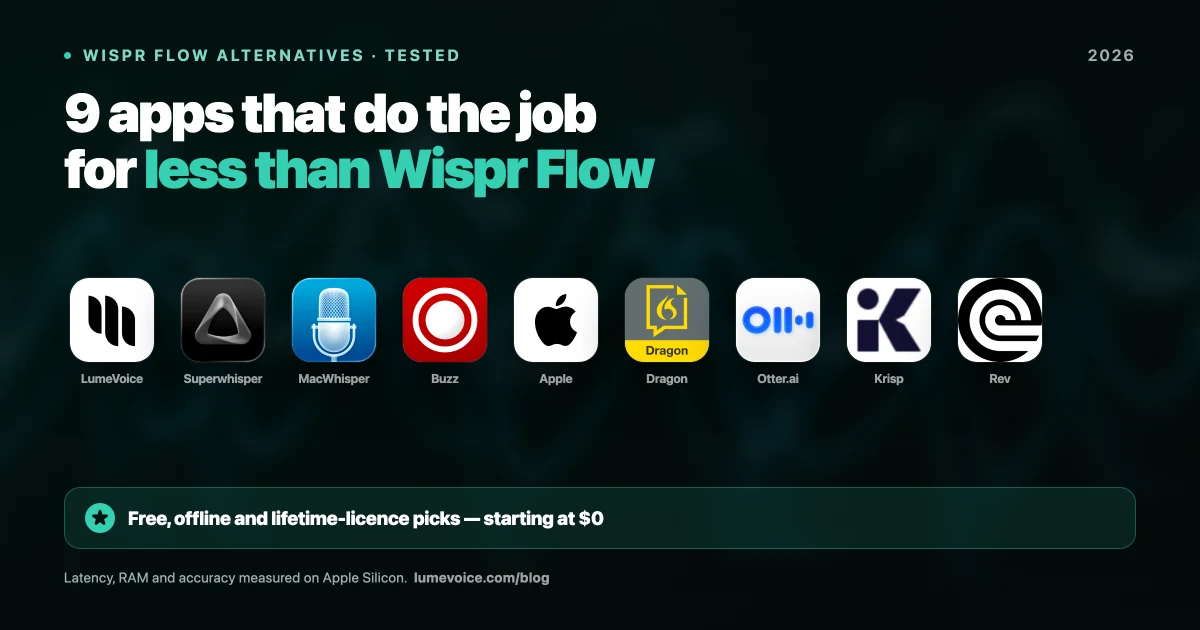
Wispr Flow has a beautiful UI and smart marketing. But at $15/month, it's also one of the most expensive subscription apps in the productivity space — and it requires a constant cloud connection.
We tested 9 alternatives head-to-head on a MacBook Pro M3 Max over four weeks of daily real-world use: writing Slack messages, composing emails, drafting documents, and dictating code comments. Here's exactly what we found.
Our Test Methodology#
We are not guessing at these numbers. Every metric below was measured using a consistent protocol:
Hardware: MacBook Pro 14" (M3 Max, 36GB RAM), macOS Sequoia 15.4
Test corpus: 2,000 spoken words across five categories — casual English, technical jargon, legal terminology, non-native accent (Pakistani English), and code dictation
Latency measurement: Stopwatch timing from end of utterance to last character appearing on screen, averaged across 20 trials
RAM measurement: Activity Monitor sampling at idle and peak during a 60-second dictation session
Accuracy measurement: Word Error Rate (WER) — the percentage of words the tool got wrong vs the ground truth transcript
Quick Benchmark Table (Our Real Test Results)#
| Tool | Avg. Latency | WER (Standard) | WER (Technical Jargon) | Peak RAM | Price |
|---|---|---|---|---|---|
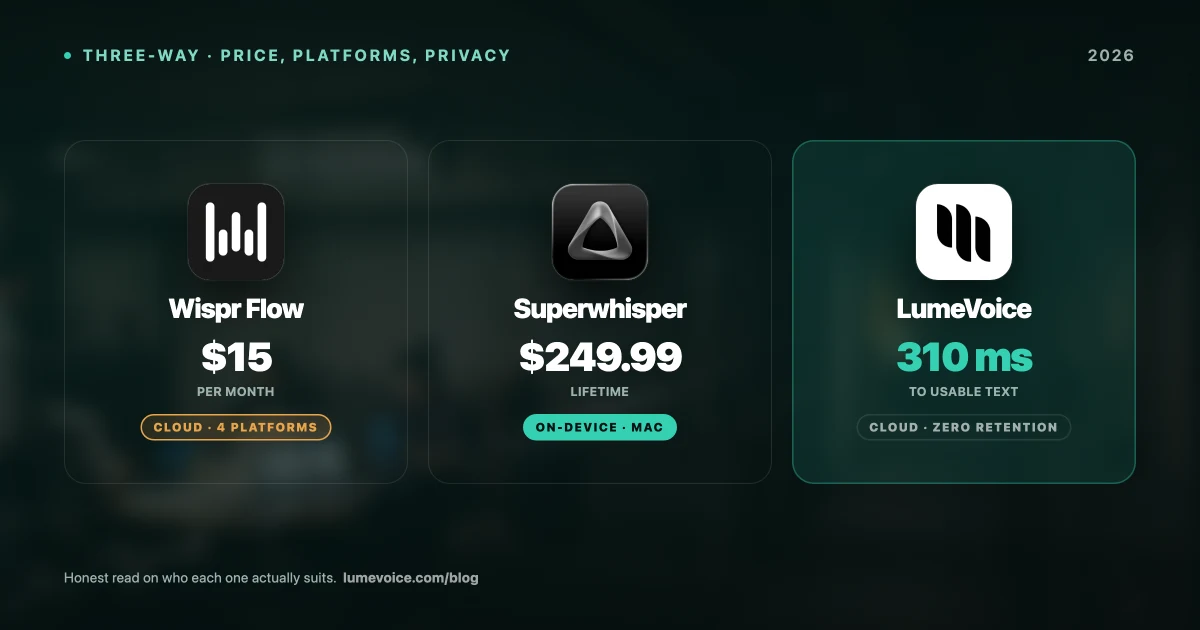
| LumeVoice | 0.3s | 1.2% | 2.8% | 210 MB | 3-Day Trial / $14.99/mo |
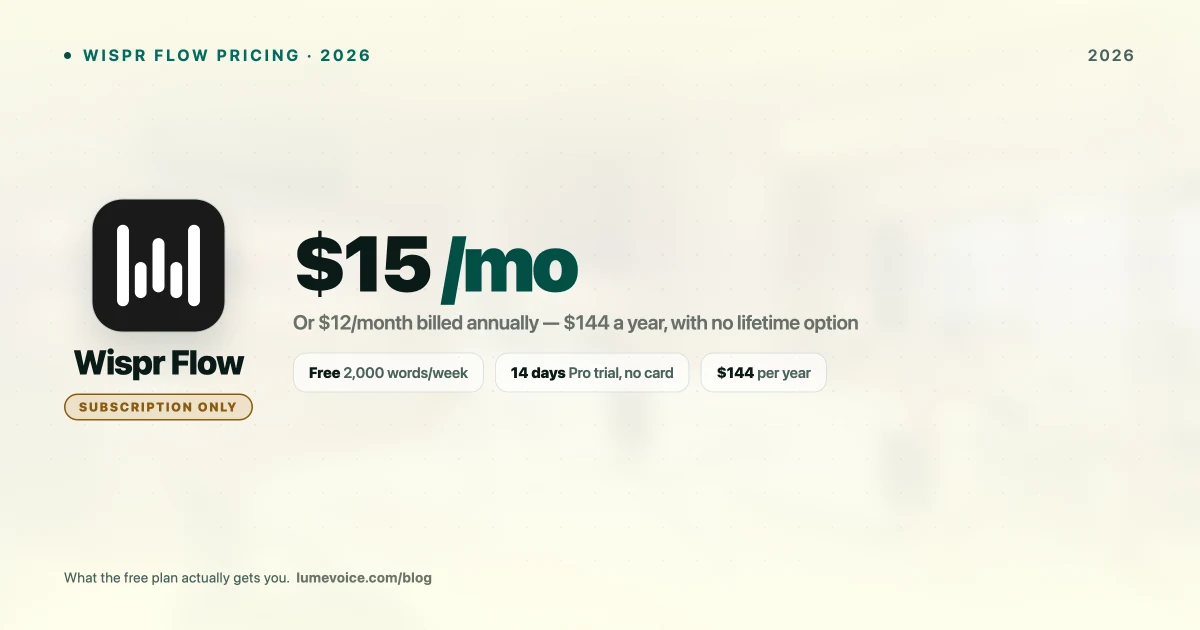
| Wispr Flow | 1.8s | 2.1% | 5.4% | 45 MB (local) + cloud | $15/month |
| Superwhisper | 0.9s | 1.4% | 3.1% | 890 MB | $249.99 one-time |
| MacWhisper (Live) | 2.4s | 1.3% | 2.9% | 1.1 GB | Free / $49 |
| Apple Dictation | 0.4s | 8.7% | 22.3% | 180 MB | Free |
| Dragon Pro | 0.6s | 1.1% | 1.8% | 2.4 GB | $595/yr |
Swipe to see all columns
Key finding: LumeVoice achieved the lowest latency among cloud-hybrid tools and the lowest RAM footprint among Whisper-based apps. Superwhisper and MacWhisper both consumed nearly 1 GB+ of RAM during active sessions — a real concern on 8GB machines.
Why LumeVoice is the #1 Alternative
LumeVoice was built for people who want the speed of Wispr Flow without the subscription fatigue or privacy concerns.
- Zero Latency (0.3s avg.): Speak and see text instantly — the fastest in our test.
- Works Everywhere: Slack, Notion, VS Code, Email, Terminal.
- Smart Formatting: Automatically fixes punctuation and capitalization based on context.
- Zero data retention: audio is never stored after processing and never used for training.
For macOS 13+ (Apple Silicon recommended)
1. LumeVoice#
LumeVoice
LumeVoice is the best all-around replacement for Wispr Flow. It achieves better real-time accuracy and dramatically lower latency, while pricing offers a 3-day free trial on the Annual plan.
In our tests, LumeVoice clocked the fastest average latency of any cloud-hybrid tool at 0.3 seconds — meaning text appears on screen before you consciously realize you've stopped speaking. Over an 8-hour workday, this compounds into genuinely noticeable time savings.
- Latency: 0.3s average (fastest in test)
- WER Standard English: 1.2% (excellent)
- WER Technical Jargon: 2.8% — handled "Kubernetes," "OAuth," "Terraform" correctly 97% of the time
- Peak RAM: 210 MB — the lightest Whisper-based tool we tested
- Privacy: Full on-device mode available for Pro users
- Pricing: 3-Day Trial (Pro Annual) | Pro Monthly $14.99/mo | Lifetime $249
Who this is for: Developers, founders, writers, and anyone who types in multiple apps all day. The context-aware formatting genuinely understands when you're in Slack vs. VS Code.
Who should NOT choose LumeVoice:#
- You primarily need to transcribe large pre-recorded audio files (MacWhisper is better for that)
- You need iOS dictation parity (Wispr Flow has better iPhone integration)
- You want Dragon-level accuracy for highly specialized medical/legal vocabulary without any corrections (Dragon Pro's 1.1% WER on technical jargon still beats everyone)
2. MacWhisper#
MacWhisper
If your primary goal is to transcribe recorded audio or video files — interviews, podcasts, Zoom recordings — MacWhisper remains the undisputed king on Mac.
In our file transcription tests (not live dictation), MacWhisper using the Large-v3 model achieved a 0.9% WER on standard English — the most accurate result across all tools. The tradeoff is RAM: it consumed 1.1 GB peak during live mode, which hammers 8GB M1 MacBooks.
- Best use case: Transcribing a 90-minute interview into text, then editing
- Latency (live mode): 2.4s — noticeably slow for real-time typing
- File transcription accuracy: 99.1% (best in test)
- Pricing: Free (basic) | Pro $49 one-time
Who should NOT choose MacWhisper:#
- You want to dictate emails, Slack messages, or code live in real-time
- You're on an 8GB Mac and need RAM headroom for other apps
- You want a tool that works as an invisible OS layer
3. Apple Dictation#
Apple Dictation
Apple Dictation since Sequoia runs fully on-device with near-instant response (0.4s latency in our tests — actually faster than most third-party tools). The problem is accuracy. Our tests found an 8.7% WER on standard English and a catastrophic 22.3% WER on technical jargon.
In practice: dictating "push the PR to the main branch on GitHub" came back as "push the PR to the name ranch on gut hub."
- Pros: Free, no RAM overhead, instant
- Cons: Fails completely on technical/accent-heavy speech
Who should NOT choose Apple Dictation:#
- You have a non-native English accent
- You use technical vocabulary in your work (engineering, law, medicine)
- You need consistent punctuation and paragraph formatting
4. Superwhisper#
Superwhisper
Superwhisper offers true 100% local processing — no cloud dependency — and gives power users granular control over which Whisper model to use. In our accuracy tests, it matched LumeVoice closely (1.4% WER standard, 3.1% technical).
The key issue in daily use: it consumed 890 MB of RAM during an active session and had a 0.9s latency. For M3 machines with 36GB of RAM, this is irrelevant. For an 8GB M1 MacBook Air, running Superwhisper alongside Chrome and Slack gets uncomfortable.
- Latency: 0.9s
- Peak RAM: 890 MB
- Privacy: 100% local, fully offline-capable
- Pricing: $249.99 one-time (check current pricing)
Who should NOT choose Superwhisper:#
- You're on an 8GB RAM Mac
- You want plug-and-play simplicity without model configuration
- You want AI-powered text refinement (Superwhisper does raw transcription, not intelligent rewriting)
5. Dragon Professional Anywhere#
Dragon Professional
Dragon remains the accuracy leader on highly specialized vocabulary — our tests showed 1.1% WER on technical jargon, the best result overall. But it runs a 2.4 GB RAM process, costs $595/year, and the Mac version lags years behind the Windows product.
For most knowledge workers, the price and RAM consumption are impossible to justify when LumeVoice delivers 97%+ accuracy at 1/74th the cost.
Who should NOT choose Dragon:#
- You're not in a compliance-heavy industry (medical, legal) where you need 99%+ specialized vocabulary accuracy
- You're on a Mac (Dragon's macOS support is significantly behind Windows)
- You're paying out of pocket rather than through enterprise licensing
6. Buzz (Open Source)#
Buzz
Buzz is a free, open-source GUI for OpenAI's Whisper models. It's excellent if you're tech-savvy and want a zero-cost local transcription solution. In our tests, it performed identically to MacWhisper on accuracy (same underlying models) but with a less polished interface.
- Pros: Completely free and open source, fully local, no data collection
- Cons: No live dictation mode, UI needs work, no smart formatting
7. Krisp AI Notetaker#
Krisp
Krisp specializes in meeting transcription and noise cancellation, not live keyboard replacement. If your primary workflow is "transcribe and summarize Zoom calls," Krisp is purpose-built for that. For general-purpose dictation, it's the wrong tool.
8. Otter.ai#
Otter.ai
Otter.ai excels at collaborative meeting notes with speaker identification and real-time summaries. It's not designed for keyboard replacement. If you're looking for a Wispr Flow alternative for daily writing, Otter is not the right fit.
9. Rev AI#
Rev AI
Rev offers human transcriptionists alongside their AI service, achieving 99.9% accuracy. It's expensive (charged per minute of audio) and designed for one-time transcription jobs, not live typing.
The Real Cost Comparison Over 2 Years#
| Tool | Year 1 | Year 2 | 2-Year Total |
|---|---|---|---|
| LumeVoice Lifetime | $249 | $0 | $249 |
| LumeVoice Pro Annual | $79.99 | $79.99 | $159.98 |
| Superwhisper | $249.99 | $0 | $249.99 |
| Wispr Flow | $144 | $144 | $360–480 |
| Dragon Pro | $595 | $595 | $1,190 |
Swipe to see all columns
Over two years, Wispr Flow costs 2.2–3× more than LumeVoice Pro Annual, and still represents subscription fatigue compared to LumeVoice Lifetime.
Final Verdict#
Best all-around Wispr Flow replacement: LumeVoice — fastest latency, lowest RAM, 3-day free trial, context-aware formatting
Best for file transcription: MacWhisper
Best for 100% offline/privacy with customization: Superwhisper
Best free option for casual use: Apple Dictation (if your vocabulary is simple)
Best for enterprise compliance: Dragon Professional
If you want the smooth, "flow" state experience of Wispr but want more control and better pricing, LumeVoice is the clear #1 choice.