Artificial Intelligence has made voice dictation incredibly accurate, but it has also created a major compliance challenge. For doctors, therapists, and lawyers, using standard cloud-based dictation tools can easily result in violations of patient privacy (HIPAA) or attorney-client privilege.
If you are transcribing patient charts or drafting sensitive legal cases, here is what you need to know to ensure your AI voice dictation is secure and compliant.
The Compliance Risk of Standard AI Dictation#
Most popular consumer AI voice tools operate on a cloud-first model. When you speak, your audio is sent to their servers, where it is transcribed. Sometimes, companies retain your audio files, transcripts, or use your data to train future models.
Under HIPAA (Health Insurance Portability and Accountability Act) and legal ethics rules:
- Data Retention: Storing Protected Health Information (PHI) on unapproved third-party servers is a violation.
- Business Associate Agreement (BAA): Medical professionals cannot transmit PHI to a service provider without a BAA.
- Model Training: Your private case details or patient diagnoses must never be used to train public AI models.
How to Dictate Safely: Local vs. Zero-Retention#
To remain compliant, legal and medical professionals should use one of two methods:
1. On-Device Local Processing (100% Secure)#
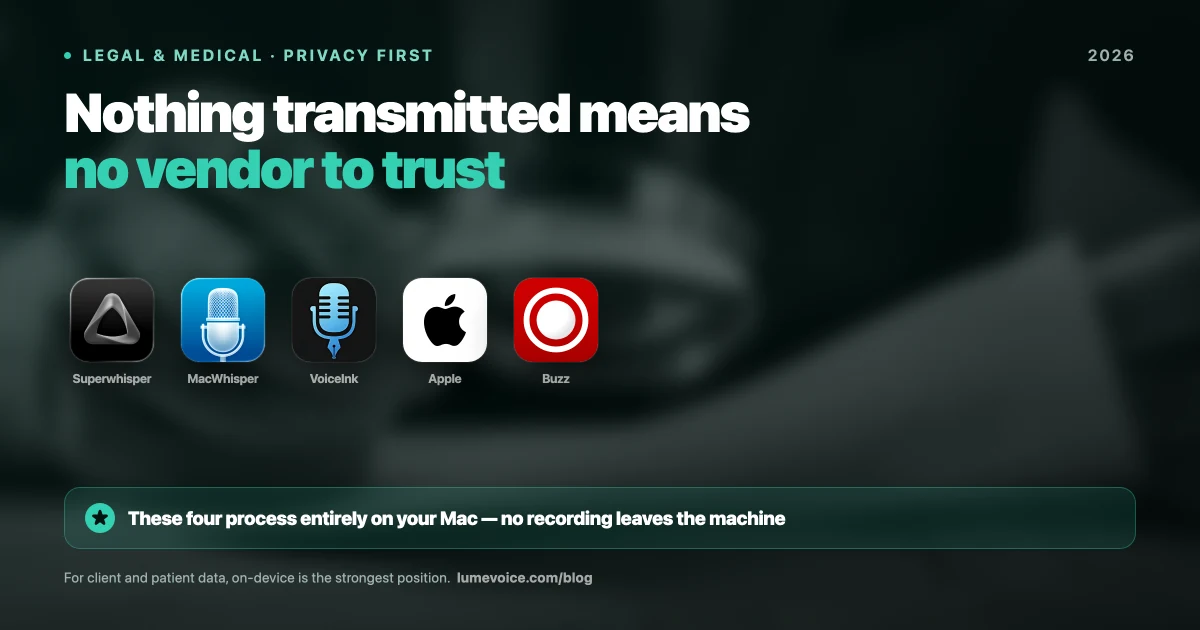
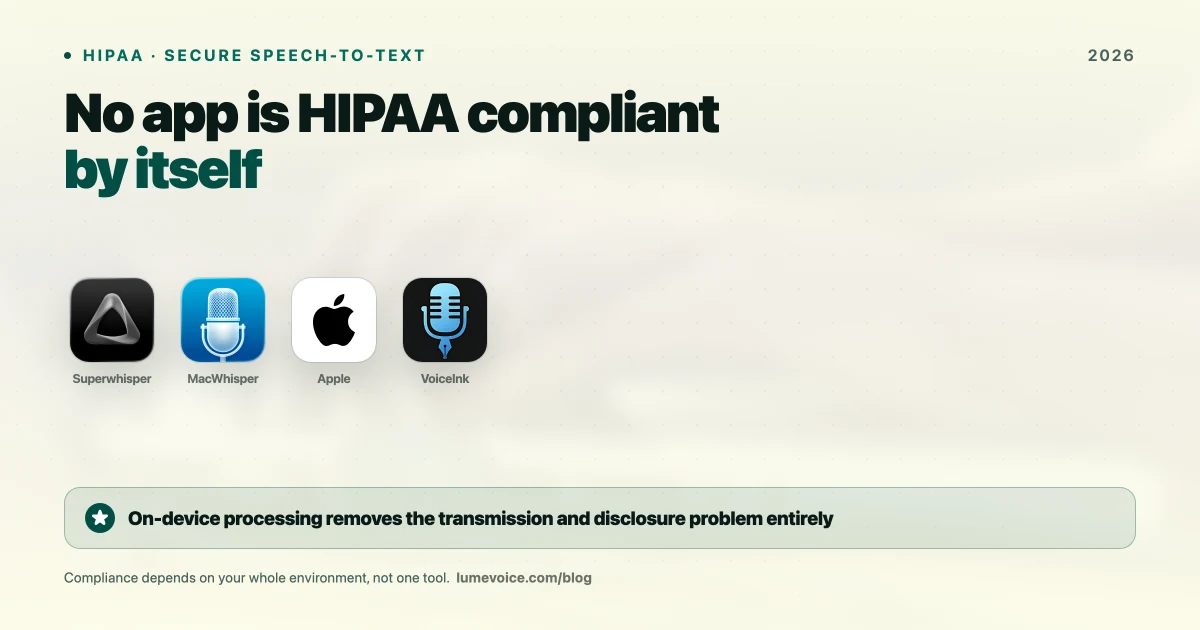
The safest way to dictate is to run the AI model locally on your own computer. Because your audio is transcribed on your MacBook's processor and never uploaded to the internet, there is zero risk of data intercepts or compliance violations.
2. Zero-Retention Cloud Transit#
If you do use a cloud-assisted AI tool, the provider must utilize a zero data retention policy. This means the audio and text are processed in memory and immediately discarded, with no logs, files, or training databases preserved on their servers.
Why LumeVoice is Built for Sensitive Work#
LumeVoice was engineered with a privacy-first architecture specifically to support compliance-bound professionals.
- Zero-Retention Policy: We do not log, save, or store your voice audio or transcripts. Once the text is returned to your active application, the data is permanently erased from memory.
- On-Device Models: Users can select offline local models to process all dictation completely on-device.
- No AI Training: Your voice inputs are never used to train LumeVoice or third-party AI models.
Compliance Comparison: Voice Tools#
| Dictation Tool | HIPAA & Legal Ready | Data Storage Policy | Runs Offline | Trains on Your Data |
|---|---|---|---|---|
| Wispr Flow | ❌ No | Cloud Stored / Transmitted | ❌ No | Potential |
| Apple Dictation | ✅ Yes | Local Processing | ✅ Yes | ❌ No |
| LumeVoice | ⚠️ Zero-retention, no BAA | Cloud, zero retention | ❌ No | ❌ No |
| MacWhisper | ✅ Yes | Local Processing | ✅ Yes | ❌ No |
Swipe to see all columns
Protect Patient & Client Privacy with LumeVoice
Ensure your practice is fully compliant. LumeVoice provides the speed of advanced AI dictation with professional privacy standards.
- Zero data retention on cloud transit.
- Fully offline local dictation mode.
- Secure integration in EHR portals, Word, and Email.
For macOS 13+ (Apple Silicon recommended)
?Frequently Asked Questions
Can medical professionals use Wispr Flow?
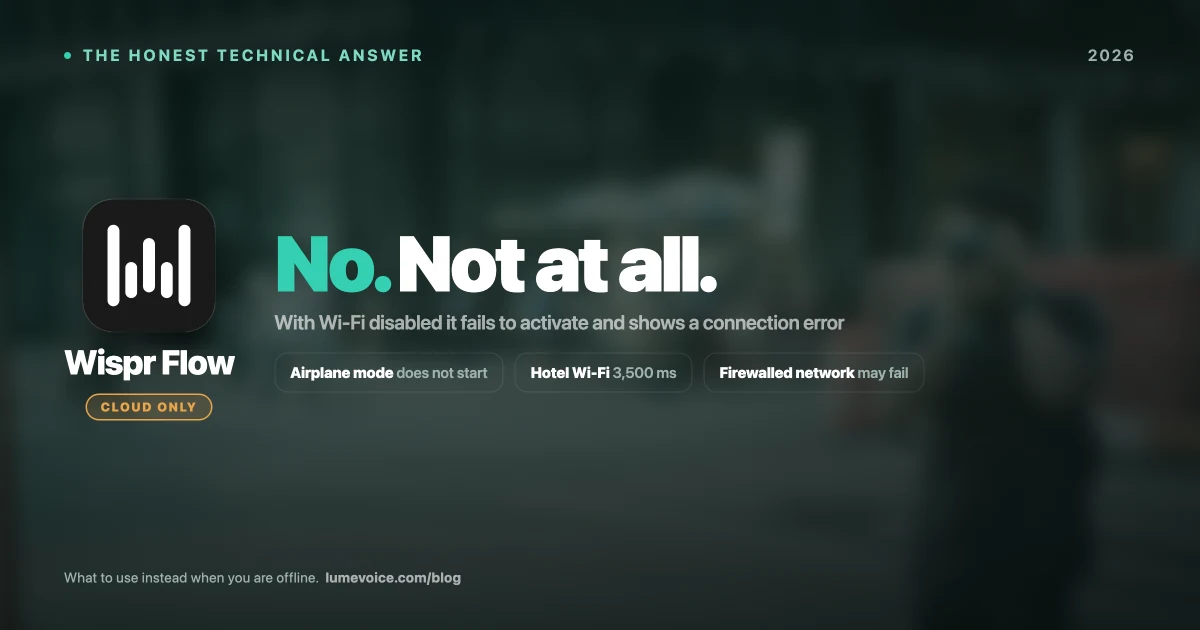
Wispr Flow does not currently support local offline processing, and your data is transmitted to their cloud. Medical professionals should avoid using it for charting unless they have a signed Business Associate Agreement (BAA).
Does LumeVoice sign BAAs for medical practices?
Yes, LumeVoice offers enterprise and team plans that include signed BAAs to ensure full HIPAA compliance for clinics and hospital systems.
Is local dictation slower than cloud dictation?
On modern Apple Silicon Macs (M1/M2/M3/M4), local dictation is actually faster than cloud dictation because it eliminates the network transit delay.