Accuracy stopped being the hard problem in AI dictation a while ago. For legal and medical work, the hard problem is privacy — and specifically, whether your client's name or your patient's history is being transmitted anywhere at all.
This guide covers the Mac dictation tools that process audio entirely on your own machine, what "private" actually means when vendors use the word, and the questions worth asking before you trust any tool with confidential material.
Why On-Device Processing Matters Here#
Most dictation tools record your voice, send it to a server, process it, and send text back. For general writing that's fine. For privileged or protected information it introduces three problems:
- Transmission — the audio crosses a network you don't control.
- Retention — where does that recording sit afterwards, and for how long?
- Training — is your confidential material improving somebody's model?
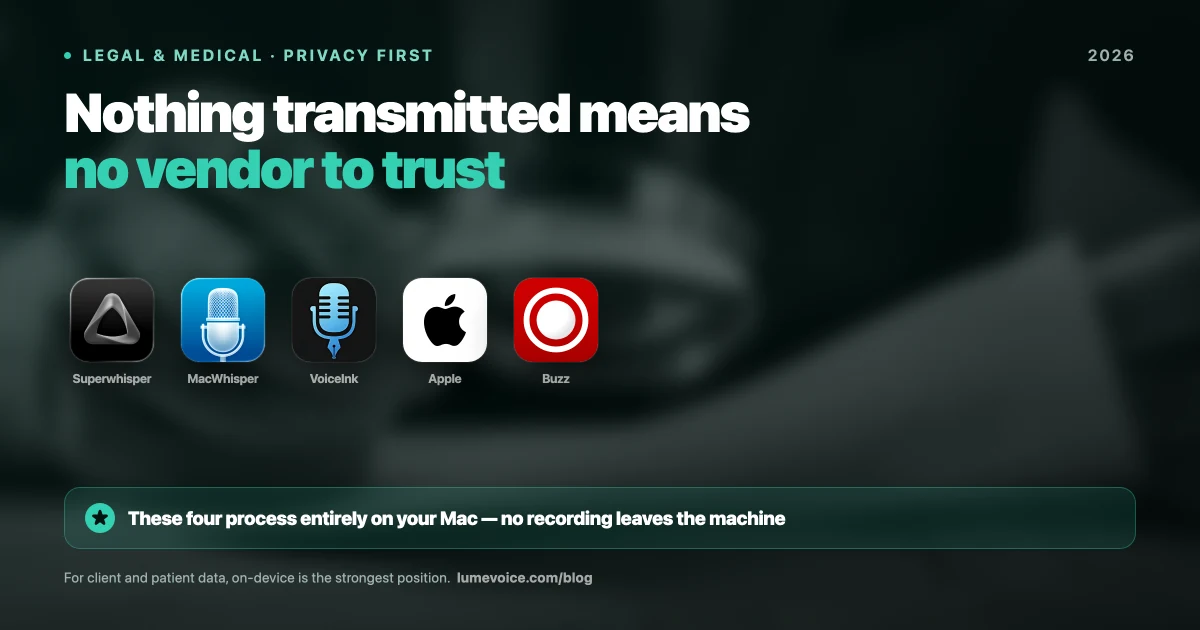
On-device processing eliminates all three at once, and that's the key point: it doesn't mitigate the risk, it removes the category. There's no transmission to secure, no retention policy to audit, no training question to ask.
That distinction matters more than any privacy policy, because a policy is a promise and on-device is an architecture. Promises require trust and verification. Architecture doesn't.
The Genuinely On-Device Options#
1. Superwhisper — the strongest all-round choice#
Superwhisper downloads Whisper models directly to your Mac and runs everything locally. No internet connection required at any point.
- Pros: Fully offline. Deep model control. Custom modes you can tune for medical or legal vocabulary. Now on macOS, iOS, and Windows.
- Cons: Needs Apple Silicon for decent performance. Running Large-v3 consumes 1GB+ RAM. Meaningful setup investment.
- Price: Free tier (15-min cap on premium features), $8.49/mo, or $249.99 lifetime. 40% student discount.
2. MacWhisper — best for recorded material#
If you're working through deposition recordings or patient interviews rather than dictating live, this is the right tool.
- Pros: Rock-solid batch processing. One-time €59 fee. Excellent accuracy with Large-v3.
- Cons: Built for files, not live typing into your EHR or email. macOS only.
- Note: Its optional Assistant features are cloud-based and billed separately — leave them off for confidential work.
3. VoiceInk — free and open source#
Open source, locally-run, and auditable. For institutions that need to verify what software actually does rather than take a vendor's word, source availability is a genuine advantage.
- Pros: Free. Open source. Fully local.
- Cons: Rougher experience than the commercial tools. Less polish, more setup.
4. Apple Dictation — already installed#
Apple's built-in dictation runs on-device for many languages on modern hardware.
- Pros: Free, pre-installed, and Apple's privacy posture is well documented.
- Cons: Roughly 7.8% word error rate, and materially worse on technical or medical vocabulary. It transcribes literally, so all formatting and cleanup is yours.
Where Cloud Tools With Zero Retention Fit#
Here's the part most articles in this category get wrong, including an earlier version of this one.
There's a meaningful middle ground between "fully local" and "sends your data to a server that keeps it": tools that process in the cloud but retain nothing and never train on your data. LumeVoice works this way — audio is processed remotely, nothing is stored afterwards, none of it trains a model, and your dictation history stays on your device.
That is genuinely different from a typical cloud tool, and it is genuinely not the same as on-device. Being straight about which one you need:
| On-device (Superwhisper, MacWhisper) | Zero-retention cloud (LumeVoice) | Typical cloud (Otter, most tools) | |
|---|---|---|---|
| Audio transmitted | Never | Yes, for processing | Yes |
| Audio retained | N/A | No | Often, by default |
| Used for training | No | No | Sometimes |
| Requires trusting vendor | No | Yes | Yes |
| BAA needed for PHI | No | Yes | Yes |
Swipe to see all columns
If your obligation is "this recording must never leave the device" — privileged communications, PHI under a strict interpretation, classified or contractually restricted material — use a local tool from the list above. No retention policy substitutes for that, and we won't pretend otherwise.
If your constraint is "I don't want a vendor building a library of my voice or training on my work," zero-retention cloud processing addresses that directly, and you get better accuracy and automatic cleanup in exchange for the transmission.
Know which of those two you actually are before you choose. Most people assume the first and would be fine with the second — but if you're bound by the first, it's not a preference, it's a requirement.
What to Verify Before Trusting Any Tool#
Marketing language in this category is unreliable. "Private," "secure," and even "local" get used loosely. Check these:
Does it work with Wi-Fi off? The single most useful test. Disable networking and dictate. If text still appears, processing is genuinely local. If it fails or silently queues, it isn't.
Is there a written retention statement? Not a general privacy page — a specific claim about how long audio is kept and whether it's used for training.
Will they sign a BAA? If PHI is transmitted, HIPAA generally requires one. If a vendor won't sign, that answers your question.
What do the optional features do? Several local-first tools bolt on cloud AI extras. MacWhisper's Assistant is a separate cloud subscription. Local by default doesn't mean local in every mode.
Is the transcript stored, and where? Audio handling and transcript handling are different questions, and the transcript is the part containing the client's name.
Compliance Is About Your Setup, Not the App#
A local dictation tool does not make you HIPAA or GDPR compliant. It removes one significant risk from a much longer list.
You still need full-disk encryption, device access controls, an automatic screen lock, a plan for what happens if the laptop is stolen, and appropriate handling of the transcripts once they exist. An unencrypted MacBook running a perfectly local dictation tool is still a breach waiting to happen.
Think of on-device processing as removing the hardest problem from your compliance work — not as completing it.
Conclusion#
For confidential legal and medical work, on-device processing is the strongest privacy position available, and Superwhisper, MacWhisper, VoiceInk, and Apple Dictation all offer it. If your obligations require that audio never leaves the machine, pick from those and verify with the Wi-Fi-off test.
If your real concern is retention and training rather than transmission, a zero-retention tool is a reasonable choice with better accuracy and less manual cleanup — just make that decision deliberately, and get a BAA if PHI is involved.
Either way, verify the data flow yourself. In this category the marketing claims and the architecture don't always match.
Dictate Faster Without Feeding a Training Set#
If your constraint is retention rather than transmission, you don't have to accept clunky output to protect your data.
LumeVoice turns speech into clean, formatted text in any app on your Mac or Android phone — filler words removed, self-corrections resolved. Zero cloud data retention, never used for training, and your dictation history stays on your device. Free to start, no card needed.