Most chiropractors are also small-business owners. Between adjustments there are SOAP notes, re-exam findings, care plans, insurance forms and the occasional personal injury narrative. Around them sits a second job: the website, the newsletter, the workshop talk, the staff manual, the replies to reviews.
Dictation can help with both, but not with the same tool. We make LumeVoice, a general-purpose AI dictation app. It isn't suitable for patient records, and this guide is clear about that. It's also clear about where it fits, because in a chiropractic practice the non-clinical writing is a big part of the week.
What chiropractors write#
Patient records:
- SOAP notes for every visit.
- New-patient exams, histories and re-exams.
- Imaging reports and findings.
- Care plans and progress summaries.
- Narrative reports for personal injury and workers' compensation cases.
- Insurance documentation, referral letters and patient messages.
Practice writing (can be kept free of patient information):
- Blog posts and newsletters on general topics: posture, desk setup, lifting.
- Talks for community workshops and corporate wellness events.
- Staff manuals, front-desk scripts and onboarding checklists.
- Website pages and service descriptions.
- Job ads, supplier emails and continuing-education notes.
The rule that comes first#
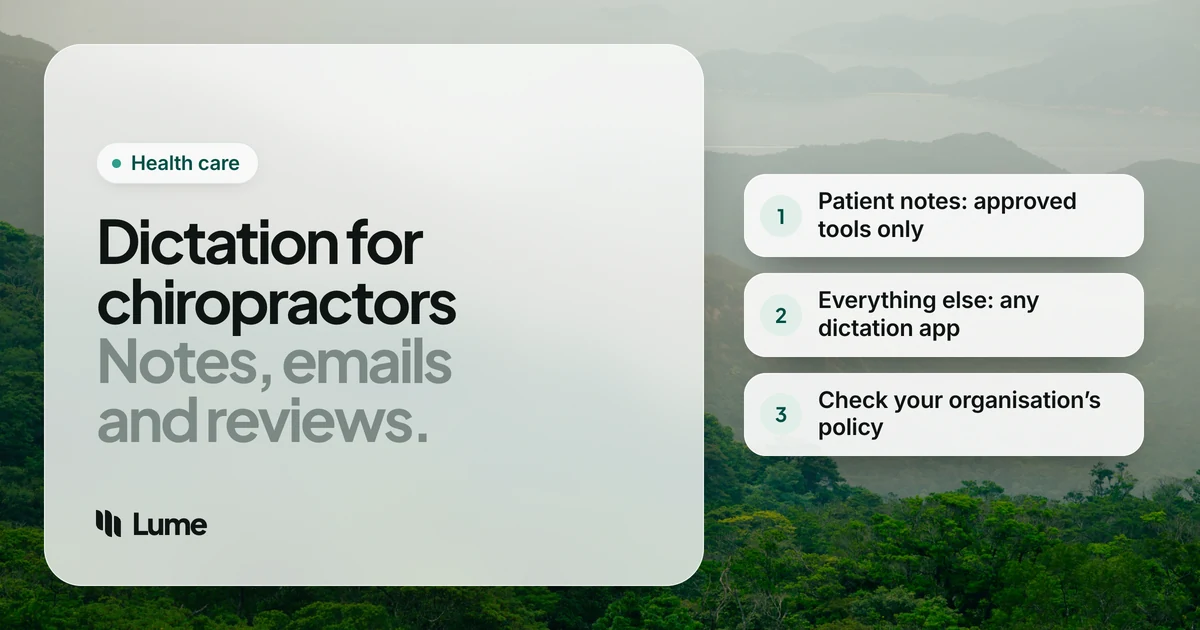
Patient information goes only into tools covered by a Business Associate Agreement (BAA) with your practice. If your practice is a HIPAA covered entity, as a practice that bills insurance electronically generally is, any vendor that receives protected health information on your behalf needs a signed BAA first. A vendor promising to delete audio after processing isn't a substitute for that contract.
In a small practice, that responsibility usually sits with the owner. You decide the tools, sign the agreements and tell associates and front-desk staff what's allowed. Writing that down once, in a short policy, saves a lot of guessing later.
Outside the US, health data protection law and your regulator set the equivalent rules.
Our guide to private dictation for legal and medical work covers BAAs and on-device tools in more depth.
This isn't legal or compliance advice. Check with your compliance adviser or professional association.
Options for patient records#
Your chiropractic EHR's own tools. Many chiropractic EHRs offer templates, macros and speech-to-text or AI note drafting. Since you already have an agreement with the vendor, check whether the dictation feature is covered and what it stores. It's usually the cleanest route, because the note lands in the record.
A dictation app that signs a BAA. Wispr Flow's help center describes signing a BAA in its app's Data & Privacy settings on Mac, Windows and iOS, with no BAA flow on Android, and its Growth plan, at $18 per user per month billed annually, adds org-wide HIPAA enforcement, single sign-on and admin controls, as of October 2026 (pricing details). For a practice that types notes into a web-based EHR on a Mac or PC, that's a real option; make sure every associate who uses it is covered.
Dragon Professional on Windows. Installed software with custom words, voice commands and macros, which some practices use to fill templates by voice. As of October 2026, US retailers sell a single Dragon Professional v16 license for about $699, paid once. It runs on Windows only. Whether it fits your HIPAA setup depends on how it's installed and used, so ask your adviser. See Dragon pricing and LumeVoice vs Dragon.
Dictation that runs on your own computer. Superwhisper's local models, MacWhisper and Apple Dictation (in the languages Apple processes on the device) don't send audio to a vendor. Device encryption and access controls still matter.
Where LumeVoice fits#
LumeVoice is AI dictation for Mac, Windows, iPhone and Android on one plan. Hold fn on a Mac or Ctrl + Win on Windows, talk, and let go; on an iPhone, use the Lume keyboard, and on Android, the floating bubble. Filler words go, self-corrections are applied, punctuation and paragraphs are added, and spoken lists become lists.
It's cloud-based and needs a connection. Audio is sent for processing and isn't stored afterwards, it's never used to train models, and your dictation history stays on your device. It isn't certified under HIPAA, holds no medical certification and doesn't offer a BAA. Don't use it for notes, narratives, patient messages or anything that identifies a patient.
Where it helps is the marketing and management side. Chiropractors explain things to patients all day, and that same voice makes good blog posts and workshop talks. Speaking a draft and then editing it is often quicker than starting from a blank page, and it keeps the tone you use in the room.
Examples (no patient information)#
Illustrative only. They show what the cleanup does, not a measured result.
The newsletter post#
Write about the topic, not about a patient. Open Google Docs or Gmail.
You say (illustrative): "Setting up your desk at home. Um, three quick changes most people can make today. One, raise the screen so the top is at, uh, eye level. Two, keep your elbows close to your sides. Three, get up every, like, 30 minutes, actually every hour at least."
What lands: Setting up your desk at home
Three quick changes most people can make today:
- Raise the screen so the top is at eye level.
- Keep your elbows close to your sides.
- Get up at least every hour.
Health claims in marketing are your professional responsibility and may be regulated by your state board and advertising law, so review anything you publish.
The front-desk script#
You say (illustrative): "When someone calls for the first time, um, thank them, ask how they heard about us, and explain that the first visit takes about, uh, an hour. Then offer the next two available times."
What lands: When someone calls for the first time, thank them, ask how they heard about us, and explain that the first visit takes about an hour. Then offer the next two available times.
The review reply template#
Write one general reply and reuse it, rather than responding to each review with details.
You say (illustrative): "Thank you for taking the time to share your feedback. We take every comment seriously. Please call the office, uh, and ask for the practice manager so we can talk directly."
What lands: Thank you for taking the time to share your feedback. We take every comment seriously. Please call the office and ask for the practice manager so we can talk directly.
Save it as a snippet and say the cue whenever you need it.
Write the newsletter between adjustments
LumeVoice turns speech into clean text in Google Docs, Gmail, Word or any other app on Mac, Windows, iPhone and Android. Not for patient records. Try it with 3,000 free words, no card required.
A fair shortlist#
| You need | Look at |
|---|---|
| SOAP notes, exams and care plans | Your chiropractic EHR's dictation or templates, if covered by your BAA |
| A cloud dictation app for notes on Mac or Windows | A vendor that signs a BAA, such as Wispr Flow |
| Windows dictation with voice commands and macros | Dragon Professional (about $699 once at US retailers), set up with your adviser |
| No audio sent to any vendor | Superwhisper's local models, MacWhisper, Apple Dictation where processed on the device |
| Blog posts, talks, scripts, manuals and admin with no patient information | LumeVoice, Wispr Flow or built-in dictation |
Swipe to see all columns
Competitor details as of October 2026, from vendor pages cited in our Dragon pricing and Wispr Flow pricing guides.
For the practice owner: a one-page tool policy#
Write down three things and share them with everyone who works in the practice:
- Approved for patient information: your EHR and any BAA-covered tools, by name.
- Approved for non-patient writing: for example, a general dictation app for marketing and admin.
- Never: patient names, details or photos in personal apps, texts or social media.
It takes ten minutes to write and removes most of the guesswork for new staff.
Two more habits#
Add your vocabulary once. On Mac and Windows, add technique names, spinal levels and your practice's service names to LumeVoice's custom dictionary, so blog posts and workshop slides come out spelled right the first time.
Keep stories general. A newsletter post inspired by a week of similar visits should describe the pattern, not a person. If a patient wants to share their own story publicly, that needs their written authorization, collected through your normal process, not a dictated draft.