"I could have finished my project if only I didn't spend three hours on email today."
Sound familiar? For most founders and operators, email is a massive time sink. Reading them is fast. Writing professional, structured replies is what drains your mental energy.
What if you stopped typing and started talking to your inbox?
In 2026, the key to "Inbox Zero" is AI dictation. Here is the 3-step workflow to clear your inbox 3x faster using your voice.
Step 1: Speak the "Brain Dump"#
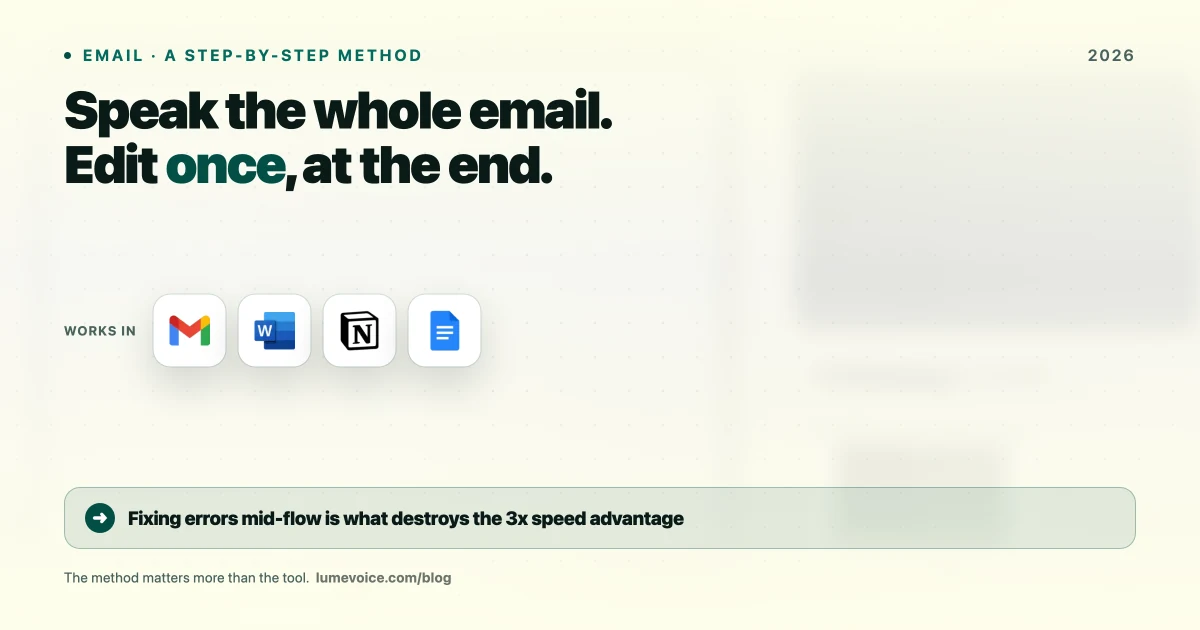
Most people fail at dictation because they try to dictate punctuation. They say: "Hi John, comma, I was thinking about the project, comma, and I think we should, uh, move the deadline, period."
Stop doing that. It's slow and unnatural.
Just talk. Use LumeVoice's "Refinement Mode" and speak your thoughts exactly how they come into your head:
"John, we need to push the deadline to Friday because the design isn't ready. Tell him I'm sorry for the delay, but we want the quality to be perfect."
Step 2: Let AI do the heavy lifting#
This is why modern AI dictation wins. A tool like LumeVoice takes your messy audio dump and instantly formats it into a professional email:
New Message Subject: Update on [Project Name] Deadline
Hi John,
I'm writing to request that we extend the project deadline to this Friday.
Unfortunately, we need a bit more time to finalize the designs. While I apologize for the delay, I want to ensure the final output meets our quality standards.
Let me know if that works for you.
Best, [Your Name]
Step 3: The "Context" Factor#
If you want to move even faster, use "Context Presets."
LumeVoice lets you define "Modes" for different situations:
- Formal: For legal, clients, or investors.
- Quick & Casual: For internal team updates.
- Executive: Brutally short and action-oriented.
Pick the mode, start talking, and the AI guarantees the tone matches your intent.
Ready to reclaim your time?
LumeVoice is built specifically for busy people who hate typing emails. Join our early access list and start speaking to your inbox today.
For macOS 13+ (Apple Silicon recommended)
The Mistakes You're Making#
- Editing yourself: Ignore the "umms" or stumbles. The AI filters them out automatically.
- Saying "comma": You don't need to speak punctuation anymore. The AI infers it from your pacing.
- Mumbling: Speak clearly. Good input audio means perfect output text.
The Verdict#
By 2026, typing long emails is a waste of time. Voice input runs at ~150 words per minute. Keyboards max out around 60. Stop grinding on the keys and use your voice to get your time back.
?Frequently Asked Questions
Does it work with Gmail and Outlook?
Yes! LumeVoice works natively across your entire Mac. Click the text box, hit the shortcut, and talk.
What if it makes a mistake?
You can make a manual edit if needed, but modern models hit 99% accuracy on intent.