The hardest part of writing is the blank page.
You have an outline in your head and you know roughly what you want to say, but typing it out is slow, and every sentence invites an edit. Staring at a blinking cursor doesn't help.
Dictation won't write your post for you. What it does is get the raw material onto the page quickly, so you can spend your energy on the edit. Here's a workflow that works, and an honest look at the tools.
🚀 The Self-Editing Trap#
When you type, you edit as you go. You delete a sentence. You fix a typo. You stare at a paragraph and hate the phrasing.
That constant switching between writing and judging is what breaks your flow.
Voice dictation nudges you to keep moving forward. You talk, the words pile up, and you judge them later. Tools like LumeVoice also strip out the "ums" and apply your self-corrections, so the draft you edit is cleaner than a raw transcript.
🛠️ The Voice-First Creation Stack (2026)#
If you create content on a Mac or a Windows PC, there are three common paths to voice-first writing:
1. LumeVoice (Dictation with AI Cleanup)#
- How it works: hold your hotkey (fn on a Mac, Right Ctrl on Windows, or double-press it for hands-free mode) and talk. The text goes straight into Notion, Google Docs, WordPress or wherever your cursor is.
- What it does to your draft: removes filler words, applies your self-corrections, turns spoken lists into numbered lists and fixes grammar and spelling. It doesn't add headings, restructure your argument or summarise; the structure comes from how you talk through your outline.
- Also useful for creators: a dictionary for recurring names and topics, snippets for boilerplate like your newsletter sign-off, and transcription of audio and video files in the desktop apps, if you'd rather record first.
- Cost and privacy: it starts with 3,000 free words, no card required; after that, plans are $14.99/mo, $79.99/yr, or $249 lifetime. Pro Monthly and Pro Annual come with a 7-day free trial when you first upgrade in the app (card required). Speech is processed in the cloud; audio isn't stored afterwards and is never used for training.
2. Apple Dictation (The Free Option)#
It's built into macOS and free, and on Macs with Apple silicon it runs on-device in many languages. Windows has its own free equivalent, voice typing (Win + H).
- The catch: it writes down what it hears, so false starts and mid-sentence corrections go into the document as you said them. There's no custom vocabulary, and it switches off after 30 seconds without speech, so a long pause to think means starting it again.
3. Wispr Flow (The Polished Alternative)#
A cloud-based dictation app with AI cleanup and a polished interface, on Mac, Windows, iPhone and Android.
- The catch: it's cloud-only, with no offline mode, and the free Flow Basic plan is capped at 2,000 words a week on Mac and Windows, which one long draft can use up. Pro is $15 per user per month, or $12 a month billed annually ($144 a year), and there's a 14-day Pro trial.
Prices as of October 2026; vendors change them, so check their sites.
If you record first: some creators would rather talk into a voice memo or a camera and transcribe afterwards. LumeVoice's desktop apps can transcribe audio and video files, and MacWhisper (Mac only, runs locally) is another popular choice for files.
⏳ The Talk-Then-Edit First Draft Workflow#
Here's a simple playbook for a first draft with LumeVoice (it works with most dictation tools):
- Outline first. Five to eight bullet points: the sections you'll talk through.
- Open your editor (Notion, Google Docs, WordPress, whatever you use) and put the cursor under the first heading.
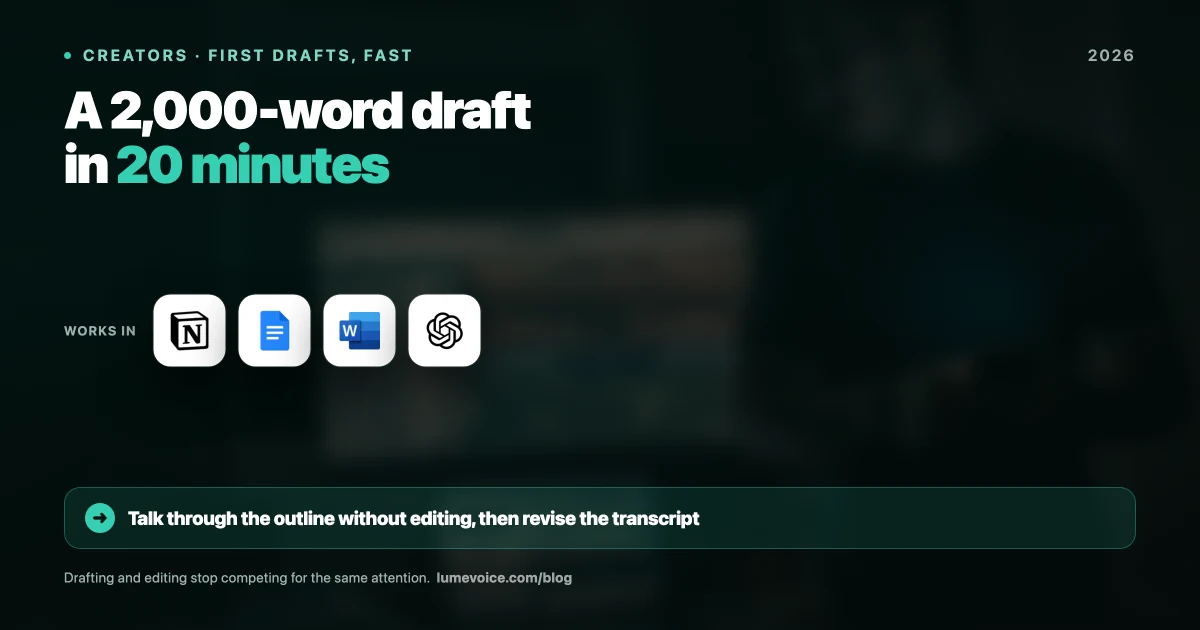
- Talk one section at a time. Double-press the key for hands-free mode, explain the point as if to a friend, then stop. Shorter takes are easier to check and to move around.
- Don't stop to fix things. If you say something wrong, correct yourself out loud ("in 2024, sorry, 2025") and only the correction stays.
- Edit with the keyboard. Restructure, cut, add headings and links, tighten the intro. This is where the real writing happens.
How long will it take? That depends on you and the piece. Conversational English runs at about 120–150 words a minute, so the talking goes quickly; the thinking and the editing take as long as they take.
Stop Typing, Start Creating#
Your edge as a creator is your perspective, not your typing speed. Voice won't replace editing, but it gets you past the blank page sooner, and for many writers that's the hardest part.
Give a voice-first draft a try with LumeVoice on your next piece.
Ready to Beat the Blank Page?
Make LumeVoice part of your drafting routine, on Mac, Windows, iPhone and Android.