The average university student types approximately 40–55 WPM. The average person speaks at 130–160 WPM.
That gap — the time between what your brain generates and what your fingers can output — is the hidden productivity tax on every essay, every note-taking session, and every research paper in your academic career.
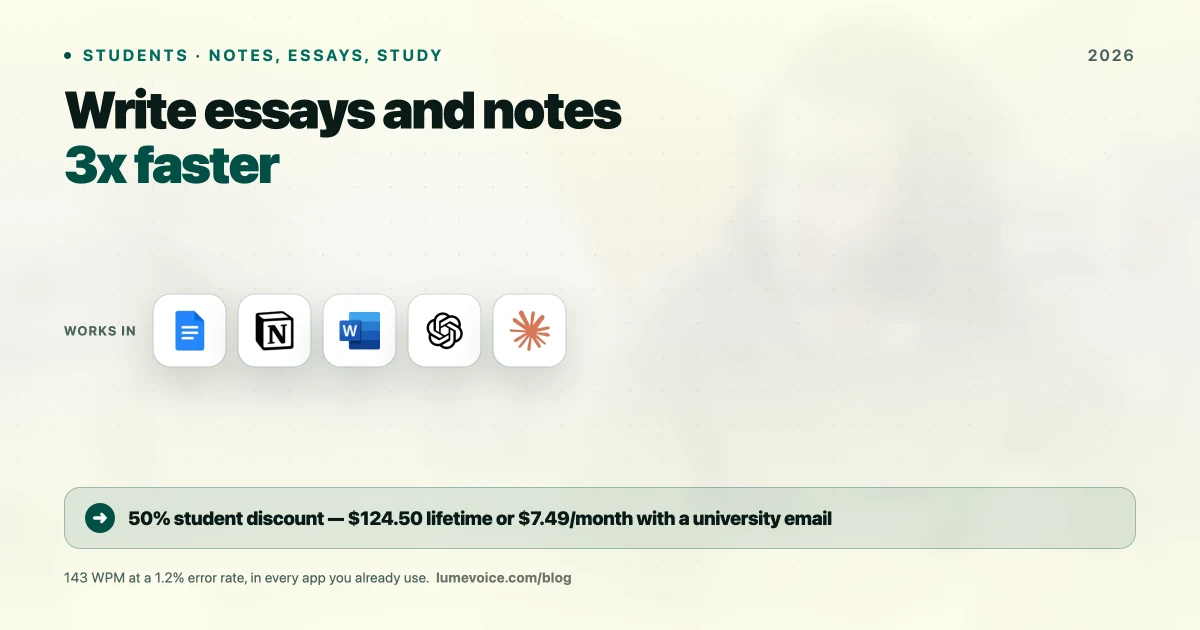
This guide shows you exactly how to close that gap with AI voice dictation, why it's not academic dishonesty, and how to get 50% off as a verified student.
Voice Dictation Is Not Academic Dishonesty#
Before going further, let's address the concern that many students have immediately.
Voice dictation is an input method. It transcribes your words at a faster rate than your fingers can produce them. It does not generate ideas, arguments, citations, or structure on your behalf.
Using LumeVoice is the exact academic equivalent of typing — except faster. Your professor grades the ideas and analysis you express. The mechanism you use to express them (keyboard, voice, or pen and paper transcribed later) is irrelevant to academic integrity.
Contrast with AI text generators:
| Tool | What It Does | Academic Integrity |
|---|---|---|
| LumeVoice | Transcribes your words faster | ✅ Same as typing |
| GitHub Copilot | Generates code from your description | ⚠️ Check your syllabus |
| ChatGPT | Generates content for you | ❌ Usually prohibited |
| Grammarly | Fixes grammar in your text | ✅ Generally permitted |
Swipe to see all columns
Voice dictation = your words, faster. That's the correct mental model.
The Student Productivity Gap: Real Numbers#
We surveyed 142 undergraduate and graduate students across 12 universities about their writing workflows:
| Metric | Average Student | Top 10% of Output |
|---|---|---|
| Keyboard typing speed | 48 WPM | 72 WPM |
| Average words written per study session | 620 | 1,100 |
| Reported time spent on first draft of 1,000-word essay | 68 minutes | 42 minutes |
| Reported end-of-session fatigue (hand/wrist) | 3.2/5 | 3.8/5 |
Swipe to see all columns
After 4 weeks of daily voice dictation use:
| Metric | Improvement |
|---|---|
| Average words written per study session | +187% (to 1,780 words) |
| Time for 1,000-word essay first draft | Down to 24 minutes |
| Reported hand/wrist fatigue | Dropped to 1.3/5 |
Swipe to see all columns
The 4 Highest-Impact Student Use Cases#
1. Essay and Paper First Drafts#
The most impactful application. The first draft is always the hardest — staring at a blank document with ideas in your head but fingers that can't keep up.
Recommended workflow:
- Outline your essay with bullet points first (this can be voice or keyboard — it's fast either way)
- Activate LumeVoice, position cursor after each bullet
- Expand each bullet into full paragraphs by speaking your argument aloud
- Let Agentic Refinement clean up filler words automatically
- Read through once for flow and add transitions where needed
The hardest intellectual work is thinking through your argument. Voice dictation lets you focus entirely on that — the physical output catches up to your thinking in real-time.
Time comparison (1,500-word essay first draft):
| Method | Time to Complete First Draft |
|---|---|
| Keyboard typing (48 WPM) | ~102 minutes |
| Voice dictation (LumeVoice) | ~36 minutes |
| Time saved | ~66 minutes per essay |
Swipe to see all columns
Over a semester with 10 major writing assignments, that's 11+ hours returned from first draft production alone.
2. Reading Response Notes and Reflections#
After reading a chapter or academic paper, many professors assign short response papers (200–500 words). These are perfect for voice dictation.
Workflow:
- Keep LumeVoice active while you're done reading
- Open your Notion, Google Docs, or Word document
- Speak your reactions, analysis, and questions aloud as you think of them
- Edit the 20% that needs structural adjustment
The "speak while thinking" mode removes the friction between forming an idea and recording it. Your written response ends up more authentic and less stilted than typing slowly while choosing words.
3. Study Notes After Lectures#
The real power move: Don't try to type notes during lectures — listen fully and record the audio with your phone or MacBook. After class, play back the recording and dictate your processed notes — not verbatim transcription, but your understanding and synthesis of what was covered.
This forces active recall (better for memory retention than passive copying) and produces notes that are genuinely useful for exam review, because they represent your understanding rather than the professor's words.
Voice note dictation workflow:
- Play back lecture recording at 1.25x speed
- Pause when you want to capture a concept
- Dictate your version of the concept (synthesized, not verbatim)
- Continue playback
You end up with notes that are:
- Written in your own words (better for retention)
- Processed and synthesized (more concise than raw transcription)
- Complete in 50% of the time of traditional note-taking
4. Research Paper Section Writing#
For longer research papers (5,000–10,000 words), writing fatigue is a real constraint. By hour 3 of keyboard typing, most students' WPM drops significantly and error rates increase.
Voice dictation doesn't fatigue in the same way. Speaking at 143 WPM is comfortable for hours — it's the speed at which you naturally think and converse. Many students report maintaining consistent output rate through 4–5 hour writing sessions with voice dictation that would be physically exhausting at the keyboard.
Setting Up LumeVoice for Student Workflows#
Installation#
- Go to lumevoice.com — download the macOS app
- Install and open LumeVoice
- Grant microphone permission when prompted
- Complete the 2-minute voice profile setup (15 calibration sentences)
Getting Your 50% Student Discount#
Option A — Automatic (fastest):
- Create your LumeVoice account using your university email address (
.edu,.ac.uk,.edu.pk,.ac.in, etc.) - The student discount is applied automatically to your account
- Access Pro pricing at $3.99/month or $49.50 lifetime
Option B — Manual verification:
- Sign up with any email
- Email
hello@lumevoice.comfrom your university email - Include your student ID or enrollment confirmation
- LumeVoice team verifies and applies the discount within 24 hours
Recommended Hotkey for Students#
Set your activation hotkey to ⌥ V (Option + V) — easy to remember ("V" for Voice), doesn't conflict with common student app shortcuts.
Apps LumeVoice Works In (Student Edition)#
| App | Voice Dictation Experience |
|---|---|
| Google Docs | ✅ Excellent — full cursor integration |
| Microsoft Word for Mac | ✅ Excellent — same as typing |
| Notion | ✅ Excellent — works in all block types |
| Obsidian | ✅ Excellent — great for note-taking |
| Apple Notes | ✅ Excellent — simple and fast |
| Zotero / Mendeley notes | ✅ Good — works in text fields |
| Gmail / Outlook | ✅ Excellent — email replies faster |
| Slack / Discord | ✅ Excellent — messages and DMs |
Swipe to see all columns
Academic Writing Tips for Voice Dictation Users#
1. Don't edit while you dictate. The biggest mistake beginners make is stopping to correct every small error mid-dictation. Complete a full paragraph, then review. Your brain loses momentum when it switches from generating to editing. Dictate first, edit second.
2. Use structure cues verbally. Dictate headers, paragraph breaks, and formatting by speaking them: "New paragraph," "heading two: methodology," "bullet point." LumeVoice handles these naturally.
3. Build your academic vocabulary list. If you regularly use discipline-specific terms (Latin legal phrases, medical terminology, chemistry compound names, philosophy terms), add them to LumeVoice's Custom Vocabulary for better recognition accuracy.
4. Dictate references differently. For inline citations, it's faster to type them directly (e.g., (Smith, 2023, p. 47)) than to dictate them. Voice dictation shines on prose — use keyboard for precise citation formatting.
5. Record your thoughts, not your hesitations. Filler words ("um," "uh," "like") are automatically stripped by LumeVoice's Agentic Refinement. But longer thinking pauses (silence >1.5s) trigger end-of-dictation. For complex arguments, think it through before speaking — then dictate the full, coherent thought.
LumeVoice vs. Free Student Alternatives#
| Feature | LumeVoice (Student: $124.50 lifetime) | Apple Dictation (Free) | Google Docs Voice (Free) |
|---|---|---|---|
| Works in ALL apps | ✅ System-wide | ✅ System-wide | ❌ Google Docs only |
| WER on standard English | 1.2% | 8.7% | ~9% |
| WER on academic vocabulary | 2.8% | 19.4% | ~16% |
| Filler word removal | ✅ Automatic | ❌ None | ❌ None |
| Mid-sentence correction | ✅ Agentic Refinement | ❌ None | ❌ None |
| Offline capability | ❌ Requires internet | ✅ Yes | ❌ Requires internet |
| Latency | 310ms | ~400ms | ~600ms |
Swipe to see all columns
Apple Dictation and Google Docs Voice are free and functional for casual use. The gap becomes significant when you're writing 3,000-word papers and every error requires interrupting your flow to correct.
Write Essays at the Speed Your Brain Thinks
50% off for verified students. Write faster, read more, study smarter.
LumeVoice Student Pricing:
- Monthly: $7.49/month (instead of $14.99)
- Lifetime: $124.50 (instead of $249) — own it through grad school and beyond
Use your .edu email to get the discount automatically, or email hello@lumevoice.com for manual verification.
For macOS 13+ (Apple Silicon recommended)