Writing in a second language is a grind. Even if your English is fluent, bridging the gap between "understandable" and "professional native" takes massive mental effort.
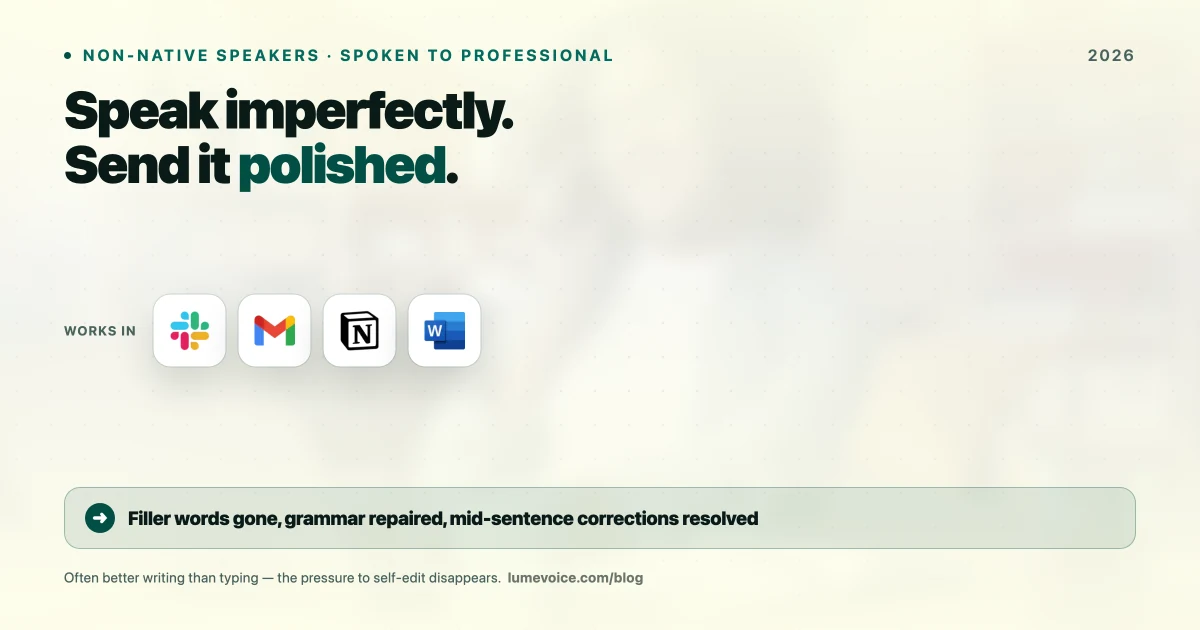
In 2026, AI dictation has killed this problem. You don't have to type clunky sentences and run them through Grammarly anymore. You can speak naturally—even with "broken" English or heavy accents—and get perfect, native-level prose instantly.
The Old Grind vs. The AI Workflow#
The Old Grind (Slow & Painful)#
- Draft: Think of the sentence in your native language.
- Translate: Mentally translate it.
- Type: Hammer it out, second-guessing the spelling.
- Edit: Run it through an AI rewriter to fix the awkward phrasing.
- Ship: Finally send the email.
The AI Workflow (3x Faster)#
- Speak: Say the thought out loud, ignoring your mistakes.
- Magic: The AI catches the intent and rebuilds the sentence with perfect native syntax.
- Ship: Send it.
Why LumeVoice Dominates for Accents#
Standard dictation tools (like Siri) are a nightmare for non-native speakers. They transcribe the audio exactly. If you stumble, stutter, or use the wrong tense, it types the mistake.
LumeVoice uses Agentic AI Refinement.
It doesn't just process sounds; it parses intent. If you say:
"I think we should for the meeting tomorrow talk about the new thing for the project, maybe 3 PM good?"
LumeVoice catches the context and outputs:
"I propose we meet tomorrow at 3 PM to discuss the latest project updates. Does that work for everyone?"
Ready to sound like a Native Speaker?
Download LumeVoice today. Stop agonizing over English grammar and let the AI do the heavy lifting.
For macOS 13+ (Apple Silicon recommended)
3 Hacks for Dictating with an Accent#
- Stop over-pronouncing: Don't try to sound like a news anchor. Modern models like Whisper are trained on raw, natural speech. Just talk.
- Give it context: Speak in full sentences. The AI uses the surrounding words to figure out what you meant if your pronunciation is slightly off.
- Use Context Modes: Tell LumeVoice you are writing a "Formal Email" or a "Casual Slack." It will adjust the vocabulary to match the setting perfectly.
Is this "Cheating"?#
No. It's leverage. If you are a brilliant developer or founder, your value is your ideas, not your ability to conjugate English verbs perfectly.
Stop letting language barriers slow down your output. Speak your ideas and let the machine handle the grammar.
?Frequently Asked Questions
Does it work with heavy accents?
Absolutely. LumeVoice runs on the Whisper engine, which was trained on thousands of hours of globally accented English. It handles it effortlessly.
Can it translate too?
LumeVoice is primarily an English dictation engine, but it can take non-English audio input and output clean English text in real-time.