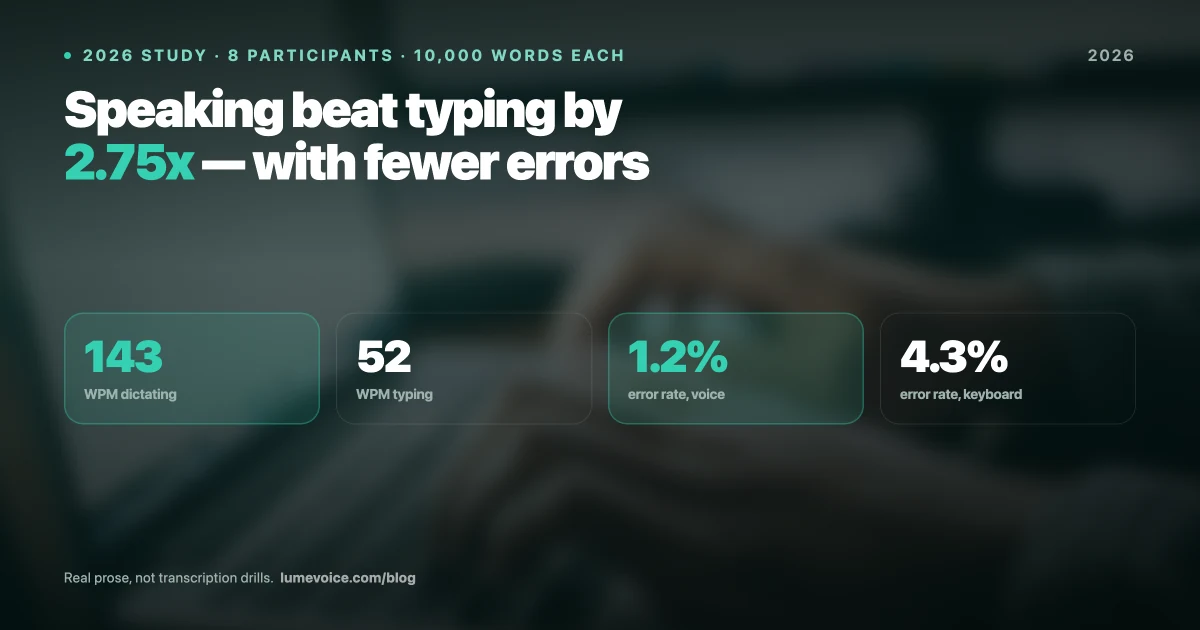
Voice-to-text technology has evolved dramatically in 2026. The days of shouting at your computer and correcting half the words are long gone. Thanks to advanced local neural models and real-time LLM refinement, modern talk to text apps now type faster and more accurately than most human typists.
But with dozens of options flooding the market—ranging from free built-in OS tools to $15/month cloud-based apps—how do you choose the right one for your daily workflow?
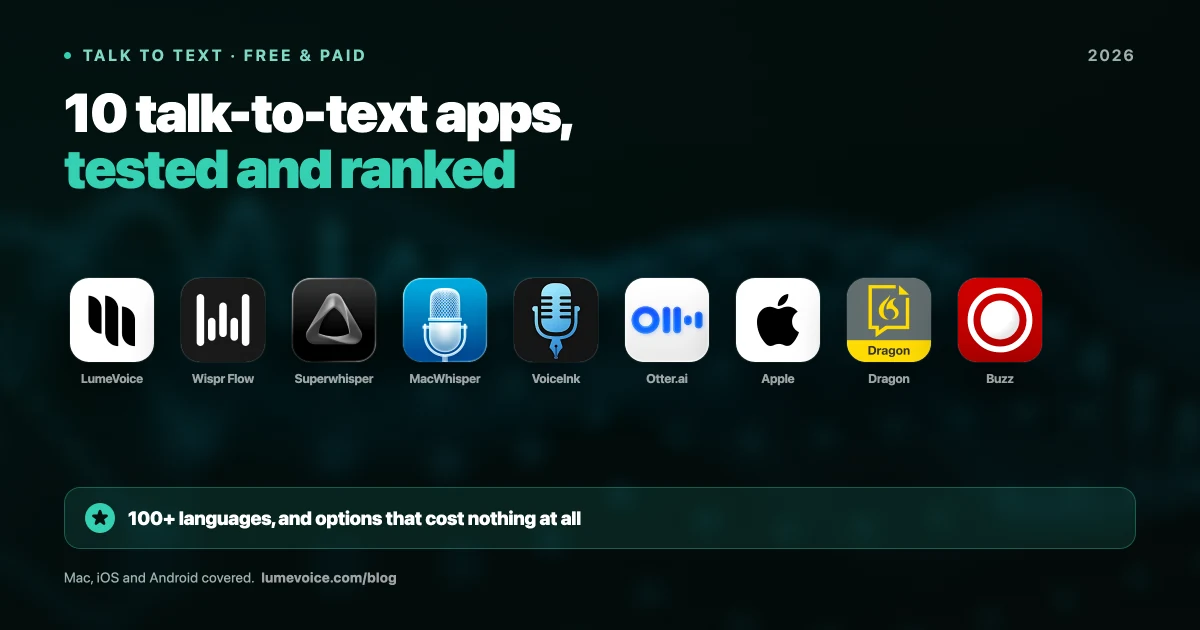
We spent weeks testing the top dictation tools on the market. Below, we break down the 10 best talk to text apps in 2026 based on speed (latency), accuracy, security, and developer integration.
The Verdict: LumeVoice for Professional Speed & Privacy#
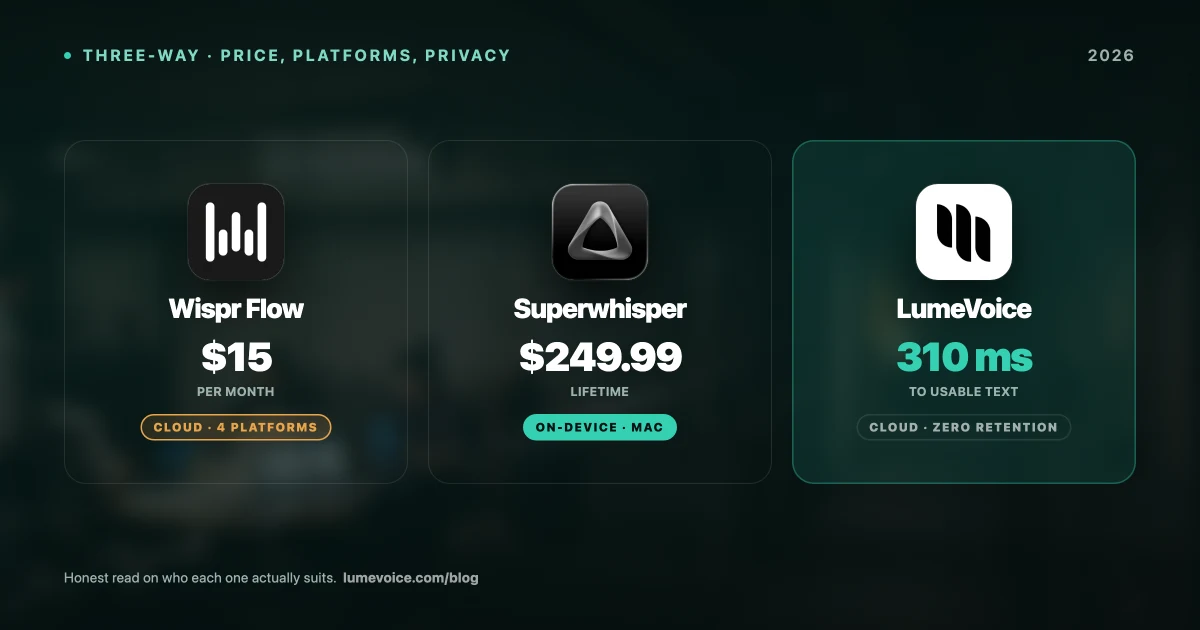
If you are a professional, builder, or writer who uses dictation system-wide, LumeVoice is our top recommendation for 2026. It is designed to work out-of-the-box across Slack, Notion, VS Code, and Gmail, boasting a 310-millisecond latency (nearly instant) and zero cloud data retention — nothing stored, nothing used for training.
Ready to experience 6x faster dictation?
Get LumeVoice today to start dictating technical jargon, emails, and notes at the speed of thought. Nothing is stored after processing and none of it trains a model.
For macOS 13+ (Apple Silicon recommended)
Quick Comparison Table#
| Brand | Best For | Accuracy | Processing | Price |
|---|---|---|---|---|
| LumeVoice | General Productivity & Developers | ⭐⭐⭐⭐⭐ (1.2% WER) | Cloud, zero retention | 3,000 Free Words / $14.99/mo / $249 Lifetime |
| Wispr Flow | Executive UI Polish | ⭐⭐⭐⭐ (2.1% WER) | Cloud Only | $15/month |
| Voicy | Basic Cross-Platform Users | ⭐⭐⭐⭐ (2.4% WER) | Cloud Only | $8.49/mo |
| Microsoft Word Dictate | Office 365 Users | ⭐⭐⭐ (5.2% WER) | Cloud Only | Free with Microsoft 365 |
| Dragon Professional | Legal & Medical Professionals | ⭐⭐⭐⭐⭐ (1.5% WER) | Cloud / Offline | $15–$55/mo or $700+ one-time |
| Otter.ai | Meeting Transcription | ⭐⭐⭐⭐ (3.0% WER) | Cloud Only | Free / $16.99/mo |
| Google Docs Voice Typing | Casual Google Docs Users | ⭐⭐⭐ (6.5% WER) | Cloud Only | Free |
| Apple Dictation | Basic Texting & Casual OS Use | ⭐⭐⭐ (7.8% WER) | Local On-device | Free |
| Windows Voice Typing | Win 11 OS Shortcuts | ⭐⭐⭐ (8.0% WER) | Cloud / Local Hybrid | Free |
| Speechnotes | No-Account Web Dictation | ⭐⭐ (9.5% WER) | Cloud Only | Free / Pay-per-use |
Swipe to see all columns
Deep Dive: The 10 Best Talk to Text Apps of 2026#
1. LumeVoice#
LumeVoice
LumeVoice is a highly optimized, system-wide AI dictation tool built specifically for high-velocity professionals. It runs on top of OpenAI’s Whisper model with a custom refinement layer, and retains no audio after processing. It drops perfectly formatted, context-aware text directly into any text input area—including terminal applications, Slack, and code editors.
- Pros: Incredible 310ms average latency (nearly 6x faster than Wispr Flow). Zero data retention — nothing is stored after processing and nothing is used for training. Exceptional accuracy on DevOps, software engineering, and medical/legal terminology.
- Cons: The Windows app is currently on the waitlist (Mac, iPhone, and Android are fully live).
- Pricing: 3,000 Free Words; Pro tier starts at $14.99/mo ($79.99/year); or a cost-effective $249 Lifetime license.
2. Wispr Flow#
Wispr Flow
Wispr Flow has gained significant popularity due to its highly polished visual interface and smart formatting. It reads text and intelligently formats it based on tone, adding paragraphs and punctuation automatically. It's a great tool for drafting long essays and emails.
- Pros: Gorgeous UI animations, strong support for casual text formatting, and excellent iOS companion app integration.
- Cons: Expensive recurring subscription with no lifetime option. It operates completely in the cloud, meaning all your audio data is sent to external servers, which is a compliance blocker for legal and medical professionals. Average latency is around 1,805ms (nearly 2 seconds of waiting time).
- Pricing: $15/month, or $144/year on annual billing.
3. Voicy#
Voicy
Voicy is a middle-of-the-road competitor that targets users looking for multi-platform availability on a budget. It runs on Mac, Windows, Linux, and mobile browsers, making it versatile for those who jump between operating systems.
- Pros: Cheap monthly price compared to Wispr Flow. Support for 50+ languages and basic AI commands to edit text.
- Cons: No offline capabilities; completely cloud-dependent. The transcription latency is noticeable, and accuracy drops significantly when handling technical jargon or accents.
- Pricing: $8.49 per month.
4. Microsoft Word Dictate#
Microsoft Word Dictate
Built directly into Microsoft 365, Word Dictate is a staple for corporate users who spend their days writing documents inside the Microsoft ecosystem.
- Pros: Deeply integrated into Outlook, Word, and PowerPoint. Completely free if you already have a Microsoft Office subscription. Good multi-language support.
- Cons: Only works inside Microsoft Office applications—it cannot type system-wide into tools like Slack, Chrome, or VS Code. Has high latency and lacks modern AI formatting.
- Pricing: Free (included with Microsoft 365).
5. Nuance Dragon Professional#
Dragon Professional
Nuance Dragon has been the enterprise standard for medical, legal, and financial dictation for decades. It allows professionals to build massive custom vocabulary profiles.
- Pros: Incredible custom dictionary capabilities for highly obscure medical and legal terminology. Completely offline options are available.
- Cons: The interface feels like software from 2010. It is slow, complex to set up, and requires massive installation files. The price is extremely high for casual users.
- Pricing: $15–$55/month, or up to $700+ for a one-time workstation license.
6. Otter.ai#
Otter.ai
Unlike LumeVoice or Wispr, which are built for real-time system-wide voice typing, Otter.ai is designed to join video meetings (Zoom, Teams, Meet) and transcribe them in real time.
- Pros: Excellent collaborative editor, automated meeting summaries, and speaker identification.
- Cons: Terrible for active, system-wide typing. You cannot use it to reply to a Slack message or write an email.
- Pricing: Free basic tier; Pro tier starts at $16.99/month.
7. Google Docs Voice Typing#
Google Docs Voice Typing
Google Docs has a built-in voice typing tool that is accessible to anyone with a Google account running the Chrome browser.
- Pros: Completely free, requires no installation, and supports dozens of languages.
- Cons: Only works inside Google Docs on a Chrome web browser. Lacks automated punctuation (you have to say "period" or "comma" out loud), and accuracy degrades on complex sentences.
- Pricing: Free.
8. Apple Dictation#
Apple Dictation
Built directly into macOS and iOS, Apple Dictation is triggered by hitting the Fn key or double-tapping Command.
- Pros: Instant system-wide availability with zero setup. Fully offline processing on Apple Silicon.
- Cons: High Word Error Rate (WER) on technical vocabulary. Lacks AI editing features and does not automatically format transcripts to remove filler words.
- Pricing: Free.
9. Windows Voice Typing#
Windows Voice Typing
Triggered by pressing Win + H, Windows Voice Typing (powered by Azure speech services) is Microsoft's built-in system-wide dictation tool.
- Pros: Standard on Windows 11. Good voice commands for navigating the OS (Voice Access).
- Cons: Performance is heavily tied to internet connectivity. Struggles with conversational formatting and doesn't remove filler words like "um" or "uh" natively.
- Pricing: Free.
10. Speechnotes#
Speechnotes
Speechnotes is an online, browser-based notepad that uses Google's speech recognition engine to transcribe speech to text.
- Pros: No account or signup required. Great for a quick copy-paste job from a microphone on a public computer.
- Cons: Flooded with ads unless you pay. Lacks integration with desktop software.
- Pricing: Free; paid options for premium transcription files.
How to Choose the Right Talk to Text Software#
When evaluating a talk to text app for your workflow, look closely at these four criteria:
- Latency (Speed): Waiting for text to appear breaks your flow state. If you write under pressure, select an app with sub-500ms latency.
- Privacy & Compliance: If you handle customer data, proprietary code, or medical/legal documents, avoid cloud-only apps. Look for either a clear zero-retention policy (LumeVoice) or fully local processing (Superwhisper, MacWhisper), depending on whether your constraint is retention or transmission.
- Vocabulary Specialization: Developers and scientists need apps that understand terms like
CI/CD,async/await, or chemical nomenclature without turning them into phonetic soup. - Integration Scope: Built-in tools like Google Docs Voice Typing lock you into a single browser tab. System-wide dictation tools work globally across every single app.
Which App Fits You Best?#
- For Developers, Creators, and Privacy-Conscious Users: Choose LumeVoice. It has the lowest latency, handles technical jargon easily, retains no data after processing, and features a one-time Lifetime payment.
- For Executives & Mac-only Casual Writers: Wispr Flow is a strong choice if you don't mind cloud processing and a recurring subscription.
- For Office 365 Enterprise Employees: Use Microsoft Word Dictate for in-app documents.
Write 5x Faster Today
Stop typing and let LumeVoice handle your emails, Slack messages, and code comments. Create an account today and get 3,000 free words, no card required.
For macOS 13+ (Apple Silicon recommended)