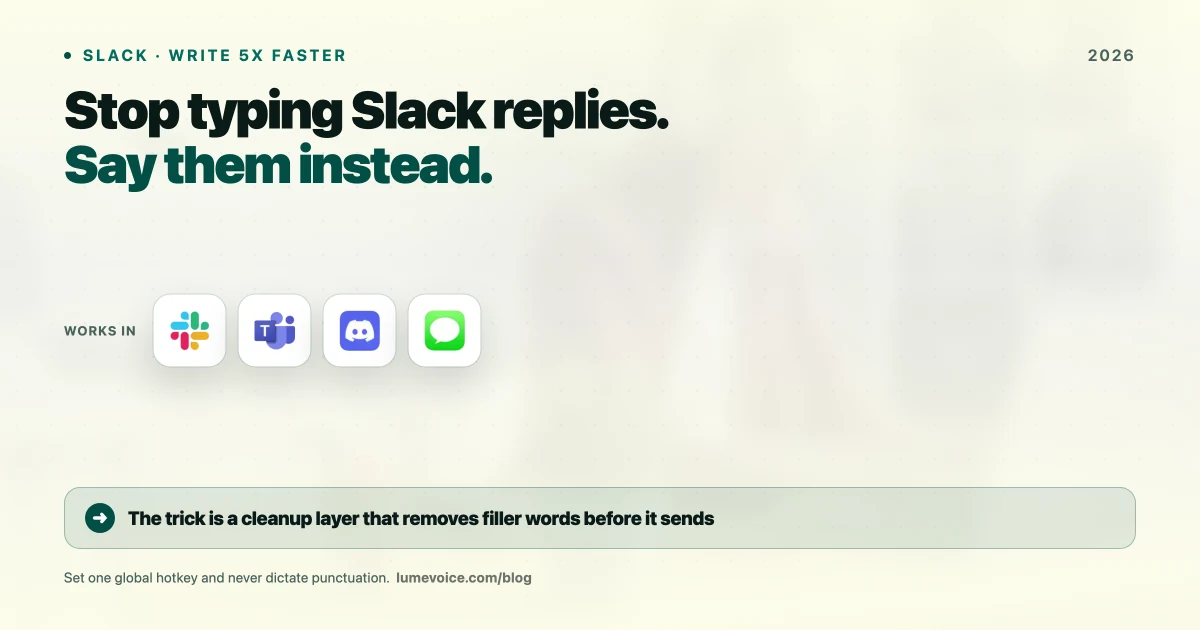
Slack is a trap. You log on to collaborate and end up spending your entire morning typing out replies. "Slack Fatigue" is real.
By 2026, high-performing teams figured out a hack: they stopped typing. They moved to AI-driven voice dictation to fire off replies in seconds.
Here is how you build a voice-first Slack workflow and get your time back.
The Problem with Typing in Slack#
Look at your last 10 messages. Mostly quick updates, simple questions, or feedback, right?
The Old Way (Painfully Slow)#
- Context Switch: Drop what you're doing to read a message.
- Type: Hammer out a response.
- Edit: Realize your tone sounds aggressive, rewrite it.
- Send: You just burned 3 minutes.
The Voice-First Way (Fast)#
- Read: Process the message.
- Speak: Talk your reply naturally.
- LumeVoice Magic: The AI strips the "uhhs," cleans the grammar, and hits the right professional tone.
- Send: Total time: 10 seconds.
3 Workflows for Slack Dictation#
1. The "Brain Dump"#
When you need to explain a complex architectural decision, don't type a wall of text. Speak for 30 seconds. LumeVoice converts your rambling into a crisp, bulleted list that your team can actually read.
2. Quick Replies#
For a fast "Yes," "No," or "I'll handle it," use a custom mode that keeps the output incredibly brief. Say exactly what you mean and let the tool fire it off.
3. Thread Management#
Threads keep Slack clean, but typing in them is annoying. Map a shortcut to dictate directly into the thread. You keep the conversation organized without the physical effort of typing.
Ready to Get Out of Slack Faster?
Get LumeVoice now and start speaking to your teammates. It’s faster, more human, and much more productive than typing.
For macOS 13+ (Apple Silicon recommended)
Is it Weird to Talk in the Office?#
If you're in an open plan office, sure, it might feel weird at first. But in 2026, dictating to your Mac is as normal as taking a Zoom call.
More importantly, speaking actually makes you sound more human on Slack. Typing strips away tone. Voice dictation grabs your intent and translates it into a message that sounds friendly, not robotic.
The "Summary" Hack#
If you use LumeVoice, set up a custom instruction:
"Turn this into a 2-sentence summary for Slack."
If you are someone who talks too much, this is a lifesaver. You can rant for a minute, and the AI will compress it down to exactly what your team needs to know.
?Frequently Asked Questions
Does it work with Slack Huddles?
LumeVoice types into the message bar. Slack has its own transcription for Huddles, but LumeVoice is perfect for writing the follow-up notes after the Huddle drops.
Is it faster than Slack’s built-in voice clips?
Absolutely. People hate listening to voice clips. LumeVoice gives them the written text they want, but with the low effort of a voice clip for you.