Dictation is easy at home. In an open office, it's a different question: everyone can hear you, the room is noisy, and nobody wants to be the person narrating their emails all afternoon.
It can still work. Plenty of people dictate at their desks without bothering anyone. It comes down to three things: how you behave, the microphone you use, and knowing when to walk to a quiet room instead. This guide covers each, and it's honest about the cases where typing is simply the better choice.
I make LumeVoice, a dictation app. Nothing here depends on using it.
Start with etiquette#
The technical side is easy to fix. The social side matters more.
Tell the people near you, once. A quick "I'm going to try dictating some emails, shout if it gets annoying" changes how it lands. Without that, people assume you're talking to them, or on a call they can't see.
Keep sessions short at your desk. A one-line Slack reply or a three-sentence email is barely noticeable. Twenty minutes of report drafting is a different thing. Save long dictation for a booth, a focus room or home.
Watch your volume. Most people start too loud. You need far less voice than you'd think with a good microphone (see below).
Don't dictate during others' calls or focus time. If the person next to you is on a video call, wait or type. If your team has quiet hours or a no-calls zone, treat dictation like a call.
Never dictate what you wouldn't say aloud. Salaries, performance reviews, client secrets, health information: the people around you hear every word, no matter what the software does with the audio. Type it, or move to a closed room.
Check the office norms. Some teams already use voice for messages and some find any talking at desks unwelcome. Ask, or follow the rules you'd follow for phone calls.
Get the right microphone#
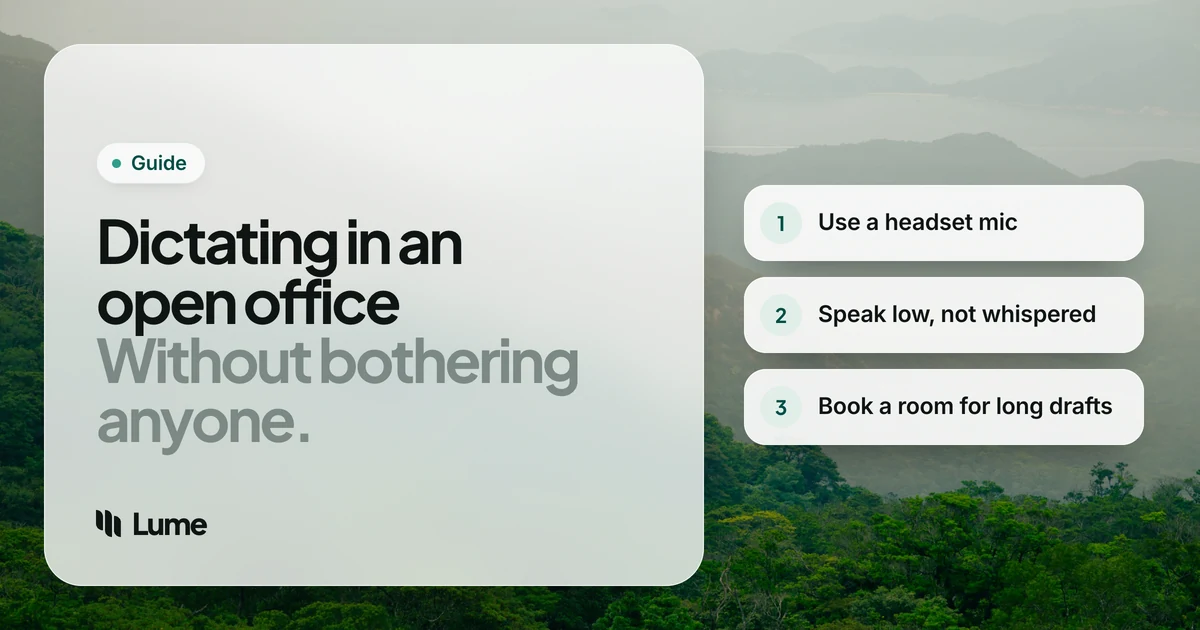
Your laptop's built-in microphone is the main reason dictation feels loud in an office. It sits an arm's length away and hears the whole room, so you raise your voice without noticing, and the recognition still has to separate you from the chatter.
A headset with a boom microphone solves most of that:
- The mic sits a couple of fingers' width from the corner of your mouth, so your voice is much louder than the room.
- You can speak softly and still be heard clearly by the software.
- It picks up less of your neighbors.
- Positioning it slightly to the side, not right in front, avoids breath noise.
Wired USB headsets are the most reliable choice; Bluetooth headsets can use a lower-quality microphone mode when the mic is active, so test before you rely on one. Earbuds are a step up from the laptop mic but sit farther from your mouth than a boom.
Our microphone guide compares headsets, desktop USB mics, lavaliers and built-ins in more detail. For an office, the boom headset is the usual answer.
Speak softly, not in a whisper#
The instinct in a quiet room is to whisper. It usually backfires.
Whispered speech lacks the vibration of the vocal cords that gives normal speech most of its structure. Speech recognition models are trained mostly on normal voiced speech, so whispering tends to make accuracy worse, and then you repeat yourself, which is noisier than speaking softly once.
What works better:
- A low conversational voice, like talking to someone sitting right next to you.
- The microphone close to your mouth, so a soft voice is still clear.
- A steady pace. Speaking slower and softer is fine; mumbling isn't.
- Turning slightly toward a wall or partition, which keeps your voice from carrying across the room.
Test it: dictate the same paragraph in a whisper and in a soft voice, and compare the results with your own tool. For more on what affects recognition, see AI dictation accuracy.
Use push-to-talk#
Always-listening dictation is a bad fit for an open office. It can capture your neighbor's conversation, and it keeps going when someone stops by your desk.
Push-to-talk means the app only listens while you hold a key. You hold it, say your sentence, let go. It's quieter socially too: you speak in short, deliberate bursts rather than a continuous stream. Built-in tools mostly use a start-and-stop button; several dictation apps, including LumeVoice, use a held key.
Find the right place#
Even with perfect etiquette and a great headset, some work belongs somewhere else.
| Task | Where to dictate |
|---|---|
| Short replies, chat messages, quick notes | At your desk, softly, with a headset |
| Emails of a few paragraphs | At your desk if it's busy, a booth if it's silent |
| Long drafts, reports, documentation | Phone booth, focus room or home |
| Anything confidential | A closed room, or type it |
| Thinking out loud | A walk, with your phone |
Swipe to see all columns
Phone booths and focus rooms are the best friend of anyone who dictates at work. Book one for a 25-minute drafting block, dictate the whole thing, then edit back at your desk with the keyboard.
Walks work well for rough first drafts: dictate on your phone while you walk, then shape the text at your desk.
Hybrid days are a gift. Many people do their long dictation at home and keep office time for editing, meetings and short replies.
A sample desk routine#
Here's one way to fit dictation into a typical office day. It's an illustration, not a rule; adjust it to your team.
- Morning, at your desk: reply to messages and short emails by voice, softly, with your headset. Each one is a few seconds of speech.
- Late morning, in a booth: book a focus room for the longest thing you need to write today and dictate the whole first draft in one go.
- After lunch, at your desk: edit that draft with the keyboard. Editing is quiet work, and it's where structure gets fixed anyway.
- Afternoon: back to short replies by voice, or typing if the room has gone quiet for a deadline.
The pattern is simple: speak in short bursts at your desk, speak at length behind a door, and edit wherever you like.
Know the limits#
Being honest about this matters, because forcing dictation into the wrong setting is how people give up on it.
- Some offices are too quiet. In a silent, library-style room, any speech stands out. Type there.
- Some offices are too loud. Next to a busy kitchen or a sales floor, even a good headset will struggle. Move.
- Some work shouldn't be heard. Confidential topics need a closed door, full stop.
- It can feel awkward at first. That fades for many people, but if it doesn't, dictation can still be your home-day tool.
Court reporters solve the "nobody may hear me" problem with a stenomask, a hand-held mask that muffles their voice entirely (we explain it in our voice writing guide). That's specialist equipment for a specialist job; for most office workers, a headset and a booth do the job.
Where LumeVoice fits#
LumeVoice is push-to-talk by design. On a Mac, hold fn; on Windows, hold Ctrl + Win; speak and let go. Nothing is captured until you press the key. The text lands in whatever app you're using, with filler words removed and punctuation added, so short bursts come out clean. It works with whatever microphone your computer is set to, including a USB headset. It needs an internet connection, and your audio isn't stored after processing.
It doesn't make your voice any quieter to the people around you; the etiquette above still applies.
Short bursts, clean text, any app
Hold a key, say it softly into your headset, let go. LumeVoice types clean text in any app on Mac and Windows, with iPhone and Android on the same plan. Start with 3,000 free words, no card required.
The short version#
- Tell the people near you once, keep desk sessions short, and never dictate what shouldn't be overheard.
- Use a boom headset close to your mouth.
- Speak softly, not in a whisper.
- Use push-to-talk.
- Take long drafts to a booth or do them at home; type in silent rooms.