Insurance runs on the written record. When a client calls about a fender-bender, the note you write in the next five minutes may be what everyone relies on months later. When you review coverage at renewal, the follow-up email is the proof that you explained the gap in their liability limits. And when you quote a new household, the follow-up is what turns a quote into a policy.
Agents don't lack the words. They lack the time to type them while the phone keeps ringing. That's where dictation software for insurance agents helps: you speak the note while it's fresh, and the tool turns it into text you can file.
Below: the writing an agency actually produces, what matters when choosing a tool in a regulated business, five options, and example workflows. We make LumeVoice, so it's on the list. Facts about other tools come from their own pages as of October 2026.
The writing behind a policy#
Across personal lines, commercial lines, life and health, most agents write the same kinds of things:
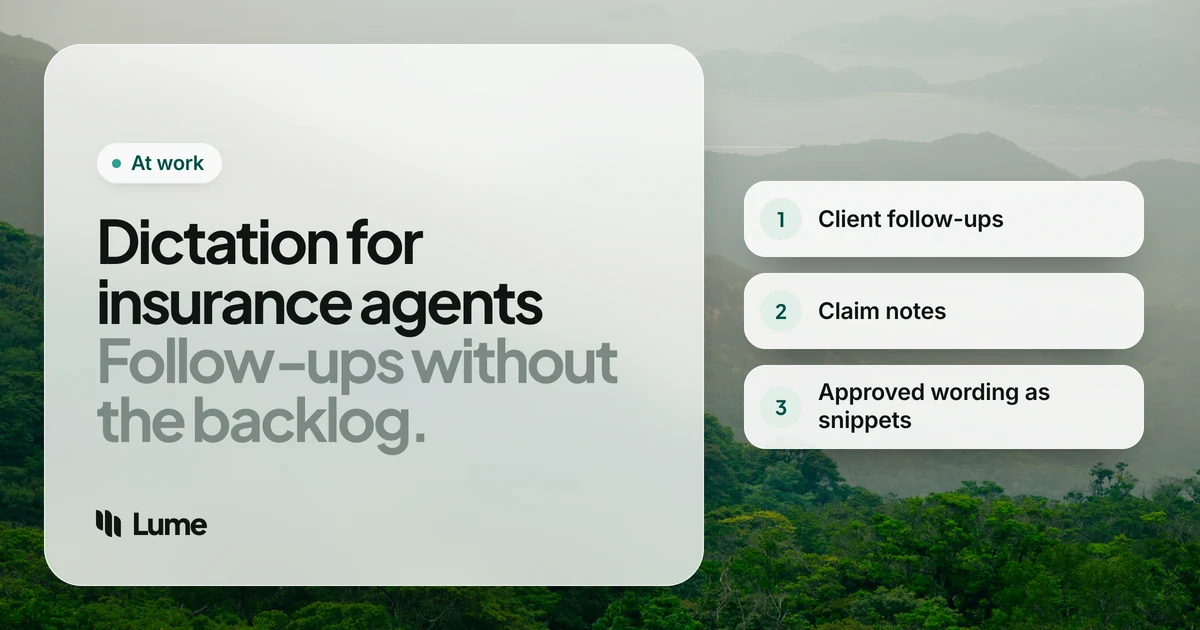
- Activity and claim notes in the agency management system: who called, what happened, what you told them, what happens next.
- Client follow-ups: quote summaries, renewal reviews, coverage recommendations, document requests.
- Carrier communication: submissions, underwriting questions, endorsement requests.
- Service emails: certificates of insurance, ID cards, payment questions, address changes.
The common thread is precision. A claim note needs the date of loss, the location and the sequence of events. A renewal email needs the right limits and deductibles. Dictation helps with the narrative; numbers still need a careful eye.
What matters when choosing#
Your compliance team, first. Many agencies and carriers have rules about which software may handle client information. Some vendors are approved; many aren't. Before you pick a tool for convenience, ask what's allowed. That decision belongs to your firm, not to a blog post or a software vendor.
It has to reach your system. If your management system runs in a browser or as a desktop app, a system-wide dictation tool can type into it. A tool that only works inside Word won't.
Exact wording where it counts. Disclosures and disclaimers must be word for word. Look for snippets or text replacement, so required language is inserted, not dictated.
Industry vocabulary. Terms like "umbrella", "subrogation", "actual cash value", "E&O" and carrier names need to come out right. A custom dictionary helps.
Cleanup. Raw transcription keeps every "um" and every false start. In a claim note, a self-correction left in ("Tuesday, no, Wednesday") is confusing to whoever reads it next.
Five options#
Microsoft 365 Dictate (Word and Outlook)#
If your agency already pays for Microsoft 365, Dictate is built into Word and Outlook. It's the simplest place to start for emails and letters, with nothing new for IT to approve. It only works inside Microsoft's apps, so it can't type into your management system, and it transcribes rather than tidies. More in our Microsoft Word dictation alternatives guide.
Windows voice typing#
Press Win + H in any text field on Windows 10 or 11. It's free, works system-wide and needs an internet connection. On Copilot+ PCs, Fluid dictation (English) removes filler words and fixes grammar. If you can't install software on an agency PC, this is your no-cost option.
Dragon Professional#
Dragon has been the name in professional dictation for decades. It runs on Windows only, it's installed on your PC, and it offers deep custom vocabulary, voice commands and macros. As of October 2026, retailers sell Dragon Professional v16 for about $699, paid once. For an agent who wants to run the computer by voice, or whose agency has standardized on it, Dragon is the stronger choice. Our LumeVoice vs Dragon page compares them in detail.
LumeVoice#
LumeVoice types cleaned-up text into any app on Mac and Windows, including your management system in a browser or on the desktop. Hold Ctrl + Win on Windows (fn on a Mac), talk, let go. It removes filler words, applies self-corrections, punctuates and turns spoken lists into lists. Snippets insert saved text exactly, which suits approved disclosures. The custom dictionary passes your terms and carrier names to speech recognition on desktop. On iPhone and Android, you can dictate client texts and emails between appointments, with one plan covering every device.
What it doesn't do: it has no voice commands to control the computer, no team plan or admin console, and no compliance certifications. It's cloud-based and needs a connection.
Wispr Flow#
Wispr Flow is an AI dictation app for Mac, Windows, iPhone and Android, cloud-only, with cleanup, a dictionary and snippets. Pro is $15 a month or $144 a year. Its Growth plan, at $18 per user a month billed annually, adds single sign-on, admin controls and org-wide HIPAA enforcement with a signed BAA (pricing details). For health or Medicare agents whose compliance team requires a BAA, that's a real advantage over LumeVoice, which doesn't offer one.
Workflows, with examples#
The examples below are illustrative. They show what the cleanup does, not a real claim or a measured result. Always check names, dates, amounts and policy numbers before saving.
The first-notice claim note#
A client calls about a loss. You take notes on paper while they talk. When the call ends, you open the activity note and speak it in order.
You say (illustrative): "Insured called at, um, 2:40. Rear-ended at a red light on Main and Fifth on Tuesday, no, Wednesday the 14th. Other driver stopped, exchanged info, police report filed. Insured reports, uh, neck soreness, going to urgent care today. Vehicle drivable. Advised to get the police report number and photos, and that I'm reporting the claim to the carrier today."
What lands: Insured called at 2:40. Rear-ended at a red light on Main and Fifth on Wednesday the 14th. Other driver stopped, exchanged information; police report filed. Insured reports neck soreness and is going to urgent care today. Vehicle drivable. Advised to get the police report number and photos, and that I'm reporting the claim to the carrier today.
Whether a detail like the injury belongs in that note, and how it's worded, is your agency's procedure. Dictation only changes how fast you write it down.
The renewal review follow-up#
After a review meeting, send the client a written summary of what you discussed, including anything they declined. Dictate it into Outlook or Gmail:
You say (illustrative): "Thanks for meeting today. To recap, first, we're keeping your auto liability limits where they are. Second, you've decided not to add the umbrella policy for now, I'll check in again at next renewal. Third, I'll send the updated home quote with the higher deductible by Friday."
What lands: Thanks for meeting today. To recap:
- We're keeping your auto liability limits where they are.
- You've decided not to add the umbrella policy for now; I'll check in again at next renewal.
- I'll send the updated home quote with the higher deductible by Friday.
Then say your snippet cue to insert your firm's approved closing language, and your signature.
Quote follow-up from the car#
Prospects go cold fast. After a home visit, dictate a short text or email from your phone while parked: thank them, name the one thing they cared about most, and say when the quote will arrive. On iPhone, LumeVoice is a keyboard you switch to in any app; on Android, it's a bubble over the keyboard you already use (iPhone, Android).
Carrier submissions#
Underwriters want a clear narrative: the risk, the operations, the loss history, what's changed. Speaking it as you'd explain it on the phone, then tightening it, is often quicker than staring at a blank field. Keep the numbers out of the dictation and paste them from your documents.
Privacy and compliance, plainly#
Every tool on this list handles your audio differently:
- Dragon Professional is installed on your Windows PC.
- Apple Dictation on iPhone can work without a connection in many languages.
- Windows voice typing, Microsoft 365 Dictate, Wispr Flow and LumeVoice use cloud processing.
For LumeVoice specifically: audio is sent for processing and isn't stored afterwards; what you say is never used to train models; and your dictation history stays on your device, not our servers. LumeVoice has no compliance certifications (no HIPAA BAA, no industry-specific approvals). Whether it's allowed for client or claim information is your firm's call, and when in doubt, the answer is to ask first.
A practical point too: dictating means speaking client details out loud. In an open office, that may matter as much as where the audio goes.
File the note while the call is still fresh
LumeVoice turns what you say into clean text in your management system, Outlook and Gmail on Mac and Windows, with iPhone and Android on the same plan. Every new account gets 3,000 free words, no card required.
Choosing in one minute#
- Already on Microsoft 365 and only writing emails and letters: use Dictate in Outlook and Word.
- Locked-down Windows PC: Windows voice typing.
- You want to run your PC by voice, or your agency uses Dragon: Dragon Professional.
- Health insurance with a BAA requirement: a vendor that signs one, such as Wispr Flow on its Growth plan.
- You want clean notes in every app, on desktop and phone, and your firm allows a cloud tool: LumeVoice.
The best tool is the one your compliance team approves and you actually use the same day. Notes written within minutes of a call are better than perfect notes written on Friday.