Every time you dictate, you're handing someone your words: client names, health details, half-formed ideas. So dictation app privacy is worth five minutes before you choose a tool. The good news is that the questions are simple, and most vendors answer them in their policies if you know where to look.
This guide gives you the five questions to ask, then a table of 15 dictation tools using only what each vendor states publicly, as gathered for our comparison pages in October 2026. Policies change, so follow the links before relying on any row. We make LumeVoice, which is cloud-based; we've tried to say plainly where other tools are more private.
This isn't legal advice. For client or patient material, see our guide to dictation for legal and medical work.
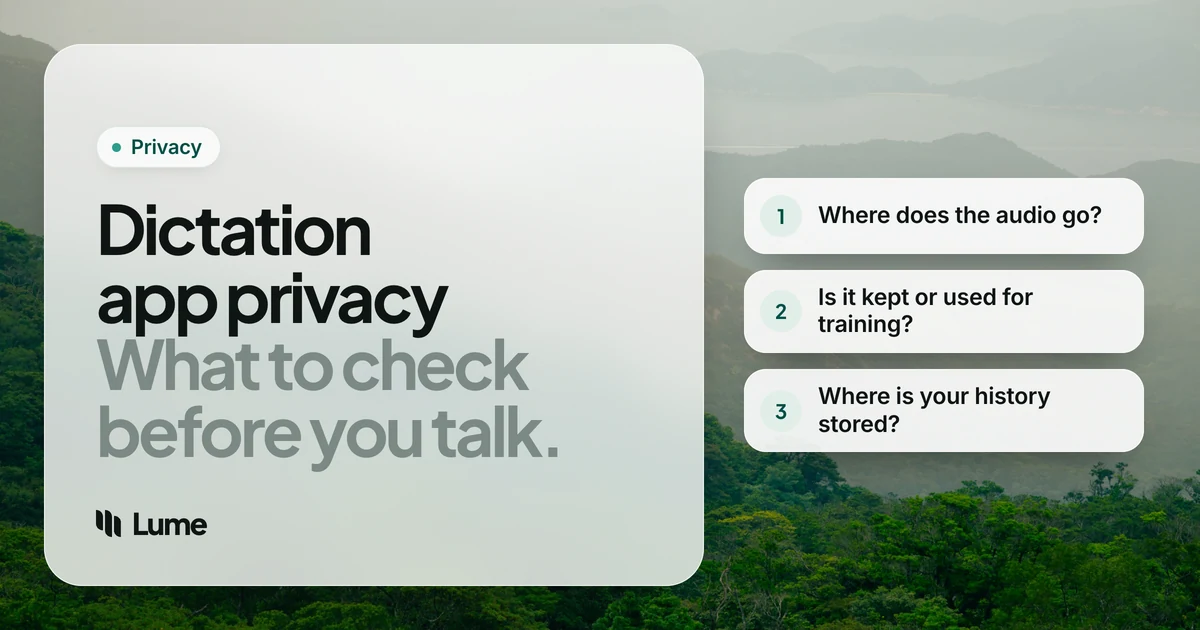
The five questions to ask#
1. Where is the audio processed? On your device, or on a server? On-device processing means your voice doesn't have to leave the machine at all. No retention promise beats that. Some apps do both and let you choose.
2. Is anything kept after processing? Look for "zero data retention" or "not stored". Watch for the difference between audio and transcripts, and for exceptions such as problem reports or opt-in improvement programs.
3. Is it used for training? Many vendors say no; some say "not unless you opt in". Check both the policy and the app's settings.
4. Where does your history live? On your device, synced to a cloud account, or both? Synced history is convenient and searchable, and it's also one more copy.
5. What paperwork exists? SOC 2 Type II and ISO 27001 reports show a vendor's security is audited. A Business Associate Agreement (BAA) is needed for HIPAA work in the US. None of these makes a tool private on its own, but if your organization requires them, they settle the question.
Two more worth asking on phones: what keyboard Full Access or Android accessibility access the app needs, and what it reads with it.
Privacy compared: 15 dictation tools#
| Tool | Where speech is processed | Kept after processing? | Used for training? | History | Certifications / BAA |
|---|---|---|---|---|---|
| LumeVoice | Cloud | Audio not stored | Never | On your device | None |
| Apple Dictation | On the device for the languages Apple lists in Keyboard settings | See Apple's policy | See Apple's policy | n/a | n/a |
| Windows voice typing | Cloud (online speech recognition) | See Microsoft's policy | See Microsoft's policy | n/a | n/a |
| Word Dictate | Cloud | Microsoft says audio and text aren't stored | Not stated here | n/a | n/a |
| Gboard advanced voice typing (Pixel) | On the phone, except Fix it | n/a | n/a | n/a | n/a |
| Wispr Flow | Cloud | See its policy and settings | See its policy | n/a | HIPAA BAA on Growth plan |
| Aqua Voice | Cloud | Transcripts may be stored with Privacy Mode off | Not without your agreement | Recent audio on your computer for 3 days | SOC 2 Type II, ISO 27001; BAA on request |
| Typeless | Cloud | Audio not stored | No | On device unless you turn on cloud sync | ISO 27001; Enterprise BAA |
| Willow | Cloud; offline mode on Mac and iPhone | Not retained | Opt-in, anonymized text only | On your device | SOC 2 Type II; BAA |
| Voicy | Cloud (EU or US); offline mode | Not stored | No | Desktop, cleared after 3 days | Not listed here |
| Monologue | Cloud; local mode on Apple silicon Macs | Not kept on its servers | Opt-in sharing | Voice Notes stored to sync | None listed |
| Superwhisper | Local models, or cloud if you choose | Local: stays on your computer | n/a locally | On your computer | n/a |
| VoiceInk | On your Mac; cloud features opt-in | Not kept on its servers | n/a | On your Mac | n/a |
| Handy | On your device; open source | Stays on your device | n/a | On your device | n/a |
| Otter | Cloud | Recordings and transcripts kept in your account | See its policy | In your account | HIPAA as an Enterprise add-on |
Swipe to see all columns
Sources: each row summarizes the vendor's own policy as quoted on our comparison pages: Aqua Voice, Typeless, Willow, Voicy, Monologue, VoiceInk, Handy, Spokenly, Talon, Otter, plus Wispr Flow pricing, Word dictation and our Gboard alternatives guide. "n/a" means not applicable or not covered in what we checked.
What the table tells you#
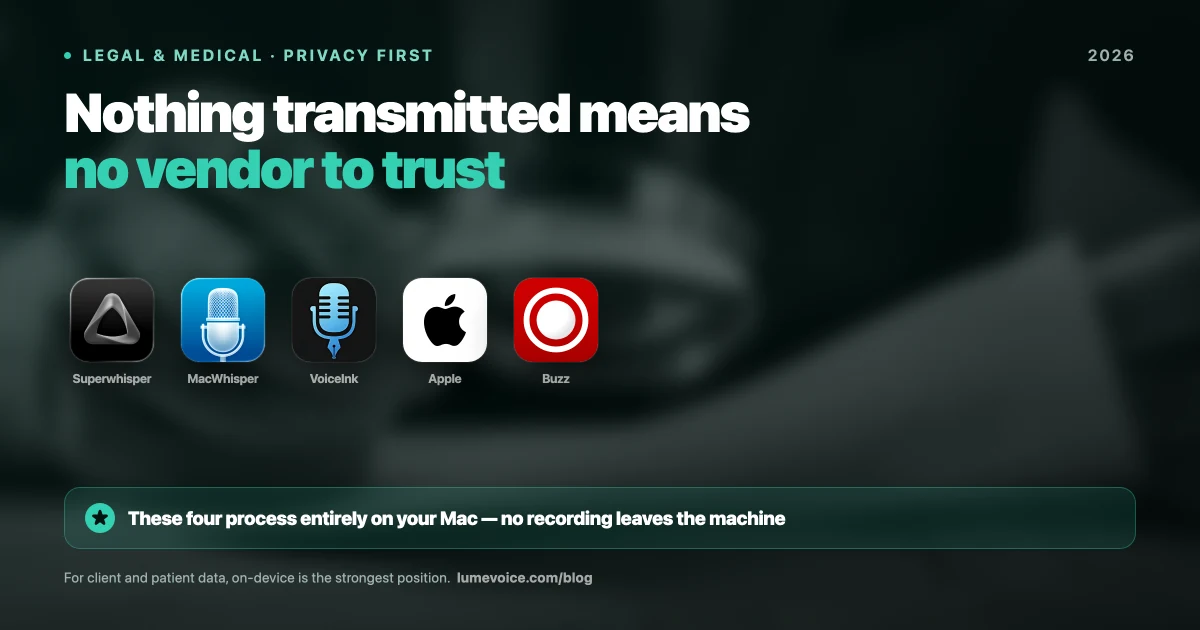
If audio must never leave your device, pick a local tool. Superwhisper, VoiceInk, Handy and Spokenly can run speech models on your computer, and Talon installs its speech engine locally. Willow and Voicy have offline modes, and Monologue has a local mode on Apple silicon Macs. Apple Dictation processes some languages on the device (Keyboard settings lists them), and Gboard's advanced voice typing on Pixel keeps your words on the phone. LumeVoice can't offer this on any device.
If your organization needs paperwork, look at the business-focused vendors. Aqua, Typeless and Willow list audited security reports, and Willow, Typeless Enterprise, Wispr Flow Growth and Aqua offer BAAs. LumeVoice holds no certifications and doesn't sign BAAs.
If you just want your words not to be kept or trained on, most modern cloud dictation apps now say they don't store audio or train on it. The differences are in the details: transcripts versus audio, opt-in programs, and whether history syncs to the cloud.
Note-takers are a different design. Otter and Voicenotes keep your recordings on purpose, because search and summaries need them. That's the feature, not a flaw; just know it going in.
Phone permissions, explained#
Dictation on phones needs more access than on a computer, and it's worth knowing why.
iPhone keyboards and Full Access. A third-party keyboard can't reach the network unless you turn on Allow Full Access, and cloud dictation needs the network. Apple shows a warning when you turn it on because a keyboard with Full Access could, in principle, send what you type. Choose keyboards from developers whose privacy policy you've read.
Android accessibility access. Some Android dictation apps use the Accessibility Service to find the text field and insert words. Apps differ in what else they read: Aqua, for example, says it reads the active text field, the visible text and the app you're in to place and format your words, and that password fields are excluded. Check each app's description of what it reads.
Microphone permission. Every dictation app needs it. A well-behaved app only listens while you hold the key or tap the button, and shows you when it's listening.
How LumeVoice handles your voice#
LumeVoice is cloud-based and needs an internet connection. Here's exactly what we say:
- Audio is sent for processing and isn't stored after processing.
- What you say is never used to train models.
- Your dictation history stays on your device, not on our servers.
- Speech is transcribed by Whisper large-v3-turbo on Groq, with Mistral's Voxtral as a fallback, and a language model then does the cleanup.
- On Android, LumeVoice uses the Accessibility Service only to find the text field you're in and insert your words. On iPhone, the Lume keyboard needs Allow Full Access to work.
What we don't have: an offline mode, medical or legal certifications, a BAA, or open-source code you can audit. If any of those is a requirement, a tool from the table above is the better fit, and we'd rather you choose it.
Cloud dictation that doesn't keep your audio
LumeVoice doesn't store your audio after processing, never trains on what you say, and keeps your history on your device. Every new account gets 3,000 free words, no card required.
A quick privacy checklist before you dictate#
- Read the vendor's privacy policy for retain, store, train and improve.
- Check the app's settings for privacy modes, improvement programs and history sync.
- Look for a date on the policy; anything undated or old deserves a question to support.
- Ask your employer or clients what software may process their information, especially on managed laptops.
- For anything you couldn't defend sending to a third party, use a local tool.