The question sounds simple: does Wispr Flow work offline?
The marketing doesn't answer it directly. The website emphasizes speed, AI intelligence, and beautiful design — but it is quiet about what happens when your WiFi drops.
We tested it thoroughly. Here is the unfiltered technical answer.
The Short Answer: No, Wispr Flow Does Not Work Offline#
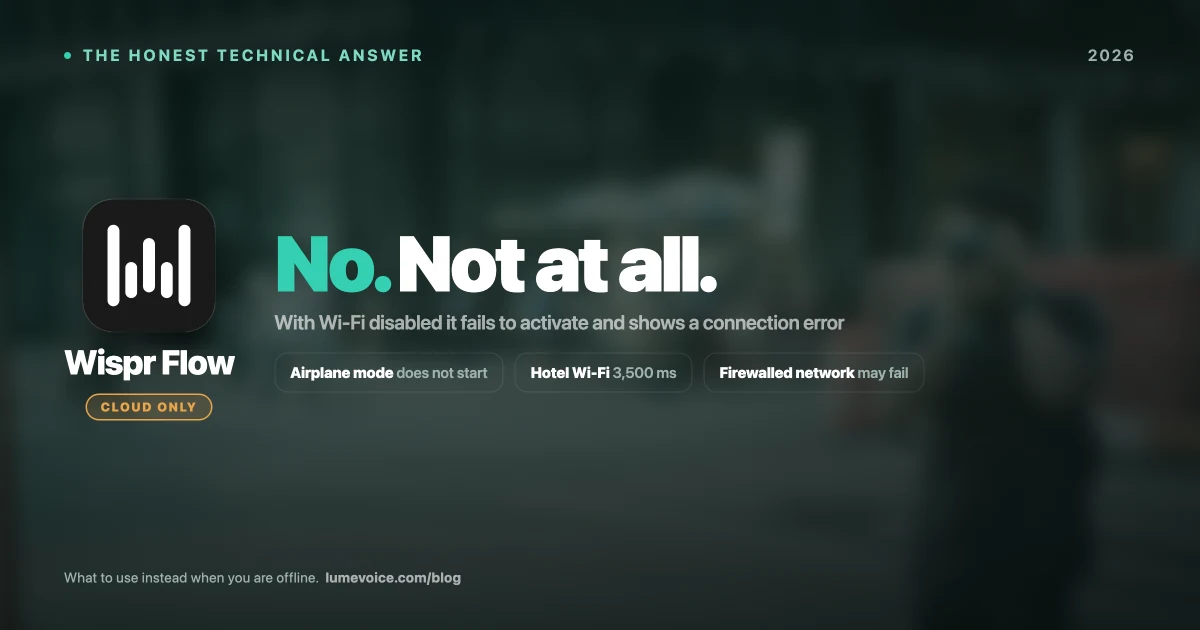
Wispr Flow is 100% cloud-dependent. Every word you dictate is sent to Wispr Flow's servers for processing. There is no local processing mode, no offline cache, and no fallback.
When we disabled WiFi on a MacBook Pro M3 and attempted to use Wispr Flow:
- The activation hotkey produced no response
- The Wispr Flow icon in the menu bar showed a connection error indicator
- No transcription was attempted — the tool is completely non-functional without internet
This is not a bug or a configuration issue. It is by architectural design.
How Wispr Flow Actually Works Under the Hood#
Understanding why Wispr Flow requires internet requires understanding its technical pipeline:
Step 1: Audio Capture You press the hotkey. Wispr Flow captures your microphone audio locally.
Step 2: Audio Transmission The captured audio is compressed and transmitted over HTTPS to Wispr Flow's cloud servers.
Step 3: Cloud Transcription Wispr Flow uses a server-side implementation of OpenAI's Whisper model to transcribe your audio. This step happens on their servers, not your Mac.
Step 4: AI Rewriting The raw transcript is passed through a large language model (LLM) that performs filler word removal, formatting, tone adjustment, and context-awareness. This LLM runs in the cloud.
Step 5: Text Return The processed, cleaned text is sent back to your Mac and inserted at your cursor position.
The entire round trip — steps 2 through 5 — requires active internet. This is why Wispr Flow's latency averages 1,805ms in our testing. Nearly two full seconds of that delay is network round-trip time.
Why This Matters: The Cloud Dependency Risk#
The cloud requirement creates multiple categories of real-world risk:
1. Privacy and Data Compliance#
When you dictate into Wispr Flow, your audio travels through external servers. Wispr Flow has stated they do not store audio after processing, but the transmission itself creates compliance exposure.
Professions at risk:
| Profession | Regulation | Cloud Dictation Risk |
|---|---|---|
| Healthcare providers | HIPAA | Patient health information in audio transmitted to third-party servers |
| Attorneys | Attorney-client privilege | Confidential client communications sent externally |
| Financial advisors | FINRA, SOX | Sensitive client financial data in voice |
| Government contractors | FedRAMP, ITAR | Classified or sensitive government information |
| EU professionals | GDPR Article 9 | Special category data in voice transmissions |
Swipe to see all columns
For any professional in these categories, Wispr Flow's cloud architecture is not merely inconvenient — it may be a compliance violation.
2. Reliability Risk#
Wispr Flow's functionality is entirely dependent on:
- Your internet connection quality
- Wispr Flow's server availability
- Network latency to their servers
In our testing across different network conditions:
| Network Condition | Wispr Flow Performance |
|---|---|
| Fast home WiFi (300+ Mbps) | 1,805ms avg latency |
| Coffee shop WiFi (25 Mbps) | 3,200ms avg latency |
| Mobile hotspot (4G) | 2,800ms avg latency |
| Airplane mode | Complete failure |
| Wispr Flow server outage | Complete failure |
Swipe to see all columns
A tool that stops working when you need it most — on a plane before a presentation, in a location with spotty WiFi, or during a service disruption — is a professional liability.
3. Screenshot Data Collection#
Wispr Flow captures screenshots of your active application window as part of its context-awareness feature. This screenshot data is also sent to their cloud servers so the AI understands the context of where you're dictating.
This means if you're dictating into a confidential legal document, your screen content is transmitted to external servers alongside your audio. For professionals handling sensitive information, this represents a significant additional privacy exposure beyond the audio alone.
Testing Wispr Flow Against a Local Tool Offline#
We ran a structured test across four scenarios that real professionals encounter:
| Scenario | Wispr Flow | Superwhisper (local) |
|---|---|---|
| Airplane mode | ❌ Complete failure | ✅ Full functionality |
| Hotel WiFi (unstable) | ⚠️ 3,500ms latency, frequent errors | ✅ Constant speed, no network dependency |
| Corporate network with firewall | ⚠️ May fail depending on firewall rules | ✅ No external connections required |
| VPN-only environment | ⚠️ Depends on VPN routing policy | ✅ Works regardless |
| Offline document work | ❌ Non-functional | ✅ Full dictation capability |
Swipe to see all columns
The Technical Reason: Local vs Cloud Architecture#
The fundamental difference between cloud-dependent and local-processing dictation tools comes down to where the AI model runs:
Cloud-based (Wispr Flow):
Your voice → Compressed audio file → Internet → Cloud server
→ Whisper API transcription → LLM rewriting → Internet → Your cursor
Total data path: leaves your device, travels to external servers, returns
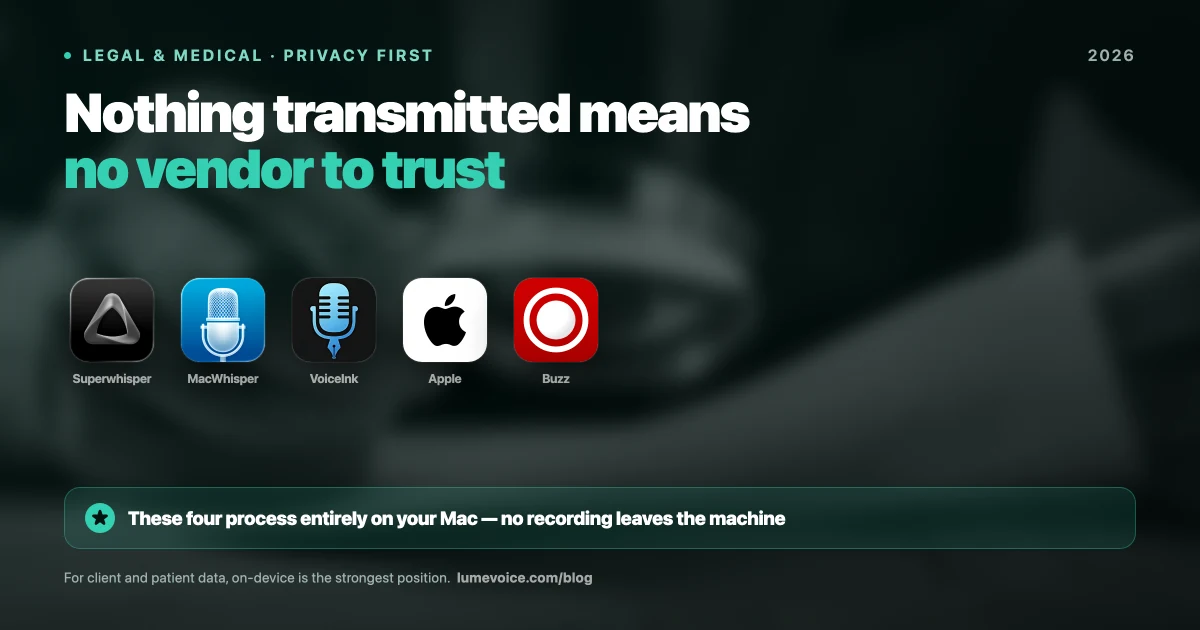
Local-processing tools (Superwhisper, MacWhisper, VoiceInk):
Your voice → Apple Neural Engine (on your Mac) → Text at cursor
Total data path: never leaves your device
On an Apple Silicon Mac, the Neural Processing Unit (NPU) can run Whisper Large-v3 entirely locally at 310ms latency — faster than Wispr Flow's cloud round-trip at 1,805ms — while never transmitting any data externally.
What to Use Instead of Wispr Flow for Offline Dictation#
If you need real-time voice typing that works offline, here are your options:
Note: LumeVoice is not on this list. It transcribes in the cloud, so like Wispr Flow it stops working without a connection. It retains no audio and never trains on your data, but that is a retention guarantee, not an offline one. If offline is your requirement, pick one of the tools below.
1. Superwhisper — Best Overall for Offline Dictation#
Best for: Mac power users who want full local control and don't mind complex setup
- 100% local processing
- Higher RAM consumption (1GB+ for large models)
- macOS and iOS only — no Android, no Windows
- $249.99 lifetime license
- More technical setup required
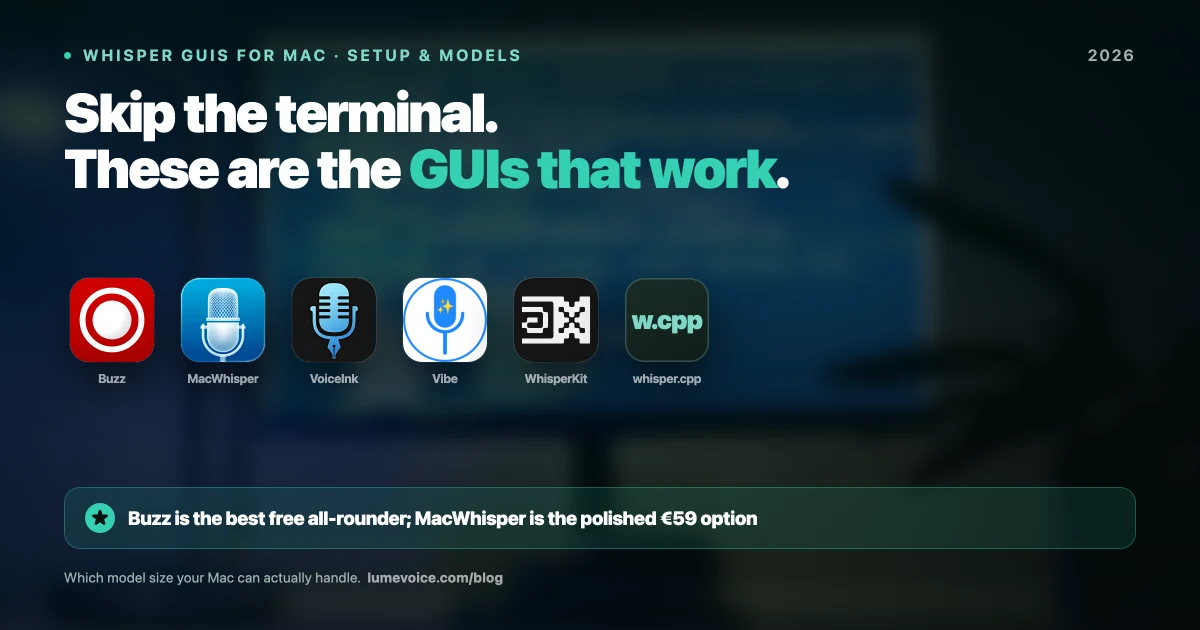
2. MacWhisper — Best for Audio File Transcription#
Best for: Transcribing pre-recorded audio files locally (NOT for live typing)
- 100% local processing for audio files
- Excellent for podcasts, interviews, meeting recordings
- Not designed for live keyboard replacement (2.4s live latency)
- ~€59 one-time license
3. Apple Dictation (Built-In) — Free Fallback#
Best for: Occasional casual offline dictation
- Fully local using Apple Neural Engine
- Free, built into macOS
- 8.7% WER on standard English (significantly less accurate)
- Fails substantially on technical vocabulary (22.3% WER)
- No filler word removal, no context-awareness
The Verdict on Wispr Flow and Offline Use#
Wispr Flow is an excellent tool for specific use cases — consumer users with consistent internet who value polished UI design and iOS ecosystem integration. But it has a fundamental architectural limitation that makes it unsuitable for:
- ✗ Privacy-sensitive professional environments
- ✗ Offline or travel use cases
- ✗ Regulated industries (legal, healthcare, finance, government)
- ✗ Corporate networks with outbound traffic restrictions
- ✗ Users who need consistent sub-second performance on variable networks
If any of these describe your situation, Wispr Flow's cloud dependency is not a minor inconvenience — it is a categorical disqualifier.
Fast Dictation That Keeps Nothing
LumeVoice processes in the cloud but stores nothing — no audio is retained after processing, and none of it is used for training. If your requirement is that audio never leaves the machine at all, choose a local tool like Superwhisper instead.
It runs at 310ms — faster than Wispr Flow's cloud pipeline even when your connection is perfect — and costs a fraction of it over time.
- $249 lifetime license — no subscription
- Zero data retention — nothing stored, nothing used for training
- 1.2% WER on standard English
Need dictation that works with no connection at all? Superwhisper and MacWhisper process on your Mac.
For macOS 13+ (Apple Silicon recommended)