Therapists write more than most people realize. After a full day of sessions there are progress notes, treatment plans, letters, insurance forms and emails, and the documentation often spills into the evening. It's no surprise that "dictate my notes" is one of the most common things therapists search for.
Here's the difficulty. A progress note is protected health information by definition, and in mental health the stakes of a leak are unusually high. So the useful question isn't "which dictation app is best" but "which tool is allowed to hear this?" We make LumeVoice, a general-purpose dictation app, and the answer for client notes is: not ours. This guide explains what is suitable, and where a general app still earns its place in a therapist's week.
What therapists document#
Clinical documentation (contains client information):
- Intake assessments and diagnostic summaries.
- Progress notes after each session.
- Treatment plans and reviews.
- Psychotherapy notes, if you keep them separately.
- Letters to physicians, schools, employers or insurers about a client.
- Scheduling messages, voicemails and portal replies to clients.
Practice and professional writing (can be kept free of client information):
- Website copy, an "About me" page and directory profiles.
- Blog posts, newsletters and psychoeducation handouts written for anyone.
- Continuing-education notes and reflections.
- Proposals for workshops, talks and trainings.
- Emails to colleagues about peer consultation groups, referrals in general terms and admin.
- Book drafts, articles and personal writing.
Notice that the second list is where most private-practice therapists also run their business. That's the part a general dictation app can help with.
The core rule#
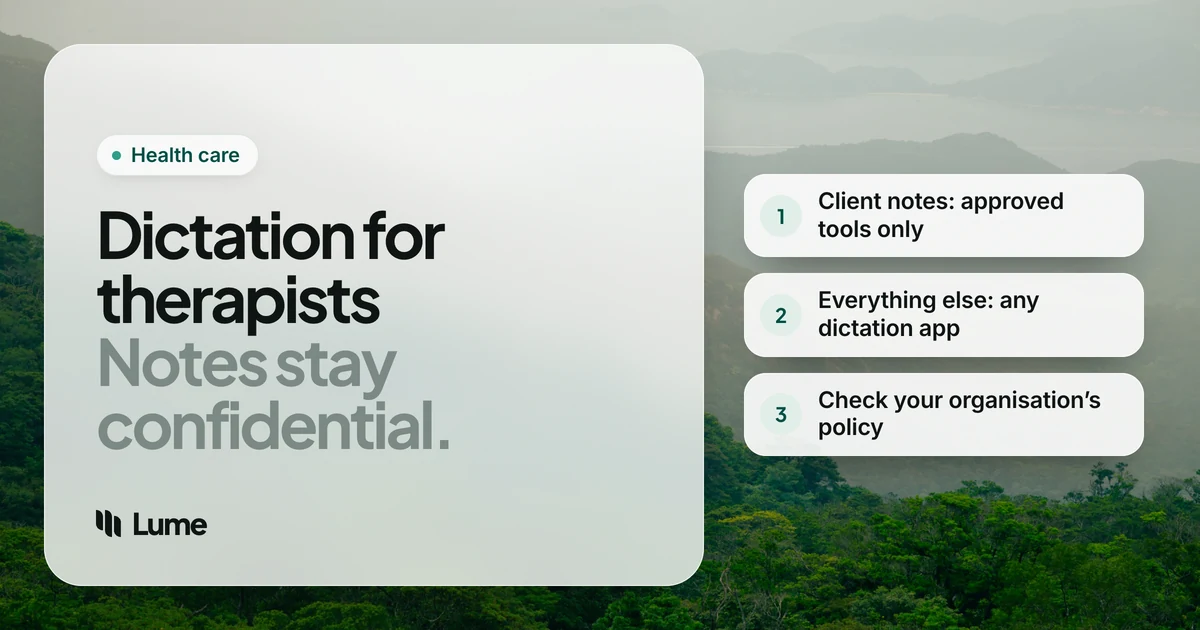
Anything about a client goes into a tool your practice has a Business Associate Agreement (BAA) with, or that your agency has approved. In the US, a vendor that receives protected health information for you is a business associate under HIPAA, and the BAA has to be signed before client information reaches it. A vendor deleting audio after processing doesn't replace that contract.
Two points specific to mental health:
- The fact of being your client is confidential. A name in a calendar entry, a "see you Tuesday" text, or a voicemail transcription all count. Don't dictate them into an unapproved app.
- Psychotherapy notes have their own rules. HIPAA gives extra protection to psychotherapy notes kept separately from the record. State law, your licensing board's rules and your professional code of ethics (APA, ACA, NASW, AAMFT or your country's equivalent) can add more, and records about substance use treatment may fall under additional federal rules.
Our guide to private dictation for legal and medical work covers BAAs and on-device tools in more depth.
This isn't legal or compliance advice. Check with your practice's compliance adviser, your agency or your licensing board.
Options for clinical notes#
Your practice-management or EHR system. Many systems used by therapists now include dictation or AI note features. If yours does and your BAA with the vendor covers that feature, it's usually the simplest route: the note goes straight into the record and you aren't adding a vendor. Read the feature's terms, though: an AI note feature that records the session is a different consent conversation with clients than dictating a note yourself afterwards.
A dictation app that signs a BAA. Wispr Flow's help center describes signing a BAA in the app's Data & Privacy settings on Mac, Windows and iOS (not Android), and its Growth plan, at $18 per user per month billed annually, adds org-wide HIPAA enforcement with a signed BAA and admin controls, as of October 2026 (pricing details). For a solo practitioner who wants to dictate notes on a Mac, that's a real option. Confirm the BAA covers the plan you're on.
Dragon Medical One or Dragon Copilot. If you work in a hospital or health system that already uses them, ask whether behavioral health is covered. Both are sold to organizations by Microsoft and priced by quote (Dragon pricing).
Dictation that runs on your own computer. Superwhisper's local models, MacWhisper and Apple Dictation (in the languages Apple processes on the device) don't send audio to a vendor. That removes the business-associate question, not the rest of your security duties: an encrypted device, a strong passcode and a screen lock still matter.
Where LumeVoice fits#
LumeVoice is AI dictation for Mac, Windows, iPhone and Android, on one plan. Hold fn on a Mac or Ctrl + Win on Windows, talk, let go, and clean text lands wherever your cursor is. Filler words and false starts go, self-corrections are applied, and punctuation and paragraphs appear.
It's a cloud service. Audio is sent for processing and isn't stored afterwards, what you say is never used to train models, and your dictation history stays on your device. It needs an internet connection. It isn't certified under HIPAA, holds no medical certification and doesn't offer a BAA. It is not for progress notes, client letters or anything that identifies a client.
Where it does help is the business and craft side of practice. Many therapists find it easier to explain an idea out loud than to type it, which is useful for a blog post or a handout written for the public. Speaking also tends to keep the warm, plain tone you use in the room, which is often what website copy lacks.
Examples (no client information)#
These are illustrative and contain no client details. They show what the cleanup does, not a measured result.
A psychoeducation handout#
Write it once for everyone, not for a particular client. Open Google Docs and talk it through.
You say (illustrative): "Grounding when you feel overwhelmed. Um, try the five, four, three, two, one exercise. Notice five things you can see, four you can, uh, touch, three you can hear, two you can smell, and one you can taste. It's not about, you know, making the feeling go away. It's about coming back to the room."
What lands: Grounding when you feel overwhelmed
Try the 5-4-3-2-1 exercise. Notice five things you can see, four you can touch, three you can hear, two you can smell and one you can taste. It's not about making the feeling go away. It's about coming back to the room.
Clinical content in a handout is still your professional responsibility, so review it as you would anything you give clients.
The "About me" page#
You say (illustrative): "I work mostly with adults who, uh, feel stuck, people who are doing fine on paper but, um, don't feel fine. My approach is, sorry, my style is warm and direct, and I'll tell you what I'm noticing."
What lands: I work mostly with adults who feel stuck: people who are doing fine on paper but don't feel fine. My style is warm and direct, and I'll tell you what I'm noticing.
The peer consultation email#
Keep it about logistics. Discuss cases in the group, not in the email.
You say (illustrative): "Hi everyone, the October consultation group is on the 28th at 6, actually 6:30. Same video link. If you'd like to present, reply by Friday."
What lands: Hi everyone, the October consultation group is on the 28th at 6:30. Same video link. If you'd like to present, reply by Friday.
For the writing that isn't a client note
LumeVoice turns what you say into clean text for blog posts, handouts and emails, on Mac, Windows, iPhone and Android. Not for client information. Start with 3,000 free words, no card required.
A fair shortlist#
- Progress notes, solo private practice: dictation or AI notes inside your practice-management system, if your BAA covers it; or a dictation app that signs a BAA, such as Wispr Flow.
- Hospital or health-system therapist: whatever your employer has approved, which may be Dragon Medical One or Dragon Copilot.
- You want no audio sent to any vendor: Superwhisper's local models, MacWhisper or Apple Dictation where processed on the device, plus good device security.
- Blog posts, handouts, website copy, CE notes and admin with no client details: LumeVoice, Wispr Flow, or the free dictation already on your phone or computer.
Competitor details as of October 2026, from the vendors' own pages as cited in our Wispr Flow pricing and Dragon pricing guides.
Three habits worth keeping#
One device rule. If a general dictation app is on your laptop, decide that client work on that laptop happens only in your approved system, and never with the general app active in a client's record.
Write public material for the public. When an idea for a blog post comes from a session, write the general idea, not the client's story. Composite cases can still identify people, so check your code of ethics before you publish one.
Use snippets for practice admin. Your website link, your newsletter sign-off, your office address for a colleague: say a short cue in LumeVoice and the full text appears. Keep client correspondence in your approved system, even when the text itself is boilerplate.