When OpenAI released Whisper in 2022 (the paper is Robust Speech Recognition via Large-Scale Weak Supervision), open-source developers quickly made it run fast on a laptop. You can now get high-quality transcription on your Mac, fully offline, for $0. The models were never the hard part after that. The interface was.
The tradeoff isn't quality — it's setup time and workflow. Some of these tools are polished apps; others expect you to be comfortable in a terminal. This guide covers the best open-source Whisper apps and GUIs for Mac in 2026: what each is genuinely good at, which model your hardware can handle, and how to set it up without a weekend of troubleshooting. One closed-source app, MacWhisper, is included because it's the one everything else gets compared with.
Quick Comparison#
| Tool | Type | Cost | Best for |
|---|---|---|---|
| Buzz | GUI app | Free (MIT) | File transcription + recording |
| MacWhisper | GUI app (not open source) | Free / €59 one-time Pro | Polished file transcription |
| whisper.cpp | CLI / library | Free (MIT) | Speed, scripting, pipelines |
| VoiceInk | GUI app | Free from source, $25–$49 one-time | Live dictation into any app |
| OpenSuperWhisper | GUI app | Free | Simple menu-bar dictation |
| WhisperKit | Swift framework | Free | Building your own Mac/iOS app |
| OpenAI Whisper | Python library | Free (MIT) | Custom research pipelines |
Swipe to see all columns
Prices as of October 2026; vendors change them, so check their sites.
First: Pick the Right Model, Not Just the Right App#
Most "local Whisper is slow" complaints are a model-choice problem, not an app problem. Every GUI here runs the same family of models, so this decision matters more than which app you install.
| Model | Download size | Practical minimum RAM | Speed | Use it when |
|---|---|---|---|---|
| Tiny | ~75MB | Any Mac | Fastest | Rough drafts, testing |
| Base | ~145MB | Any Mac | Very fast | Clear audio, quiet room |
| Small | ~500MB | 8GB | Fast | Good default on 8GB |
| Medium | ~1.5GB | 8–16GB | Moderate | Best accuracy/speed balance |
| Large-v3 | ~3GB | 16GB+ | Slowest | Difficult audio, accents, jargon |
| Turbo variants | ~1.5GB | 8–16GB | Fast | Close to Large accuracy, much quicker |
Swipe to see all columns
On an 8GB MacBook Air, do not start with Large-v3. It can work, but it needs several gigabytes of memory while it runs, pushes other apps into swap, and feels sluggish. Start with Small or a turbo variant.
On 16GB or more, Large-v3 is worth it for accented speech, background noise, or technical vocabulary — exactly the cases where smaller models struggle most.
Also: Apple Silicon Matters Enormously#
whisper.cpp-based tools use Apple's Metal GPU framework on Apple Silicon, and some apps also use the Neural Engine through Core ML. Intel Macs miss out on most of that, so the same model runs far slower there.
If you're on an Intel Mac, stick to Small or below and set your expectations accordingly.
1. Buzz — the best free GUI#
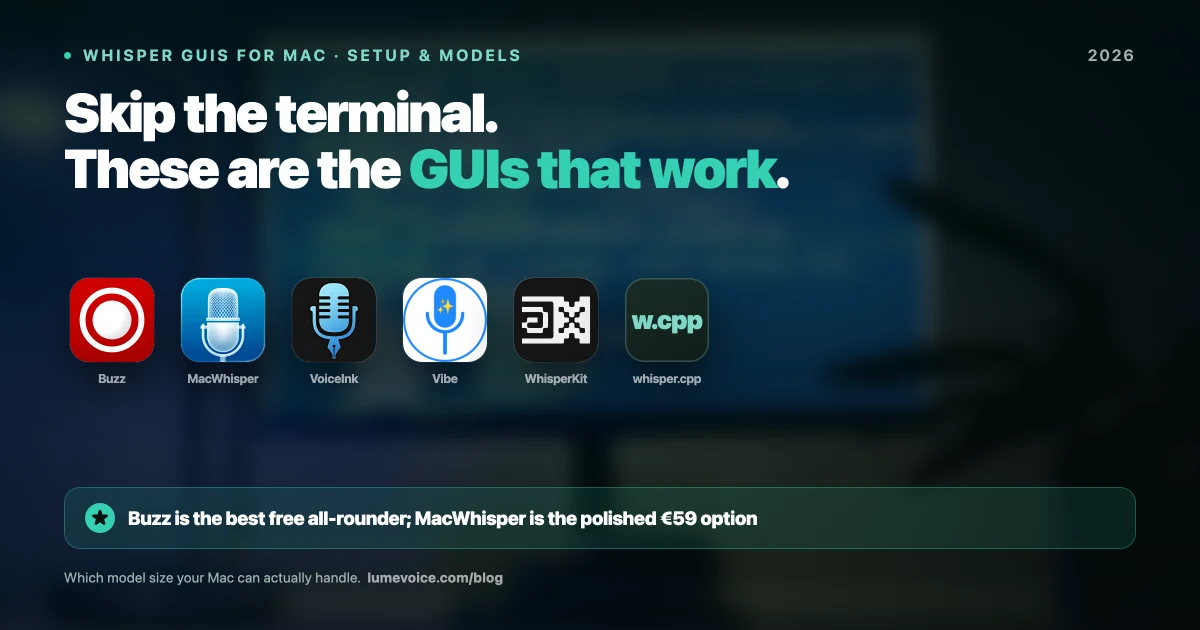
Buzz is the reference open-source Whisper GUI on Mac. It's free (MIT licence), works offline on Mac, Windows and Linux, and supports several engines (whisper.cpp, faster-whisper and others), so you can pick an optimised backend rather than a slow pure-Python one. It's the right start for podcasters, journalists and students — anyone with audio files and no budget.
What it does well:
- File transcription and live recording
- Model download and management inside the app
- Export to SRT, VTT, and plain text
- Genuinely free, no account
Where it falls short:
- The interface is functional, not attractive
- Long recordings take a while with large models — split multi-hour files or use a smaller model
- Raw transcript output with no cleanup layer
Setup: download the release from GitHub, open it, pick a model, and it downloads on first use. No Homebrew, no terminal. (A separate paid build is also sold on the Mac App Store; the GitHub release is free.)
For file transcription specifically, Buzz does most of what people pay for elsewhere.
2. MacWhisper — the most polished (not open source)#
Not open source, but it's the app many Mac users end up with, and the free version is genuinely usable.
What it does well:
- The most polished interface in this category
- A focused workflow for long files, plus batch transcription in Pro
- Fully offline processing
Where it falls short:
- The free version uses the Small and Base models, one file at a time
- Pro is €59 one-time on Gumroad — worth it for heavy file work, but it's not free. The Mac App Store edition is priced separately at $6.99/month, $29.99/year or $99.99 lifetime
- Built for files; live dictation is a secondary feature
Full cost breakdown in our MacWhisper pricing guide.
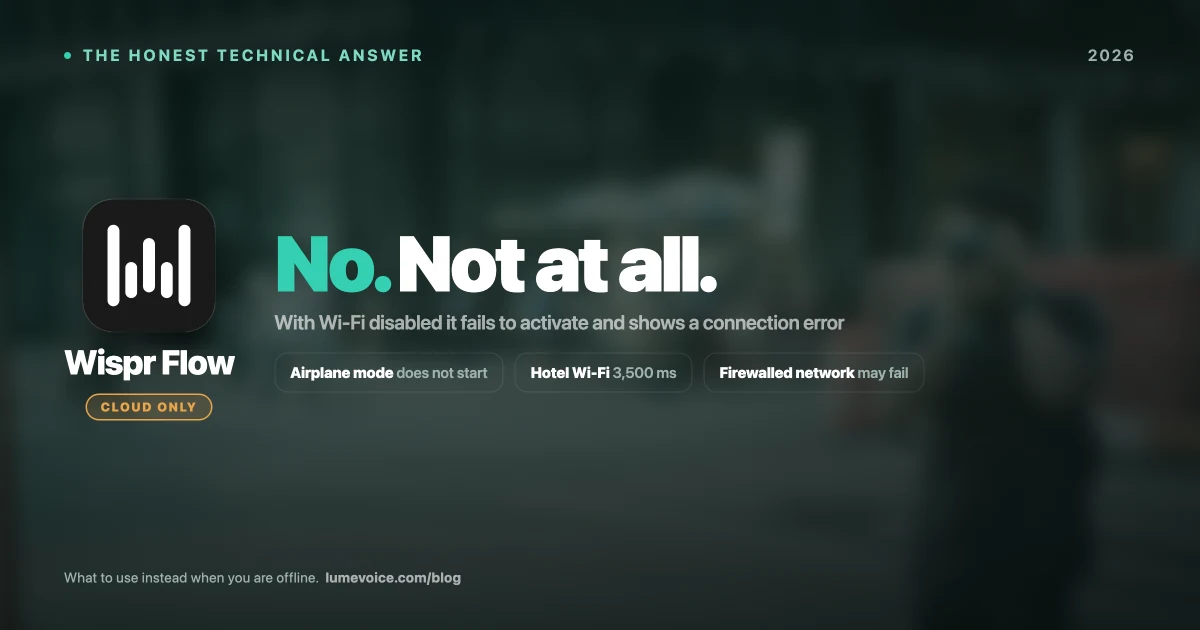
🎙️ Setting all this up to write faster? LumeVoice skips the model management entirely and types clean text into any app. It runs in the cloud, so it needs a connection. Try it free →
3. whisper.cpp — the engine underneath#
whisper.cpp is Georgi Gerganov's MIT-licensed C/C++ implementation of Whisper, with strong Apple Silicon support. It isn't a GUI, but many Mac Whisper apps build on it, and it's worth knowing directly if you script.
# install
brew install whisper-cpp

# grab a model, then transcribe
whisper-cli -m models/ggml-medium.bin -f audio.wav
Use it when you're batch-processing hundreds of files — say, 200 recordings overnight from a shell script — building a pipeline, or want maximum control. It's fast and lightweight, with no Python environment to manage. Skip it if you want an app.
4. VoiceInk — the GUI for live dictation#
The gap in this category: Buzz and MacWhisper transcribe files, but neither replaces your keyboard. VoiceInk is open source (GPLv3), runs Whisper locally, and types into whatever app you're in.
- Cost: free from source; one-time licences of $25 Solo (one Mac), $39 Personal (two) or $49 Extended (three) for the ready-made build
- Best for: local live dictation without a subscription
- Catch: Mac only — macOS 14 or later on Apple Silicon — and the free path means compiling it yourself
Paying $25–$49 for an open-source app feels odd until you realise you're buying the convenience of a ready-made build, not the code. Against Superwhisper's $249.99 lifetime licence, it's a strong deal if you're happy with a leaner feature set.
5. OpenSuperWhisper — the simple menu-bar option#
Open-source local dictation for people who want something like Superwhisper without the price. Fewer features than the commercial apps, and as a small community project it's worth checking its GitHub page for recent activity, but it's free and genuinely local. Two more free, offline options in the same spirit: Hex (Apple Silicon Macs) and Handy (MIT; Mac, Windows and Linux).
What about Ito? It was another open-source dictation app (GPL-3), but its repository was reported archived in January 2026, so it's no longer actively developed. Pick one of the apps above instead.
6. WhisperKit — for building your own app#
WhisperKit from Argmax is an open-source Swift framework for on-device Whisper transcription on Apple devices, built on Core ML so it can use the Neural Engine.
- Best for: Developers shipping a Mac or iOS app with transcription in it
- The catch: It's a framework, not an app — there's nothing to "use" unless you're writing Swift
7. OpenAI Whisper (Python) — the original#
The official Python library (MIT), released alongside the 2022 paper. It's still the reference implementation and the right choice for research or a custom pipeline.
- Best for: Data scientists and custom processing workflows
- The catch: Needs a Python environment and is far heavier than the C++ ports for everyday use
What Open Source Costs You (It Isn't Money)#
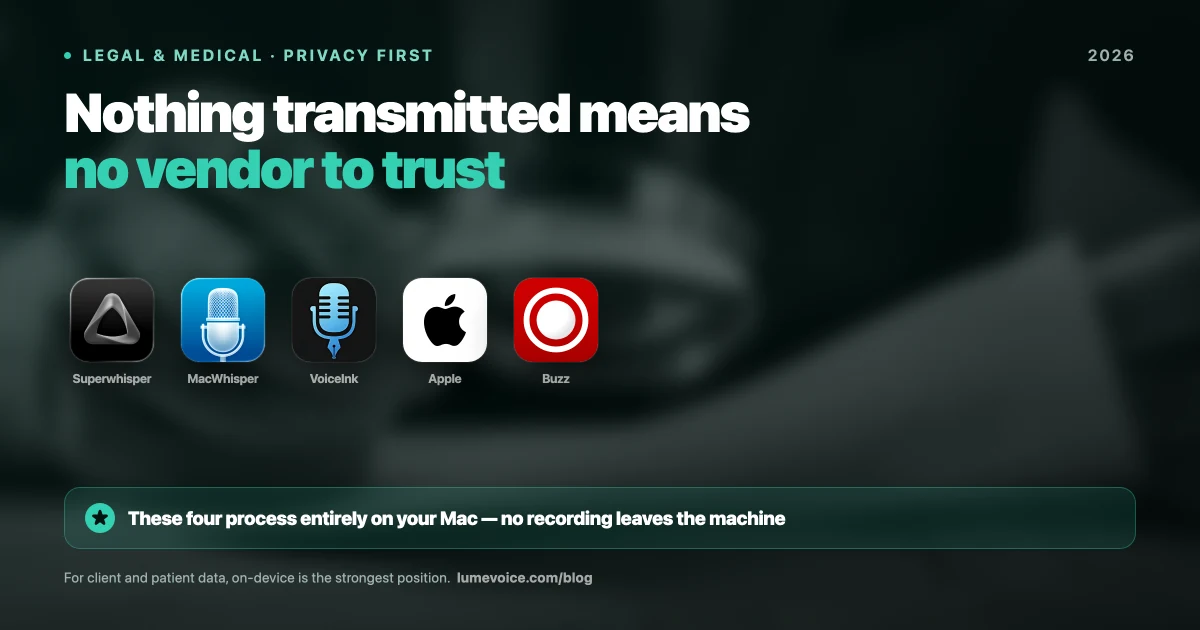
Run locally, Whisper works offline — models download to your Mac once and audio never leaves it. For confidential material that's the strongest privacy position available, which is why open-source Whisper appeals to anyone handling sensitive recordings.
The real costs are elsewhere:
Setup time. Model downloads run from tens of megabytes to several gigabytes. Some tools need Homebrew, Xcode command-line tools, or compiling from source.
Raw output. Open-source Whisper gives you a faithful transcript — false starts, restarted sentences and the sentence you abandoned halfway included. Most of these tools have no cleanup layer. For file transcription that's fine. For live writing, you edit every paragraph.
Limited custom vocabulary. Few of them make it easy to teach the model your product names, your colleagues' names, or your stack — and unusual names and jargon are exactly where speech recognition slips most.
Maintenance is yours. Model updates, macOS breakage, and dependency drift are your problem, and projects can stop, as Ito did.
None of that argues against open source. It argues for being honest about which job you're solving.
Which One for Which Job#
Transcribing recordings, free: Buzz.
Transcribing recordings, want polish and don't mind €59: MacWhisper.
Scripting or batch pipelines: whisper.cpp directly.
Building software: WhisperKit if you're in Swift, OpenAI's Python library otherwise.
Live dictation, staying local: VoiceInk if you want to own it outright; OpenSuperWhisper, Hex or Handy if you want it free.
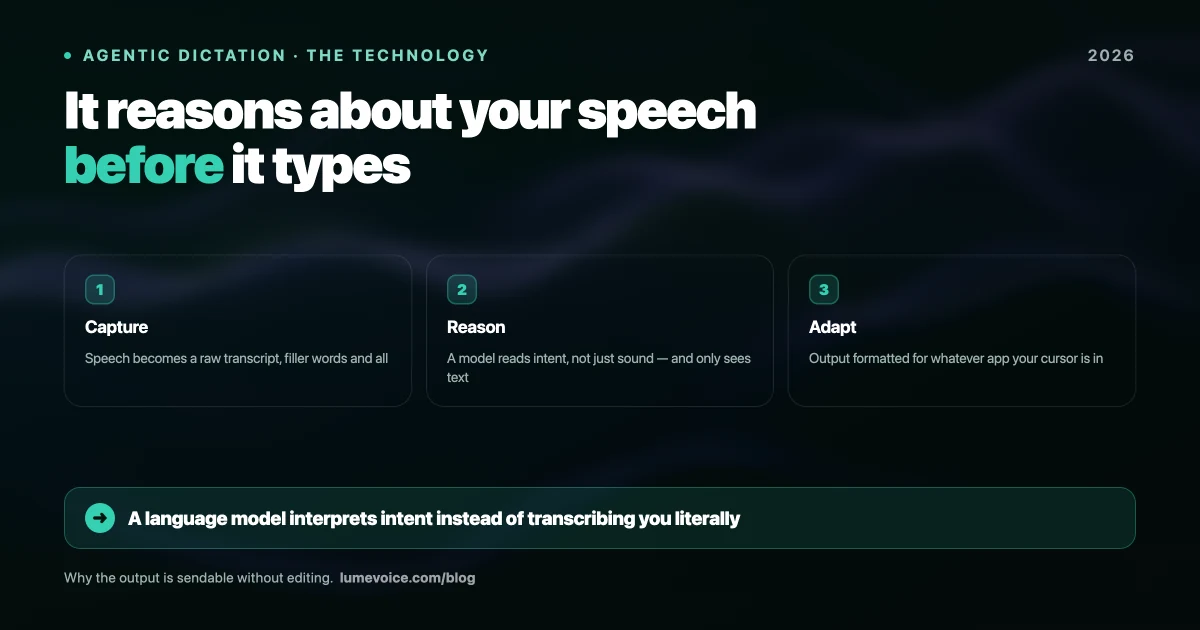
Writing all day and tired of editing transcripts: none of these, honestly. Local Whisper apps give you an accurate transcript — false starts and restarted sentences included — because that's what they're built to do. If your goal is finished text rather than a faithful record, you want a tool with a cleanup layer on top. That's the gap LumeVoice fills — but it runs in the cloud, so it gives up the offline privacy these tools have. It's a genuinely different job, with a genuinely different tradeoff.
Common Setup Problems#
"It's using all my RAM." Your model is too large. Drop from Large-v3 to Medium or a turbo variant.
"Accuracy is terrible on my technical terms." Expected — base Whisper has never heard your product names. Some tools let you add an initial prompt or a word list, but most local GUIs offer little custom vocabulary support, which is a real gap versus commercial dictation tools.
"It kept my filler words and false starts." Working as designed. Whisper transcribes what was said. Cleanup — dropping fillers, applying "no, I mean…" corrections — is a separate layer these tools don't include.
"It's slower than real time." Intel Mac, or a model too large for your hardware. Check both.
Conclusion#
The open-source Whisper ecosystem on Mac in 2026 is genuinely mature. Buzz covers free file transcription properly, MacWhisper is the most polished option for €59, whisper.cpp quietly powers much of the category, VoiceInk fills the live-dictation gap, and WhisperKit is there if you're building your own app.
Get the model choice right before you blame the app — most complaints about local Whisper being slow or heavy trace back to running Large-v3 on 8GB of RAM. And be clear about which job you're solving: if you're transcribing recordings, open source isn't a compromise, it's the sensible default. If you're replacing your keyboard, you're trading setup time and manual cleanup for the money you saved, and only you can judge whether that's a good trade.
Skip the Model Management#
If you spent an afternoon comparing model sizes and still end up editing false starts and filler words out of every paragraph, that's the actual problem.
LumeVoice turns your speech into clean text in any app on Mac, Windows, iPhone or Android — filler words removed, self-corrections applied, and a custom dictionary for your names and jargon. It runs in the cloud, so there's no model to manage, but also no offline mode; audio isn't stored after processing and is never used for training. Start with 3,000 free words, no card required.