If you searched for MacWhisper pricing in 2026, you've probably already hit the confusing part: there are two editions of this app, sold in two different places, at two different sets of prices.
This guide covers every option, what each one unlocks, what it costs over time, and the situations where MacWhisper Pro is the obvious buy, and where it isn't.
MacWhisper Pricing: Every Tier in 2026#
MacWhisper is sold through two channels, and they are not priced the same way:
| Where you buy | Price | Billing |
|---|---|---|
| Free version | $0 | Small and Base Whisper models, single files |
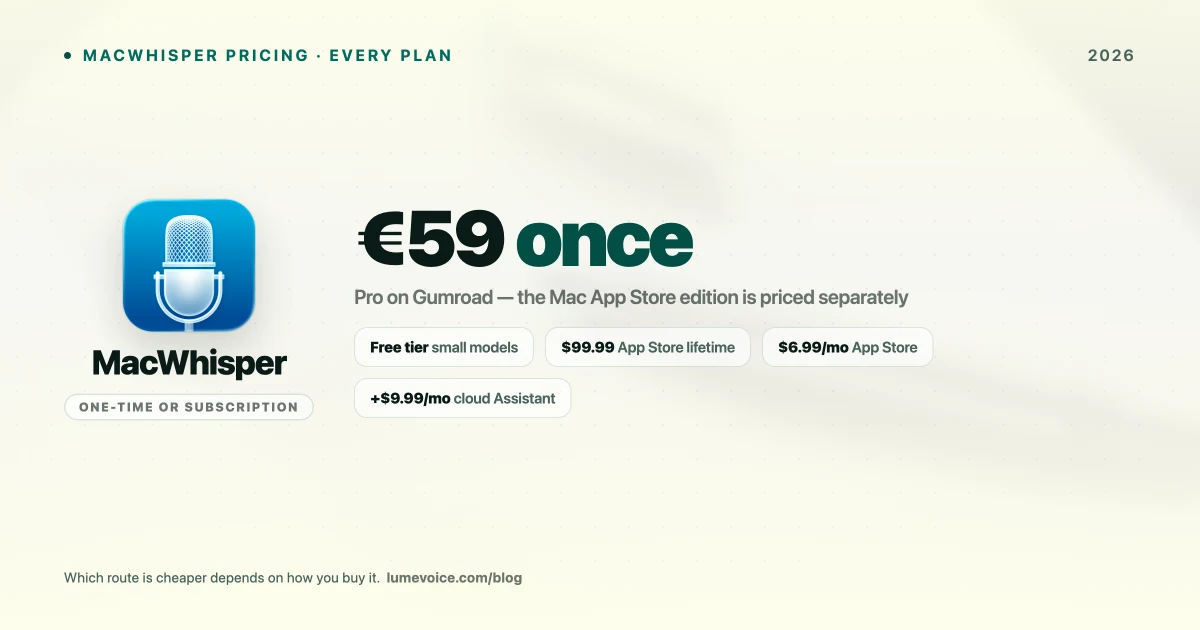
| Gumroad (Pro) | €59 | One-time |
| Mac App Store ("Whisper Transcription") | $6.99/mo, $29.99/yr or $99.99 lifetime | Subscription or one-time in-app purchase |
Swipe to see all columns
Prices as of October 2026; vendors change them, so check their sites.
This is the most important thing to know before buying. The Gumroad license is a one-time €59 payment. The App Store edition is a separate listing, sold as a subscription or as a $99.99 lifetime purchase, so check its listing for what it includes. Buy in the wrong place and you either overpay in the long run or pay up front for something you'd rather rent.
Rule of thumb: planning to use it for more than about two years? The €59 Gumroad license costs less over that time. Need it for one specific project? A month of the App Store edition at $6.99 is the cheapest way in, and you can cancel.
What it costs over time#
Assuming prices stay the same:
| How long you use it | Gumroad Pro | App Store monthly | App Store annual | App Store lifetime |
|---|---|---|---|---|
| 1 month | €59 | $6.99 | $29.99 | $99.99 |
| 1 year | €59 | $83.88 | $29.99 | $99.99 |
| 2 years | €59 | $167.76 | $59.98 | $99.99 |
| 3 years | €59 | $251.64 | $89.97 | $99.99 |
Swipe to see all columns
The App Store's monthly plan only makes sense for short projects. Over a few years the one-time options win, and the Gumroad license is the cheapest of them. Gumroad charges in euros, so what you pay in dollars depends on the exchange rate.
What the free tier actually gets you#
MacWhisper's free version is a real product, not a crippled trial:
- Whisper Small model: the more accurate of the two free models
- Whisper Base model: faster and lighter, fine for rough drafts
- Single-file transcription: drop in one audio file, get text out
Small and Base sit at the lighter end of OpenAI's Whisper family. They're quick and work well on clear recordings, but they make more mistakes than the larger models on background noise, strong accents and specialist vocabulary. OpenAI's Whisper paper shows accuracy improving steadily as the models get bigger.
For casual use, like the occasional voice memo or a clearly recorded lecture, free is genuinely enough. Plenty of people never need to upgrade.
What Pro unlocks#
The larger Whisper models. The main reason to pay. Bigger models are slower and need more memory, but they make fewer mistakes on difficult audio, which means less time correcting the transcript.
More than one file at a time. The free version works through single files. If you're a journalist or researcher with a backlog of interviews, being able to queue a batch and walk away is what saves you time.
The rest of the Pro list. MacWhisper adds features regularly, so check the Gumroad page for the current Pro list before you buy, especially if you need something specific, such as a particular subtitle format or speaker labels for interviews.
What it asks of your Mac. Larger models mean longer processing and more memory in use while they run. The more memory your Mac has and the newer its chip, the more comfortable the largest models will be; on an 8 GB MacBook Air, expect long files to take a while.
🎙️ MacWhisper is built for transcribing files. If what you actually want is to type with your voice in any app, LumeVoice is built for that, with filler words removed automatically, on Mac, Windows, iPhone and Android (cloud-based). Try it free →
How MacWhisper Pricing Compares#
| Tool | Free option | Paid | Best for |
|---|---|---|---|
| MacWhisper | Free version (Small and Base models, single files) | €59 one-time (Gumroad) | Transcribing audio files locally |
| Buzz | Free and open source | — | Offline file transcription on Mac, Windows and Linux |
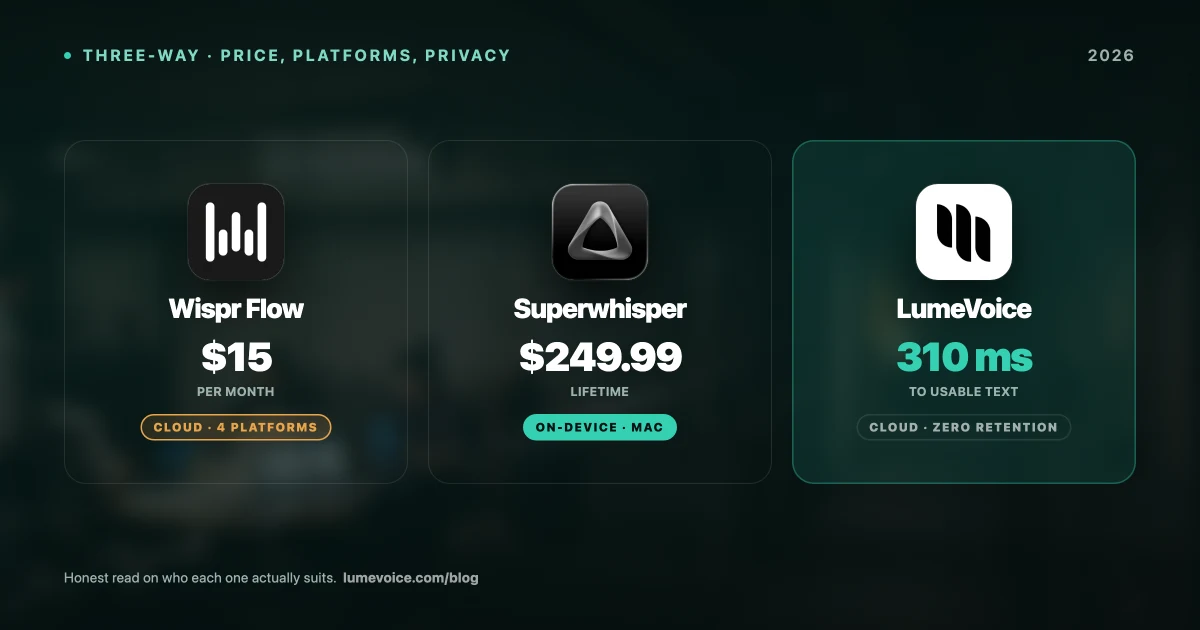
| Superwhisper | Free tier with limits | $8.49/mo, $84.99/yr or $249.99 lifetime | Live dictation, local or cloud |
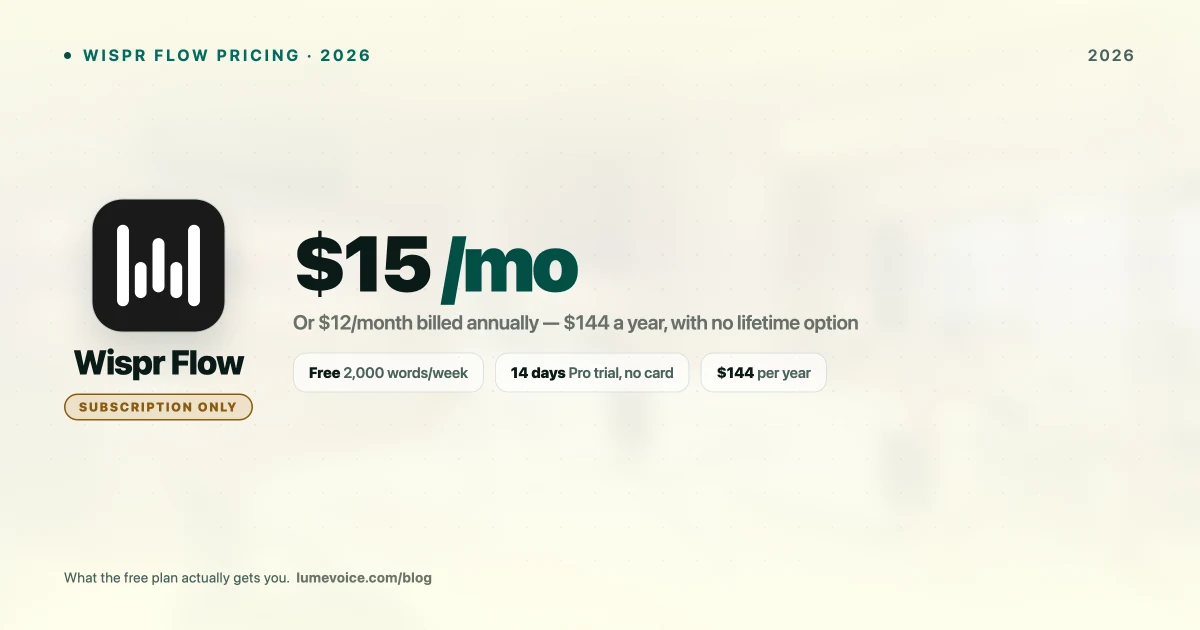
| Wispr Flow | Free plan (2,000 words a week on Mac and Windows) | $15/mo or $144/yr | Cloud live dictation |
| LumeVoice | 3,000 free words, no card required | $14.99/mo or $249 lifetime | Live dictation with automatic cleanup (cloud) |
| Rev | — | About $0.25/min (AI) or $1.99/min (human) | Transcribing recordings without using your own Mac |
| Apple Dictation | Free, built in | — | Short messages |
Swipe to see all columns
MacWhisper's one-time price is low next to the live-dictation apps, and that's not an accident. It's solving a narrower problem than they are.
The live-dictation tools are competing with your keyboard all day, every day. MacWhisper is competing with paying a service to transcribe your files, and on that comparison it's cheap. At Rev's AI rate of about $0.25 a minute, ten hours of audio comes to about $150, while MacWhisper Pro is €59 once. The difference is that your own Mac does the work, so speed depends on your hardware; a service just sends the transcript back, and Rev's human transcription, at about $1.99 a minute, is there when a person needs to check every word.
The Limitation the Pricing Page Doesn't Mention#
Here's what trips people up: MacWhisper is a file transcription tool first.
It does have a dictation feature, but that's secondary. The app is built around loading recordings and getting transcripts back, not around replacing your keyboard in whatever app you're already in. If you buy it mainly to talk into Slack and watch the text appear, you're buying it for its side feature.
Tools such as Superwhisper, Wispr Flow and LumeVoice are built the other way round: they sit in the background and type where your cursor is. LumeVoice's desktop apps also transcribe audio and video files, in the cloud rather than on your Mac, so one app can cover both jobs if offline processing isn't a requirement for you.
If live dictation is what you're after, our MacWhisper alternatives guide covers the tools built for it.
Who Should Buy MacWhisper Pro#
Buy it if most of these are true:
- You transcribe pre-recorded audio: podcasts, interviews, meetings, lectures
- Your workflow is macOS-only
- Your recordings are difficult (background noise, accents, jargon) and need the larger models
- You process multiple files and want to queue them
- Your recordings are confidential and should stay on your Mac
- You prefer a one-time purchase over a subscription
At €59 once, for that job, it's among the best-value tools on the Mac. There isn't a strong argument against it.
Who should skip it#
- You want to replace your keyboard. MacWhisper's dictation is secondary; a dedicated dictation app will suit you better.
- You need Windows or Android. MacWhisper is macOS only.
- You only transcribe occasionally. The free version likely covers you.
- You want dictated text cleaned up as you speak. That's what dictation apps with built-in cleanup, such as LumeVoice or Wispr Flow, are for.
How to Buy (and Which Version)#
The Pro license is sold through Gumroad. The App Store listing ("Whisper Transcription") is a separate product with separate pricing.
- Start with the free version and run a few of your own recordings through it
- Decide how long you'll use it (see the cost table above)
- For the one-time license, buy Pro on Gumroad and follow the activation instructions that come with your purchase
- For a subscription or Apple's billing, buy the App Store edition instead
- Before paying, check that the edition you choose includes the features you need
On currency: Gumroad prices the license in euros, so the dollar amount moves with the exchange rate and any fees your card charges.
Conclusion#
MacWhisper's pricing is fair and refreshingly simple once you know which edition you're buying. The free version is genuinely usable, and €59 one-time for the larger models and multi-file transcription is good value for anyone doing serious transcription work.
The mistake to avoid is buying it for the wrong job. If your goal is transcribing files privately on a Mac, buy it; there's little to argue about at that price. If your goal is dictating into apps all day, the money is better spent on a tool built for that, and you'll know within an hour of trying which kind you need.
Check the Gumroad price against the App Store listing before you pay. Depending on how long you plan to keep it, the gap between €59 once and $6.99 a month is worth two minutes of arithmetic.
Type With Your Voice, Not Just Transcribe#
If you came here looking for a way to write faster rather than transcribe recordings, that's a different tool.
LumeVoice turns your speech into clean, formatted text in any app on your Mac, Windows PC, iPhone or Android phone: filler words removed, self-corrections applied, no retyping. It runs in the cloud, so it needs a connection; audio isn't stored after processing, and nothing you say is used to train a model. Start with 3,000 free words, no card required, and you get a 7-day free trial when you first upgrade in the app (card required). Or pay once: $249.