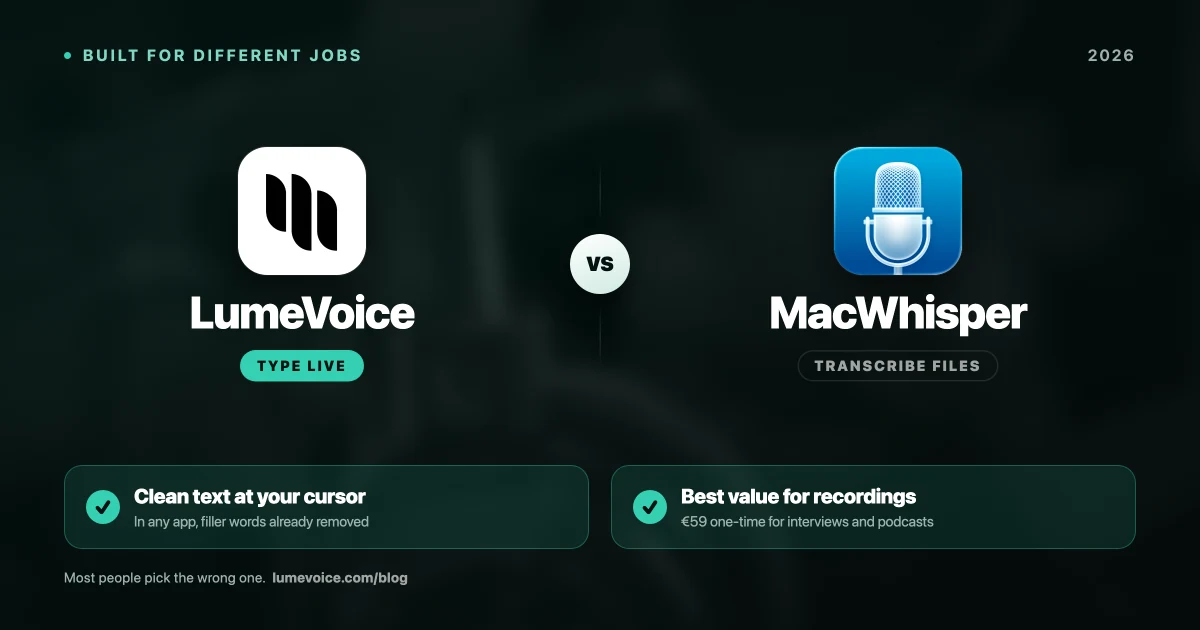
If you're hunting for AI dictation on a Mac, you will quickly hit two names: LumeVoice and MacWhisper.
Both are built on OpenAI's Whisper speech models, but they use them very differently. MacWhisper runs Whisper on your Mac. LumeVoice runs Whisper large-v3-turbo in the cloud, then passes the text through a language model that cleans it up. That one choice shapes everything else: they solve different problems for different users.
Here is the breakdown of which one you actually need.
The Core Difference#
Let's skip the fluff:
- MacWhisper is built for transcribing recorded audio files (like podcasts or interviews), offline, on your Mac.
- LumeVoice is built to replace your keyboard for live typing in any app, on Mac, Windows, iPhone and Android.
Head-to-Head Comparison#
| Feature | LumeVoice | MacWhisper |
|---|---|---|
| Primary workflow | Writing in real time | Transcribing files |
| Where it runs | Cloud (needs a connection) | On your Mac (works offline) |
| Output | Cleaned up: filler words removed, self-corrections applied, lists formatted | A faithful transcript |
| Typing into apps | Any app with a text cursor | Built around files; live dictation is secondary |
| File transcription | Yes, in the desktop apps (cloud) | Yes — its core job (local) |
| Platforms | Mac, Windows, iPhone, Android | Apple devices only (Mac, iPhone, iPad) |
| Price | 3,000 free words, no card required, then $14.99/mo, $79.99/yr, or $249 lifetime | Free version; Pro €65 one-time |
| Privacy | Audio not stored after processing; history stays on your device; never used for training | Audio never leaves your Mac |
Swipe to see all columns
Prices as of October 2026; vendors change them, so check their sites.
Why LumeVoice Fits Real-Time Work Better#
MacWhisper has a great engine, but it is fundamentally an audio transcriber. Its dictation mode exists, yet the app is designed around dropping in a file and getting a transcript back — and a transcript is what you said, restarts and "no, wait" included.
LumeVoice is designed for live input. Hold fn on a Mac (Ctrl + Win on Windows) and talk, or double-press the shortcut for hands-free mode; when you stop, the cleaned-up text is typed into whatever has the cursor — a Slack channel, an email, a doc or VS Code. The cleanup is the point: filler words removed, "seven, actually no, nine" turned into "nine", spoken lists turned into numbered lists, grammar and spelling fixed. A custom dictionary and snippets handle the names and phrases you use often.
The tradeoff is simple: LumeVoice needs an internet connection, and your audio is processed on a server. It isn't stored after processing and is never used to train a model, but if your rule is that audio must never leave the machine, LumeVoice isn't the tool.
Write With Your Voice in Any App
Stop letting your fingers bottleneck your output. Dictate into Slack, email, docs and your editor on Mac, Windows, iPhone or Android.
- Types into any app with a cursor
- Filler words and self-corrections cleaned up automatically
- Audio not stored after processing, never used for training
When to Buy MacWhisper#
MacWhisper is excellent at post-production work, and it does it without sending anything off your Mac. Buy it if you need to:
- Drop a 60-minute MP3 into an app and get a transcript.
- Turn podcast audio into blog posts.
- Process a large batch of voice memos (batch transcription is a Pro feature).
- Transcribe confidential recordings that must stay offline.
What it costs: the free version transcribes one file at a time, and some models are only fully available in Pro. Pro is €65 one-time on Gumroad. There's also an App Store edition, called "Whisper Transcription", with Pro subscriptions from $6.99 or Pro Lifetime from $89.99 (as of October 2026), so compare both before buying.
The Verdict#
If your goal is to transcribe an audio file, especially offline, get MacWhisper.
If your goal is to write code, docs, and emails faster with your voice, and cloud processing is acceptable, LumeVoice is the better fit. Try it on your own work with the free words first; the first time you upgrade in the app, Monthly and Annual come with a 7-day free trial (card required).