MacWhisper is genuinely excellent at one thing: you drag in an audio file and get an accurate transcript back, processed on your Mac with no internet connection needed. If that's your job, you probably don't need an alternative.
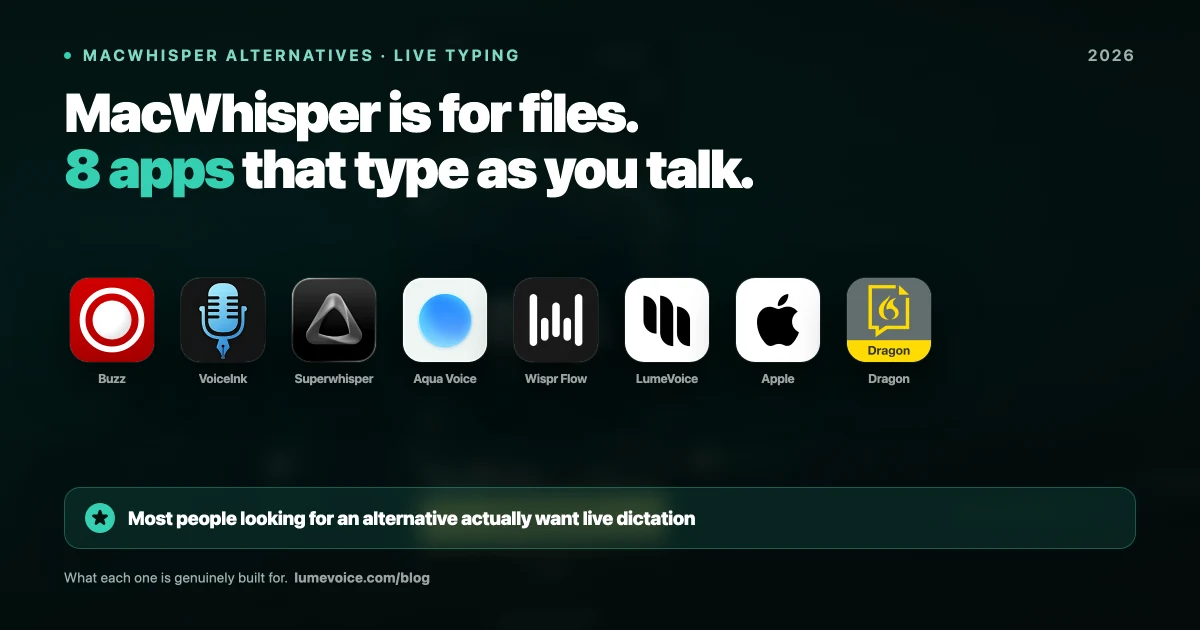
Most people searching for one want something different — dictating live into apps rather than processing recordings. That's a different product category, and MacWhisper's live dictation is a secondary feature. Here are the best MacWhisper alternatives in 2026, with current prices and an honest read on what each is for.
Quick Comparison#
| Tool | Price | Processing | Live dictation | Best for |
|---|---|---|---|---|
| MacWhisper | Free / €59 one-time (Gumroad) | Local | Secondary | Transcribing audio files |
| Buzz | Free | Local | No | Free file transcription |
| VoiceInk | Free from source / $25–$49 one-time | Local | Yes | Local dictation you own outright |
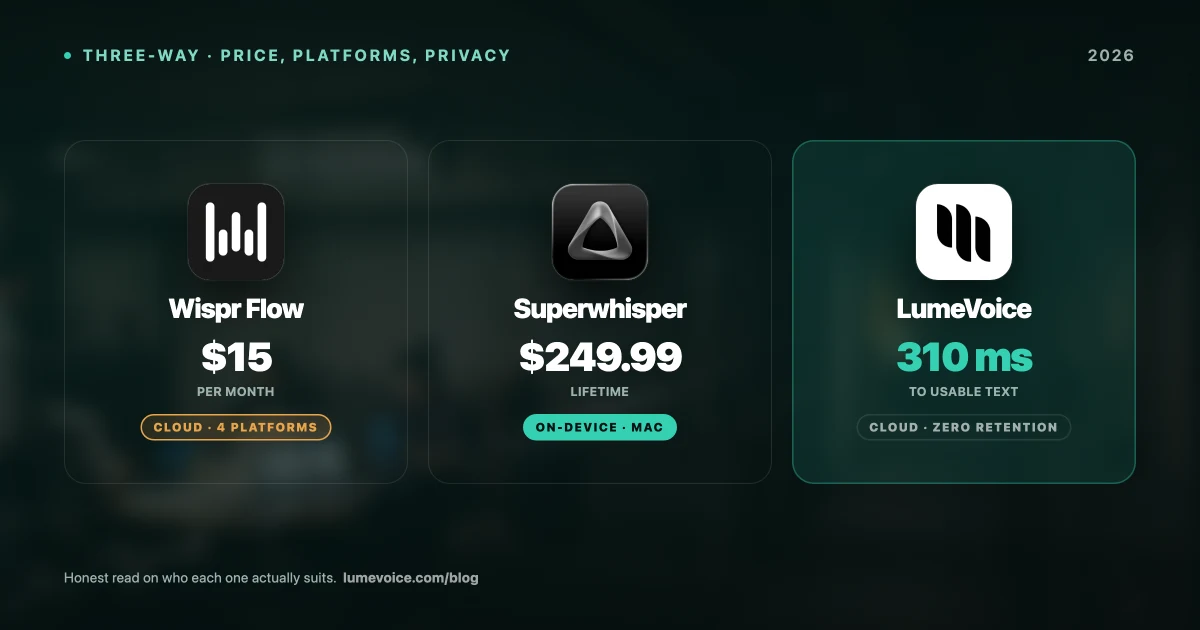
| Superwhisper | Free tier / $8.49/mo, $84.99/yr, $249.99 lifetime | Local or cloud | Yes | Local-first power users |
| Aqua Voice | 1,000 free words / $8/mo billed annually | Cloud | Yes | Budget cloud dictation |
| Wispr Flow | Free weekly words / $15/mo or $144/yr | Cloud | Yes | Polished cloud dictation |
| LumeVoice | 3,000 free words, then $14.99/mo or $249 lifetime | Cloud | Yes | Live dictation with automatic cleanup |
| Apple Dictation | Free | On-device on Apple Silicon | Yes | Short, casual messages |
Swipe to see all columns
Prices as of October 2026; vendors change them, so check their sites.
1. Buzz — the free MacWhisper replacement#
If you like what MacWhisper does but don't want to pay for Pro, Buzz is the honest answer. It's free and open source (MIT licence), runs Whisper offline on your own machine, transcribes files and microphone recordings, and exports TXT, SRT and VTT. It runs on Mac, Windows and Linux.
- Price: Free from GitHub. A separate paid build is sold on the Mac App Store.
- Pros: Genuinely free, no account, subtitle export, works on all three desktop systems
- Cons: Plainer interface, no live typing into other apps
For file transcription on a budget, this is the direct swap.
2. VoiceInk — local dictation you own#
Open source under GPLv3, runs Whisper locally, and unlike MacWhisper it's built to type into whatever app you're using.
- Price: Free if you build it from source. Ready-made licences are one-time: $25 Solo (one Mac), $39 Personal (two Macs), $49 Extended (three Macs)
- Pros: Local processing, no subscription, auditable source
- Cons: Needs macOS 14 or later on Apple Silicon, fewer conveniences than commercial tools, and the free route means compiling it yourself
The best pick if you want MacWhisper's privacy posture with live typing, without a recurring bill.
3. Superwhisper — the local-first power option#
The closest relative to MacWhisper in spirit: private when you want it, capable, and configurable. It can run fully offline with local models, also offers cloud models, and is available on macOS, Windows (10 and 11) and iOS.
- Price: A free tier with limits; Pro is $8.49/month, $84.99/year or $249.99 lifetime, and every paid plan has the same features (plans)
- Pros: Fully local option, granular model control, cross-platform
- Cons: Considerably pricier than MacWhisper, large local models need plenty of RAM, a real setup curve, and no Android app
More detail in our Superwhisper pricing breakdown.
🎙️ Want live dictation without the setup or the transcript cleanup? LumeVoice types clean text into any app and strips filler words automatically. It runs in the cloud, so it needs a connection. Try it free →
4. Aqua Voice — the budget cloud option#
Cloud-based dictation for Mac, Windows and iOS, with a small free allowance to try it.
- Price: A free Starter plan with 1,000 words (a one-time allowance); Pro is $8/month billed annually ($96/year). See Aqua's pricing page for monthly billing.
- Pros: One of the cheapest paid live-dictation plans, formats text as you dictate
- Cons: Cloud only — audio always leaves your device and it stops working without a connection. No Android app
5. Wispr Flow — the polished cloud option#
The most design-polished option in the category, and priced accordingly.
- Price: A free plan (Flow Basic) with 2,000 words a week on Mac and Windows and 1,000 a week on iPhone; Pro is $15/month, or $12/month billed annually ($144/year). There's a 14-day Pro trial, and students get 3 months free, then 50% off (pricing)
- Pros: Excellent interface, strong formatting, and it runs on Mac, Windows, iPhone and Android
- Cons: Cloud only with no offline mode, and no lifetime option. One year of Pro on annual billing costs more than MacWhisper Pro's €59 one-time licence
See the full Wispr Flow pricing breakdown.
6. LumeVoice — dictation with automatic cleanup#
Where most tools on this list hand you a faithful transcript, LumeVoice is built around what happens after transcription. You hold a key (fn on Mac, Right Ctrl on Windows) and talk; Lume transcribes in the cloud with Whisper large-v3-turbo, a language model cleans the text up, and the finished words are typed into whatever app has the cursor. Filler words go, self-corrections are applied ("seven, actually no, nine" becomes "nine"), and spoken lists become numbered lists. On the desktop it also transcribes audio and video files, which matters if you came from MacWhisper.
- Price: 3,000 free words, no card required, then $14.99/mo, $79.99/yr, or $249 lifetime. Monthly and Annual come with a 7-day free trial when you first upgrade in the app (card required).
- Pros: Automatic cleanup, custom dictionary and snippets, 100 languages, and it runs on Mac, Windows, iPhone and Android. Audio isn't stored after processing, your history stays on your device, and nothing you say is used to train a model.
- Cons: Cloud only, with no offline mode. If your requirement is that audio never leaves the machine, VoiceInk or Superwhisper's local models are the right call.
7. Apple Dictation — free and already installed#
Built into macOS and iOS, costs nothing, and on Apple Silicon Macs it runs on-device in many languages.
- Price: Free
- Pros: Zero setup, on-device on Apple Silicon, fine for short messages
- Cons: No custom vocabulary, so you can't teach it names or jargon, and no AI cleanup, so false starts and filler words stay in
8. Dragon Professional — the legacy specialist#
Dragon still comes up in every dictation conversation, so it's worth being clear: Nuance (now a Microsoft company) discontinued Dragon for Mac in 2018. Dragon Professional v16 runs on Windows only and costs about $699 one-time; Dragon Anywhere, the mobile app for iOS and Android, is $14.99/month or $149.99/year; and the cloud edition, Dragon Professional Anywhere, is sold by quote or through resellers. For a Mac user it isn't a practical MacWhisper alternative — it's only worth a look if you also work on Windows in a clinical or legal setting that already uses Dragon.
How to Choose#
Transcribing recordings, want free: Buzz.
Transcribing recordings, want polish: stay on MacWhisper — €59 one-time is hard to beat for that job.
Live dictation, must stay local: VoiceInk if you want to own it outright, Superwhisper if you want more features and Windows or iOS too.
Live dictation, cheapest: Spokenly (Mac and iPhone), whose local models are free and unlimited, or Aqua Voice at $8/month on annual billing.
Live dictation, want output you can send without editing: Wispr Flow or LumeVoice, as long as cloud processing is acceptable.
Just want something free right now: Apple Dictation, with realistic expectations.
The Honest Verdict#
Most "MacWhisper alternative" searches come from a mismatch rather than a defect. MacWhisper is very good at transcribing files, and people discover it's awkward as a keyboard replacement — because it isn't one.
If you need file transcription, MacWhisper at €59 one-time is still among the best value on the Mac, and Buzz does the same job free. If you need to write with your voice, pick from the dictation-first tools above based on one question: does your audio need to stay on the device, or do you mainly want clean output with minimal editing?
Write With Your Voice, Not Just Transcribe#
If you came looking for a MacWhisper alternative because you wanted to type with your voice all day, that's a different tool entirely.
LumeVoice turns your speech into clean text in any app on Mac, Windows, iPhone or Android — filler words removed, self-corrections applied, no retyping. It works in the cloud: audio isn't stored after processing and is never used for training. Start with 3,000 free words, no card required.
Further Reading#
- MacWhisper review (2026)
- Is MacWhisper worth it in 2026?
- MacWhisper pricing: free vs Pro and hidden costs
- Best Superwhisper alternatives for Mac
- 9 Best Wispr Flow Alternatives in 2026
- The most accurate dictation app for Mac
- LumeVoice vs Voibe vs Dictation Daddy
- Private dictation apps for legal and medical work