If you searched for MacWhisper pricing in 2026, you've probably already hit the confusing part: there are two different versions of this app, sold in two different places, at two completely different prices.
This guide covers every tier, what each one actually unlocks, the costs that aren't on the pricing page, and the one scenario where MacWhisper Pro is the obvious buy.
MacWhisper Pricing: Every Tier in 2026#
MacWhisper is sold through two channels, and they are not priced the same way:
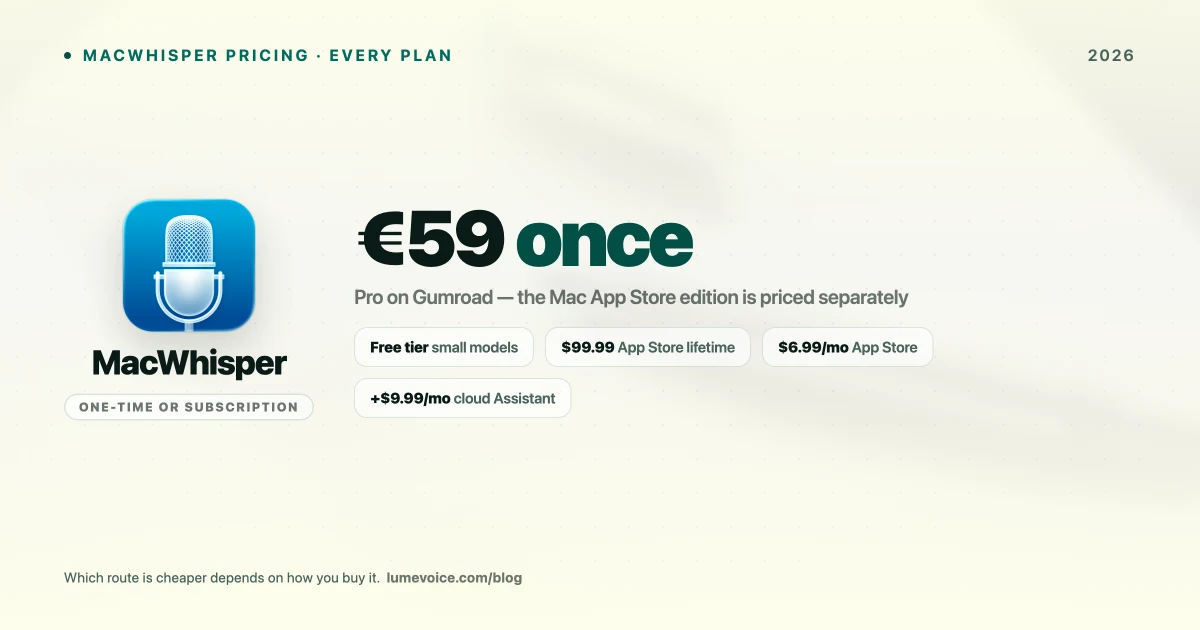
| Where you buy | Price | Billing |
|---|---|---|
| Free tier | $0 | Small & Base models, single-file transcription |
| Gumroad (Pro) | €59 (~$69) | One-time, permanent |
| Mac App Store | $6.99/mo, $29.99/yr, or $99.99 | Subscription or lifetime IAP |
| Assistant add-on | $9.99/mo | Separate subscription for cloud AI features |
Swipe to see all columns
This is the most important thing to know before buying. The Gumroad license is a one-time €59 payment. The App Store edition can be a subscription. Buy in the wrong place and you either overpay long-term or pay upfront for something you'd rather rent.
Rule of thumb: planning to use it beyond roughly two years? The €59 Gumroad license wins. Need it for one specific project? The $6.99 monthly App Store plan is cheaper and you can cancel.
What the free tier actually gets you#
MacWhisper's free version is a real product, not a crippled trial:
- Whisper Small model — solid for clear audio from a native speaker in a quiet room
- Whisper Base model — faster, less accurate, fine for rough drafts
- Single-file transcription — drag in one audio file, get text out
- Basic text export
The limits show up the moment conditions get harder. Background noise, a non-standard accent, or technical vocabulary and the small models degrade fast. Dictate PostgreSQL database migration and you'll routinely get post grey sequel database migration back.
For casual use — transcribing the occasional voice memo — free is genuinely enough. Plenty of people never need to upgrade.
What Pro unlocks#
Whisper Large-v3. The flagship OpenAI model, and the main reason to pay. Accuracy on difficult audio improves substantially over the free models — the difference between a transcript you edit lightly and one you rewrite.
Batch processing. Queue 10, 20, or 50 files and walk away. If you're a journalist or researcher with a backlog of interviews, this alone justifies the price.
System audio recording. Capture what's playing through your Mac's speakers — Zoom calls, YouTube, screen recordings — without a microphone.
SRT/VTT subtitle export. Timestamped subtitle files that drop straight into Final Cut, DaVinci Resolve, or YouTube. For video editors this is the killer feature.
Speaker diarization. Identifies who said what in multi-speaker recordings. Essential for interviews where attributing quotes matters.
🎙️ MacWhisper transcribes files brilliantly. If what you actually want is to type with your voice in any app, LumeVoice is built for that — filler words removed automatically. Try it free →
How MacWhisper Pricing Compares#
| Tool | Entry price | Full price | Best for |
|---|---|---|---|
| MacWhisper | Free | €59 one-time (Gumroad) | Transcribing audio files |
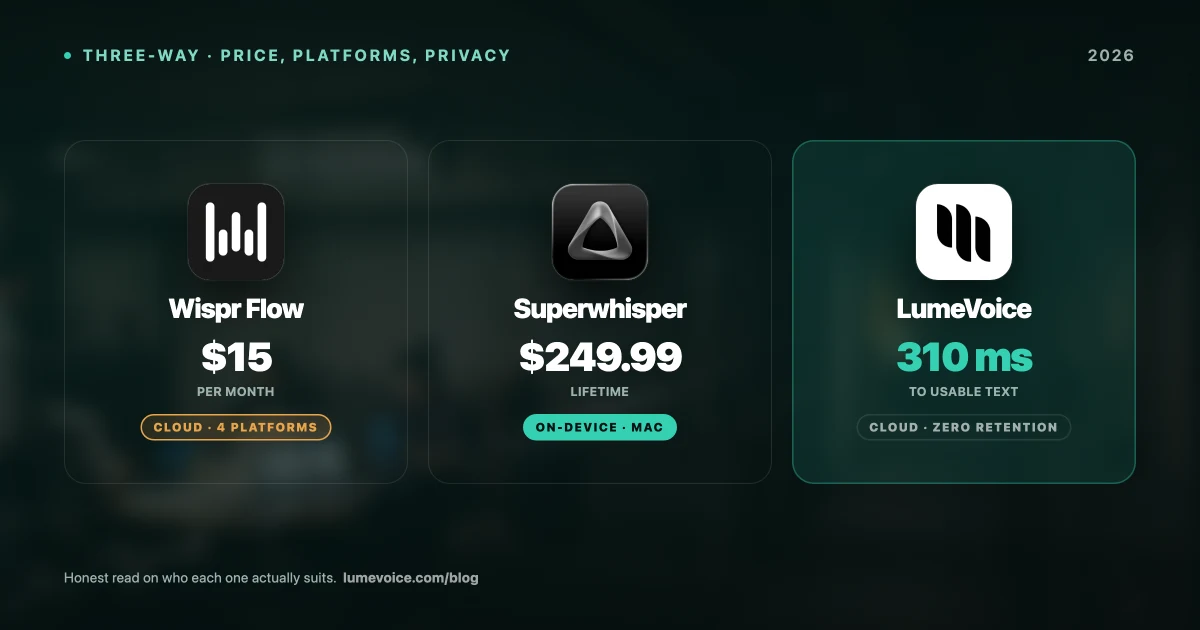
| Superwhisper | Free (15 min cap) | $8.49/mo or $249.99 lifetime | Local-first live dictation |
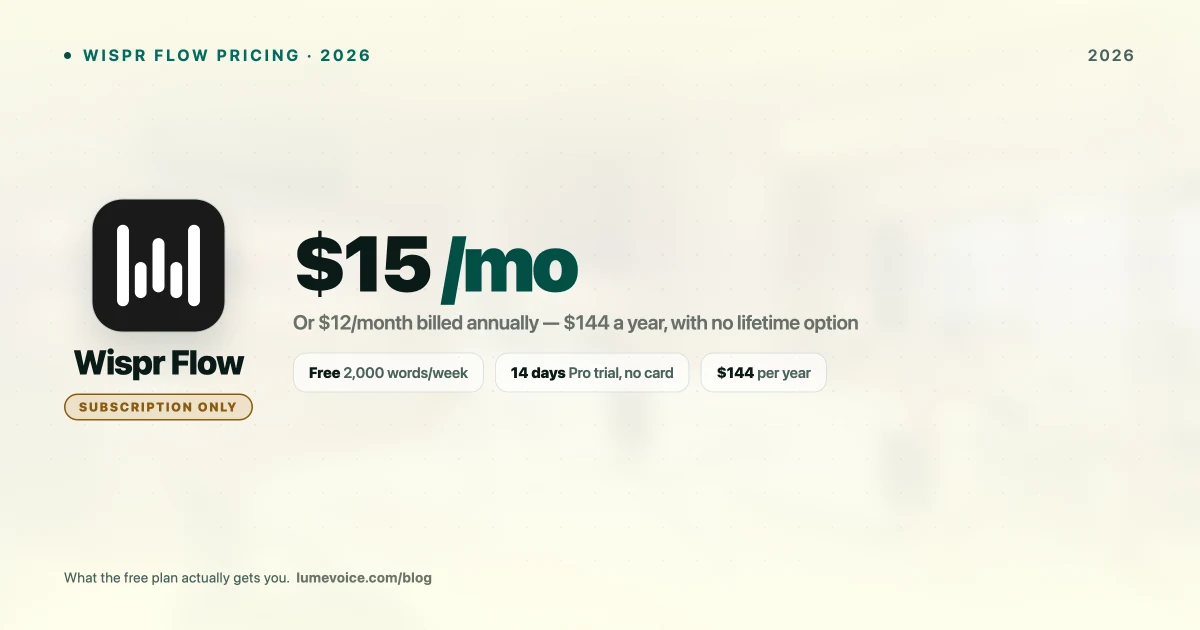
| Wispr Flow | Free (weekly cap) | ~$15/mo or ~$144/yr | Cloud live dictation |
| LumeVoice | Free trial | $14.99/mo or $249 lifetime | Live dictation with auto-cleanup |
| Apple Dictation | Free | Free | Casual short messages |
Swipe to see all columns
MacWhisper is comfortably the cheapest paid option here — and that's not an accident. It's solving a narrower problem than the others.
The live-dictation tools charge more because they're competing with your keyboard all day, every day. MacWhisper is competing with paying someone to transcribe a file. Different jobs, different pricing.
The Limitation the Pricing Page Doesn't Mention#
Here's what trips people up: MacWhisper is a file transcription tool, not a live typing tool.
If you buy it expecting to talk into Slack and watch text appear, you'll be disappointed. The workflow is built around loading audio and getting a transcript back — not replacing your keyboard in whatever app you're already in.
That's not a flaw, it's a different product category from tools like Superwhisper, Wispr Flow, or LumeVoice, which sit system-wide and type where your cursor is. Buying MacWhisper for live dictation is like buying a scanner because you wanted a printer.
If live dictation is what you're after, our MacWhisper alternatives guide covers the tools built for it.
Who Should Buy MacWhisper Pro#
Buy it if most of these are true:
- You transcribe pre-recorded audio — podcasts, interviews, meetings
- Your workflow is macOS-only
- You need SRT/VTT subtitle export for video work
- You process multiple files and want batch queuing
- You prefer a one-time purchase over a subscription
At €59 once, for that specific job, it's among the best-value tools on the Mac. There isn't a strong argument against it.
Who should skip it#
- You want to replace your keyboard. Wrong tool category entirely.
- You need Windows or Android. macOS only, no plans announced.
- You only transcribe occasionally. The free tier likely covers you.
- You want the transcript cleaned up automatically. MacWhisper gives a faithful transcript, filler words and all.
How to Buy (and Which Version)#
The Pro license is sold through Gumroad, not the App Store — the App Store listing is a separate product with separate pricing.
- Download the free app from macwhisper.app
- Open Settings → Upgrade
- You're redirected to Gumroad checkout
- Pay, and receive a license key immediately
- Enter the key in Settings
On currency: Gumroad prices in euros. €59 is roughly $69 USD depending on the exchange rate, so the dollar figure moves a little.
Conclusion#
MacWhisper's pricing is fair and refreshingly simple once you know which version you're buying. The free tier is genuinely usable, and €59 one-time for Large-v3, batch processing, and subtitle export is good value for anyone doing serious transcription work.
The mistake to avoid is buying it for the wrong job. If your goal is transcribing files, buy it — there's little to argue about at that price. If your goal is dictating into apps all day, the money is better spent on a tool built for that, and you'll know within an hour of trying whether you picked right.
Check the Gumroad price against the App Store listing before you pay. Depending on how long you plan to keep it, the gap between €59 once and $6.99 a month is worth two minutes of arithmetic.
Type With Your Voice, Not Just Transcribe#
If you came here looking for a way to write faster rather than transcribe recordings, that's a different tool.
LumeVoice turns your speech into clean, formatted text in any app on your Mac or Android phone — filler words removed, self-corrections resolved, no retyping. Zero cloud data retention, never used for training. $249 once, or start with a free trial.