When your hands shake, typing turns into a fight with the keyboard: doubled letters, the key next to the one you meant, a tap that lands as a long press. Voice typing for tremors sidesteps a lot of that, and a few accessibility settings fix much of the rest.
This guide covers the built-in settings on Mac, Windows, iPhone and Android that make typing steadier, how to set up voice typing, and what to know if a condition like Parkinson's has changed your voice. Everything here is current as of October 2026. We make LumeVoice, a dictation app, and say where it fits; most of the tools below are free.
This isn't medical advice. A tremor can have many causes, so if it's new or getting worse, talk to your doctor. Settings and apps can make typing easier; they don't treat a tremor.
Why tremors make typing hard#
The Parkinson's Foundation describes tremor as often the first movement symptom of Parkinson's, typically a resting tremor on one side of the body, most often in the hands, that can make tasks like writing difficult (Parkinson's Foundation). Essential tremor is a different condition: the National Institute of Neurological Disorders and Stroke describes it as a nervous system disorder that causes rhythmic shaking, most often in the hands, especially during movements like writing or holding a cup (NINDS).
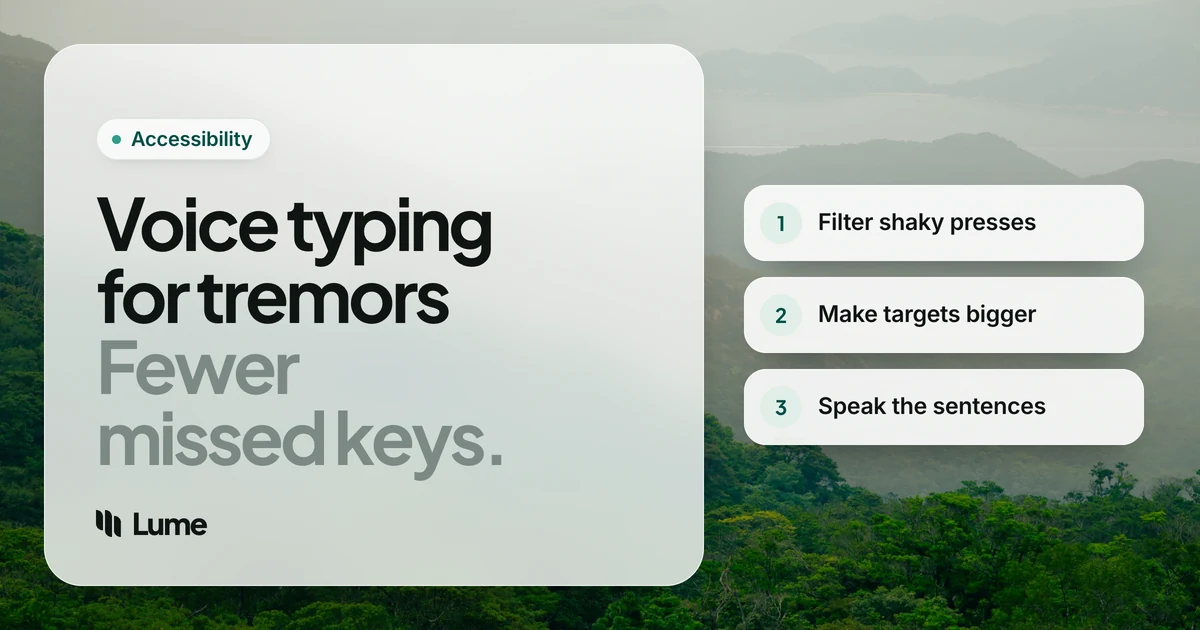
Either way, keyboards and touchscreens reward small, precise, steady movements, which is exactly what a tremor disrupts. The fixes fall into three groups: make the keyboard forgive mistakes, make targets bigger, and type less by talking more.
1. Make the keyboard ignore shaky presses#
Windows: Filter Keys. Microsoft describes Filter Keys as a way to set the keyboard's sensitivity so it ignores brief or repeated keystrokes (Microsoft). Turn it on in Settings > Accessibility > Keyboard. That stops a single shaky press from typing "ttt".
Mac: Slow Keys. In System Settings > Accessibility > Keyboard, Slow Keys sets how long a key must be held before it registers, so glancing touches don't count (Apple).
Both: Sticky Keys. Lets you press shortcut keys one after another instead of together, which is much easier than holding Ctrl and Shift while aiming for a third key (same pages as above).
iPhone: Touch Accommodations. In Settings > Accessibility > Touch, Touch Accommodations includes Hold Duration, which sets how long you must touch the screen before it responds, and Ignore Repeat, which treats several quick touches as one (Apple).
Expect to adjust the timing a few times. Too short and the tremor still gets through; too long and typing feels sluggish.
2. Make targets bigger#
Bigger targets are easier to hit:
- Zoom in. iPhone and Mac both have Zoom to magnify the screen (Apple, iPhone; Apple, Mac). Windows has Magnifier, turned on with the Windows logo key + Plus sign (Microsoft), and Android has magnification (Google).
- Use a larger keyboard. A full-size keyboard with bigger keys and more space between them is easier than a laptop keyboard. A tablet in landscape gives a bigger on-screen keyboard than a phone.
- Rest your wrist or forearm. Many people find their aim steadier with their forearm supported on the desk. An occupational therapist can suggest weighted or adaptive equipment if that would help.
3. Type less: let voice typing write the sentences#
Voice typing removes the need for precise key presses entirely. You talk, and the words appear. Every platform has a free version:
- iPhone and Mac: Apple Dictation (Apple, iPhone; Apple, Mac).
- Windows: Windows key + H; it needs an internet connection (Microsoft).
- Android: the microphone on Gboard (Google).
If you'd also like to click, scroll and open apps by voice, use Voice Control on Mac and iPhone, or Voice Access on Windows 11 and Android (Apple, Microsoft, Google).
When your voice changes too#
This part matters, and it's often left out. The Parkinson's Foundation notes that Parkinson's can cause speech and voice changes, including soft, slow, rapid or unclear speech (Parkinson's Foundation). Any speech recognition, built-in or paid, works from what the microphone hears, so a softer or less clear voice can mean more misheard words.
Things that tend to help:
- Get the microphone close. A headset microphone near your mouth picks up a soft voice far better than a laptop's built-in mic across the desk.
- Choose a quiet room and turn off the TV or radio.
- Speak in short bursts. A sentence at a time is easier to check and fix than a long paragraph.
- Read it back before sending, or have your device read it to you.
- Try before you pay. Free built-in voice typing will show you quickly how well recognition handles your voice.
A speech and language therapist can help with voice volume and clarity; ask your doctor about a referral. We can't promise any app will understand every voice, including ours.
Voice typing without the tidying up
LumeVoice types what you say into any app on Mac, Windows, iPhone and Android, removing "um"s and false starts and fixing punctuation, so there's less to correct with shaky hands. Double-press the shortcut on a computer for hands-free mode. Try it with 3,000 free words, no card required, and if a tremor makes typing hard, email hello@lumevoice.com for 50% off.
Where LumeVoice fits#
Built-in voice typing types your words as you say them. With a tremor, the trouble is what comes after: going back to fix a missed comma or a stray "um" means precise cursor placement, the very thing that's hard. LumeVoice aims to cut that editing down. It removes filler words and stutters, applies your self-corrections ("Monday, no, Tuesday" becomes "Tuesday"), adds punctuation and paragraphs, and fixes spelling and grammar.
How you start it matters with shaky hands:
- On a computer, you hold one shortcut while you talk: fn (Globe) on a Mac, Ctrl + Win on Windows. You don't need to aim for a small button.
- Hands-free mode: double-press the shortcut and talk without holding anything, then press it once to finish. If a tremor makes a clean double-press tricky, try it a few times; you can also pick a different shortcut in Settings, such as a single key like Right Ctrl or an F-key on Windows. On Windows, Esc cancels a dictation that started by accident.
- If Filter Keys or Slow Keys is on, test the shortcut once after turning them on, since they change how key presses register.
- On iPhone, switch to the Lume keyboard and tap Start Lume; on Android, tap the floating bubble over your keyboard. Touch Accommodations on iPhone apply here too.
- Custom dictionary (Mac and Windows) for names and words it keeps getting wrong.
Its limits: it needs an internet connection, it only writes (no clicking or opening apps), and like every speech tool it depends on hearing you clearly. Pair it with Voice Control or Voice Access if you need full control. Our guides on dictation for arthritis and dictation for seniors cover related setups, and the accessibility page explains the discount.
Tips for family and helpers#
If you're setting this up for someone else:
- Make the changes together. Let the person with the tremor try each setting while you're there, and adjust the timing until it feels right to them, not to you.
- Pick one way to start dictation and stick with it. Two or three different buttons and shortcuts is more to remember.
- Write down the steps in large print and leave the note by the computer.
- Check the microphone in the settings of whatever app is used for calls or dictation, so the right one is selected.
- Keep expectations realistic. Some days a tremor or voice is better than others. Short, frequent use often works better than a long session.
A setup to try this week#
- Turn on Filter Keys (Windows) or Slow Keys (Mac), and Touch Accommodations on iPhone.
- Increase text and pointer size, and turn on Zoom or Magnifier if helpful.
- Plug in a headset microphone.
- Use voice typing for every message longer than a few words, and read it back.
- Keep the keyboard for short fixes only.
- Review after a week. Note which settings helped and which got in the way, then adjust. A setting that's slightly too strict is easy to loosen once you know.