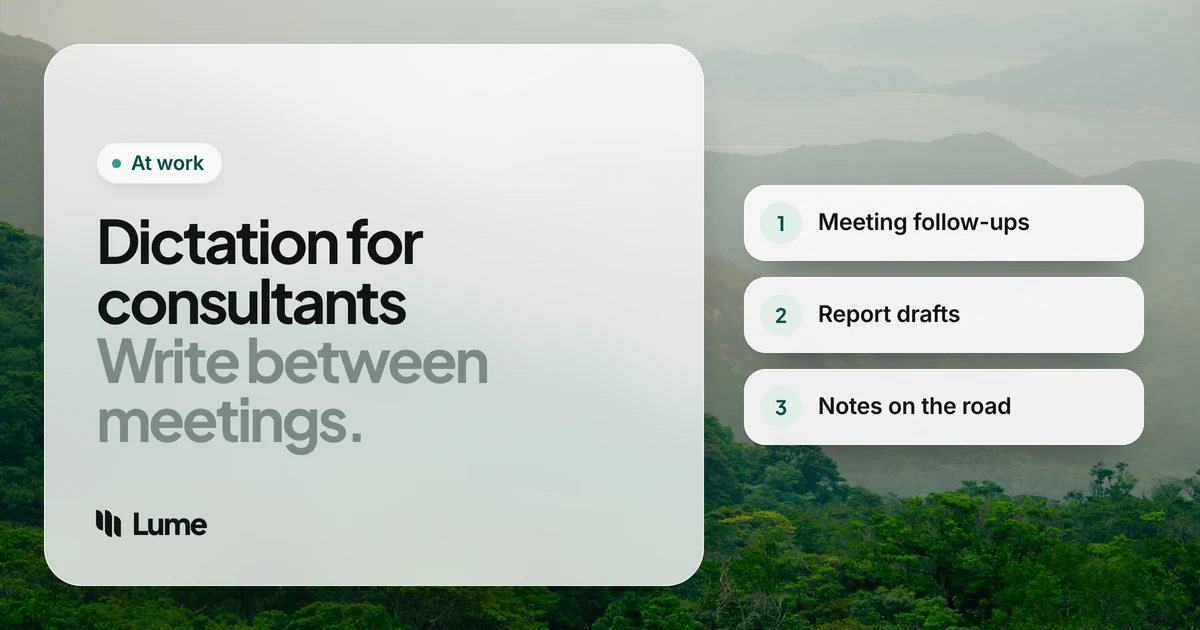
A consultant's real product is writing. The workshop, the interviews and the analysis matter, but what the client keeps is the follow-up email, the deck and the report. And most of that writing happens in the gaps: the taxi to the airport, the hour in the hotel before dinner, the forty minutes between the steering committee and the next interview.
Dictation software for consultants fits those gaps. Your best thinking often comes out loud, in the debrief walking out of the client's building. A good tool lets you capture it as text right there, instead of trying to reconstruct it at 11 p.m.
Speaking is also simply faster than typing for many people. A study by Stanford University, the University of Washington and Baidu found speech input was about three times faster than typing on a phone keyboard (Ruan et al., 2016). Your results will vary, but the idea holds up for anyone who writes a lot.
This guide covers what consultants write, what to look for, five tools, and workflows built around the consulting week. We make LumeVoice; the other tools are described from their own pages as of October 2026.
What consultants write#
- Meeting follow-ups. Decisions, owners, dates and open questions, sent the same day.
- Deck content. Action titles, the "so what" on each slide, and speaker notes for the partner presenting.
- Report sections. Findings, recommendations, methodology, executive summaries, in Word or Google Docs.
- Interview notes. What each stakeholder said, written up before the next interview blurs it.
- Internal updates. Team Slack or Teams threads, status notes to the engagement manager.
- Proposals. The next piece of work, often written while finishing the current one.
What to look for#
Works in every app on your laptop. Your day spans Outlook, Word, PowerPoint, Excel comments, Teams and a browser. A tool that only works in one of them leaves you typing elsewhere.
Turns talk into prose. Spoken thinking comes out messy: "the main issue is, well, it's really two issues". AI cleanup removes filler, applies your corrections and gives you sentences. Built-in transcription keeps all of it.
Client vocabulary. Each engagement brings new names, product lines, acronyms and systems. A custom dictionary you can update per client pays off quickly.
Travel. Bad hotel Wi-Fi and flights are part of the job. Know which of your tools need a connection.
Confidentiality. Your engagement letter and the client's IT rules may restrict where their information goes. This is often the deciding factor.
Five tools, honestly compared#
LumeVoice. AI dictation for Mac, Windows, iPhone and Android, with one plan for all four. Hold fn on a Mac or Ctrl + Win on Windows in any app, talk, let go: filler words are removed, self-corrections applied, punctuation and paragraphs added, and spoken lists become bullet or numbered lists. Double-press the shortcut for hands-free mode when you want to talk through a whole section. The custom dictionary passes client names and acronyms to speech recognition on desktop; snippets insert text you reuse, like your standard next-steps paragraph. Desktop apps also transcribe audio files. It's cloud-based, so it needs a connection, and it has no team plan.
Wispr Flow. A polished AI dictation app on the same four platforms, also cloud-only, with a dictionary and snippets. Pro is $15 a month or $144 a year; team plans add single sign-on and admin controls (pricing details). If your firm wants to roll out one dictation tool centrally, Wispr Flow has the business plans to do it. See LumeVoice vs Wispr Flow.
Superwhisper. Runs on Mac, Windows, iPhone and Android, and can run fully offline with local models. That's a genuine advantage for consultants: it works on a plane without Wi-Fi, and it can satisfy clients who won't allow audio to go to a cloud service. Pro is $8.49 a month, $84.99 a year or $249.99 lifetime (pricing). Expect more settings to configure.
Microsoft 365 Dictate. Built into Word, Outlook and PowerPoint for firms on Microsoft 365, so there's nothing new to approve. It only works inside Microsoft's apps and transcribes rather than cleans up. Good for a first draft in Word; less useful in Slack or a client's web portal.
Apple Dictation. Free on Mac and iPhone, system-wide, and on iPhone it works without a connection in many languages, which makes it a handy backup on travel days. No custom vocabulary and no cleanup, so client names and acronyms need fixing.
A note on meeting recorders: tools that join calls and transcribe everyone, such as Otter.ai, solve a different problem. They capture the meeting; dictation captures your synthesis of it. Many consultants want the second more than the first, and clients often have rules about the first. Our LumeVoice vs Otter.ai page explains the difference.
The consulting week, by voice#
These examples are illustrative: they show what the cleanup does, not a real engagement or a measured result.
Walking out of the workshop: the follow-up email#
The best time to write the follow-up is in the elevator, while you remember who agreed to what. Open Outlook or Gmail on your phone or laptop and talk.
You say (illustrative): "Thanks everyone for a productive session. Um, three decisions. One, we'll focus phase two on the, uh, northeast region. Two, Priya owns the data request, due Friday, actually, due next Tuesday. Three, the steering committee moves to the 28th. Open question, whether procurement joins the next workshop."
What lands: Thanks, everyone, for a productive session. Three decisions:
- We'll focus phase two on the northeast region.
- Priya owns the data request, due next Tuesday.
- The steering committee moves to the 28th.
Open question: whether procurement joins the next workshop.
In the taxi: interview notes#
Between stakeholder interviews, dictate the notes before the next conversation overwrites the last one. Keep each note to what was said, what it means, and what to check. On iPhone, switch to the Lume keyboard in your notes app; on Android, tap the Lume bubble over your keyboard (iPhone, Android).
In the hotel: deck drafting#
Open the deck and dictate one slide at a time: the action title first, then the three supporting points, then speaker notes. Talking through the storyline out loud is also a quick test of whether it holds together. If a slide is hard to say, it'll be hard to present.
You say (illustrative): "Cost to serve is highest in the smallest accounts, new line, small accounts raise, um, most of the service tickets but bring in a small share of revenue, new line, the, uh, fix is a self-serve tier, not more support staff."
What lands: Cost to serve is highest in the smallest accounts Small accounts raise most of the service tickets but bring in a small share of revenue. The fix is a self-serve tier, not more support staff.
The figures behind each claim come from your analysis, not from dictation; add them as you edit.
Report sections at the desk#
For long sections in Microsoft Word or Google Docs, use hands-free mode: double-press the shortcut, talk through the section as if explaining it to the client, then press once to finish. Edit for structure afterwards. Dictation produces the draft; you still own the argument.
Thinking it through with an AI assistant#
Many consultants now talk through a problem with an AI assistant before writing. Dictating a detailed prompt into ChatGPT gives it far more context than a typed one-liner. ChatGPT's desktop app also has its own Dictate button with cleanup, which is the simplest option if that's the only place you dictate. Keep client-confidential details out unless your firm has approved the tool.
Confidentiality first#
Consulting runs on trust. Before you dictate client information into any tool, check your engagement letter, your firm's acceptable-use policy and the client's rules, especially on a client-issued laptop where you may not be allowed to install anything at all.
Where your audio goes:
- Superwhisper can process fully offline on your device; Apple Dictation on iPhone can too, in many languages.
- LumeVoice, Wispr Flow and Microsoft 365 Dictate process in the cloud.
LumeVoice sends audio for processing and doesn't store it afterwards; nothing you say is used to train models; your dictation history stays on your device, not our servers. It holds no compliance certifications, so the client's and your firm's policies decide whether you can use it on an engagement.
Send the follow-up before you reach the lobby
LumeVoice turns your debrief into a clean email, slide or report section in any app on Mac and Windows, with iPhone and Android on the same plan. Every new account gets 3,000 free words, no card required.
The short version#
- Firm on Microsoft 365, writing mostly in Word and Outlook: start with Dictate.
- You fly a lot, or a client forbids cloud processing: Superwhisper's offline mode.
- Your firm wants one centrally managed tool: Wispr Flow's team plans.
- You want clean prose in every app, plus your phone, and your clients allow a cloud tool: LumeVoice.
- Just testing the habit: Apple Dictation or Windows voice typing (Win + H) cost nothing.
The habit is worth more than the tool: write the follow-up before you leave the building, and the rest of the week gets easier.