The Feynman technique is a simple idea with a famous name: if you want to know whether you understand something, try to explain it simply. Where the explanation breaks down, your understanding does too.
This guide explains where the technique comes from (with sources, because a lot of what's said about it online isn't), the steps, what research says about learning by explaining, and how to do it out loud with dictation so you can see your own gaps on the page.
I make LumeVoice, a dictation app. The technique works with a pen, a friend or any tool.
Where the name comes from#
Richard Feynman was a Nobel Prize–winning physicist at Caltech, famous for his teaching as much as his research. He didn't publish a four-step "Feynman technique"; the name and the steps were put together later by others, drawing on how he was described as working. Two well-documented stories show the spirit of it.
The freshman lecture. David Goodstein, a Caltech colleague, recalled asking Feynman to explain a deep result in quantum physics. Feynman said he'd prepare a freshman lecture on it. He came back days later and admitted he couldn't reduce it to the freshman level, which he took to mean that physicists didn't really understand it yet. Goodstein told the story in Physics Today ("Richard P. Feynman, Teacher", 1989; Caltech repository). The lesson: being able to explain something simply is a test of understanding.
The notebook. In his biography Genius: The Life and Science of Richard Feynman (1992), James Gleick describes Feynman, preparing for an important graduate exam, opening a fresh notebook headed with a title along the lines of "Notebook of things I don't know about", and working through each area of physics to find gaps and loose ends. The lesson: hunt for what you don't know, deliberately.
You'll see many punchy quotes attributed to Feynman online about explaining things to a child. Be careful: many can't be traced to anything he said or wrote. The ideas above are what the sources support.
The four steps#
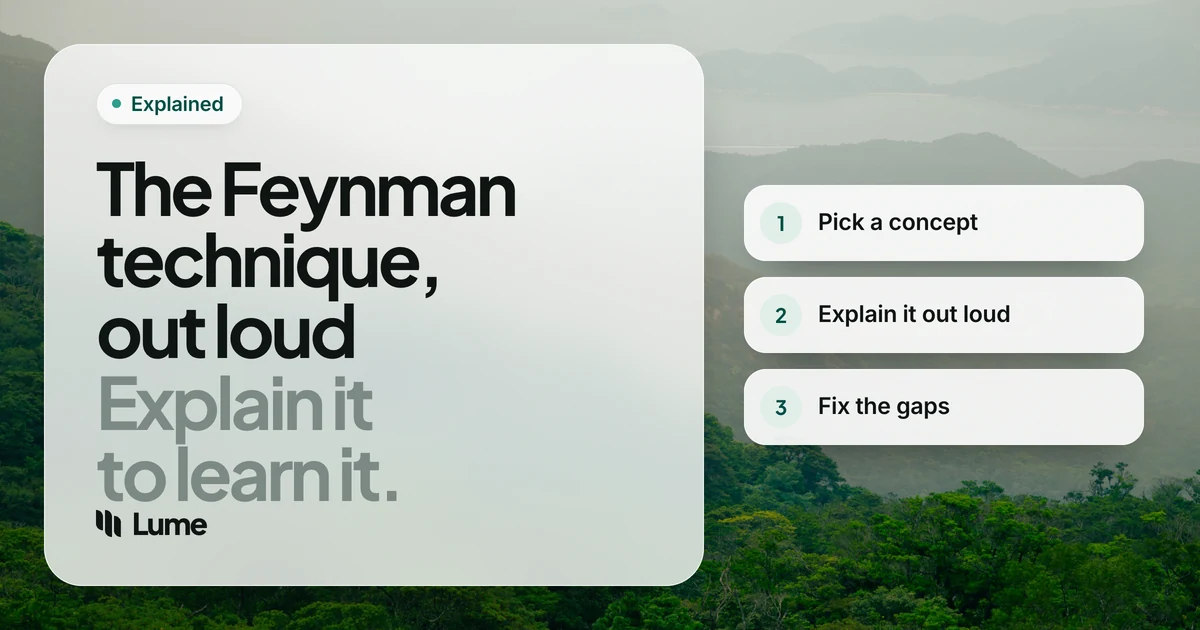
Most versions of the technique look like this:
- Choose a topic. One concept, not a whole subject. "How vaccines train the immune system", not "immunology".
- Explain it simply. Explain it as if to someone bright but new to the topic: a curious teenager, a friend from another field. Use plain words. No jargon unless you define it.
- Find the gaps. Notice where you got vague, skipped a step, reached for jargon, or simply stopped. Those are the parts you don't understand yet.
- Go back, then simplify. Return to your notes, textbook or source to fill each gap. Then explain the whole thing again, simpler, with an analogy or example if it helps.
Repeat until the explanation flows from start to finish without hand-waving.
What research says about learning by explaining#
The technique is a practical version of something learning scientists have studied for decades.
Self-explanation. In a well-known study, Michelene Chi and colleagues had eighth-graders study a text about the human circulatory system. Students prompted to explain each line to themselves improved their understanding more than students who read the text twice, and those who explained most were more likely to reach a correct mental model of how the system works (Chi, de Leeuw, Chiu and LaVancher, 1994, Cognitive Science).
Explaining aloud vs in writing. Vincent Hoogerheide and colleagues compared students who explained a text to imagined fellow students on video with students who wrote the same kind of explanation. In their direct comparison, explaining on video improved learning compared with restudying, while writing did not; the authors suggest the feeling of a real audience may play a part (Hoogerheide et al., 2016, Contemporary Educational Psychology).
That's a reason to do the explaining out loud. It's one study, though, and research on learning by explaining is mixed in its details: what helps depends on the material, the learner and how the explaining is set up. Treat the technique as a good habit, not a guaranteed shortcut.
Doing it out loud, with dictation#
Speaking an explanation is quick and feels like teaching. The problem is that spoken words disappear, so it's hard to look back and see exactly where you went vague. Dictation fixes that: you explain out loud, and the text is waiting for you when you finish.
A practical routine#
- Write the topic at the top of a blank document. One line.
- Picture your listener. A specific person helps, for the same reason the video study suggests: an audience changes how you explain.
- Explain it out loud while dictating. Two to five minutes. Don't stop to fix anything.
- Mark your stumbles. When you hesitate or realize you're unsure, say a marker like "not sure here" or "gap" and keep going. AI dictation tools remove "um" and "uh", so your hesitations won't show up on their own.
- Read the text and highlight the gaps. Look for:
- jargon you never explained;
- "basically", "sort of" and "it just works", which often hide a missing step;
- jumps where you went from A to C without B;
- your own "gap" markers.
- Go back to the source for each highlighted gap. Take short notes.
- Explain it again, out loud, into a fresh section of the document. Compare the two versions.
The second version is usually shorter and clearer. That difference is your learning, made visible.
An illustrative example#
This is an invented example, to show what gaps look like on the page.
First explanation (illustrative): "Inflation is when prices go up. Basically the central bank raises interest rates and that sort of cools things down, and then prices go back down, gap, not sure how rates actually reach prices."
The gaps are easy to spot: "basically", "sort of cools things down" and the marker. The next step is to look up how interest rates affect borrowing and spending, and explain it again.
Who it helps#
- Students preparing for exams: explain each topic on the syllabus and keep the transcripts as revision notes. See our guide for students.
- Professionals learning a new field, tool or codebase.
- Teachers and presenters checking that an explanation will land before they give it.
- Writers, who can use the transcript as the start of an article. Our voice writing guide covers turning spoken drafts into finished text.
You can also explain to an AI assistant and ask it to point out gaps; our guide to voice prompting covers that. Just don't let it do the explaining for you, since the explaining is the point.
Where LumeVoice fits#
LumeVoice turns what you say into clean text in any app on Mac, Windows, iPhone and Android. For a Feynman session, open your notes app, hold fn on a Mac or Ctrl + Win on Windows (or double-press for hands-free mode), and explain. The text arrives punctuated and in paragraphs, ready to read for gaps. Remember that it removes filler words, so say your gap markers out loud. It needs an internet connection.
There's a 50% off on Pro for students and teachers; see our students page.
Explain it out loud, read it back
Talk through a topic and get clean, readable text to check for gaps. LumeVoice works in any app on Mac and Windows, with iPhone and Android on the same plan. Start with 3,000 free words, no card required.
The short version#
- The Feynman technique: choose a topic, explain it simply, find the gaps, go back and simplify.
- The name is a later label; the spirit comes from how Feynman taught and learned.
- Research on self-explanation supports learning by explaining, and one study found explaining aloud beat writing.
- Explain out loud while dictating, mark your stumbles, then read the text to find what you don't know yet.