If you wanted professional-grade dictation a decade ago, you bought Dragon. It owned medical, legal, and heavy-duty dictation, and nothing else came close.
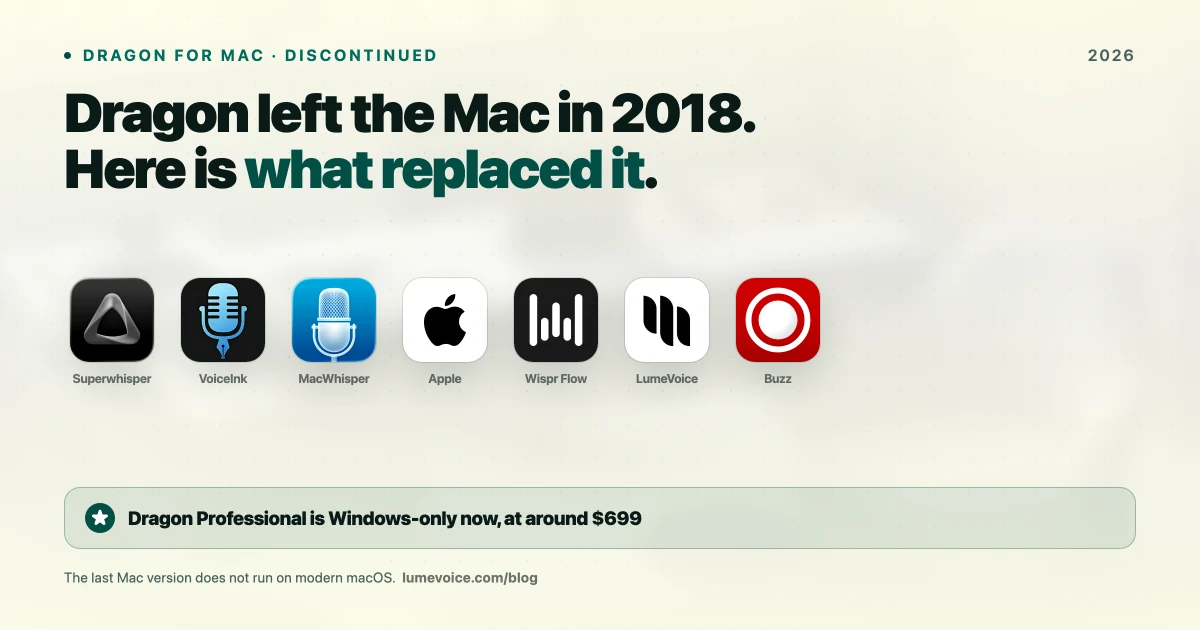
If you're searching for it on a Mac today, here's the answer nobody states plainly enough: Nuance discontinued Dragon for Mac on October 22, 2018, and it isn't supported on any modern version of macOS. There is no Mac version at any price.
This guide covers exactly what happened, and the Dragon for Mac alternatives worth using instead.
When and How Nuance Discontinued Dragon for Mac#
The timeline:
- August 2016 — Nuance announces Dragon Professional Individual for Mac, version 6. It turns out to be the final Mac release.
- October 22, 2018 — Nuance discontinues it. In its end-of-life notice to customers, the product "will no longer be available for purchase", and Nuance "will no longer provide updates" after that date.
- March 2022 — Microsoft completes its $19.7 billion acquisition of Nuance, announced in April 2021.
How it ended matters if you still own a copy. There was no Mac successor and no migration path. Existing customers kept a perpetual licence and could keep using version 6, with phone support for up to 90 days from activation in North America (180 days in Europe, the Middle East, Africa and Asia-Pacific). But the software was frozen: the last update was a 6.0.8 service pack, and at the time resellers warned that it hadn't been tested on macOS Mojave and advised Mac users not to upgrade. Every macOS release since has moved further away from it. (Nuance's notice, as published by a Dragon reseller.)
What remains is Dragon Professional v16 (Windows 10 and 11 only, about $699 at retailers) plus Dragon Medical and Dragon Legal, sold to healthcare and legal organisations. Dragon Home, the cheaper consumer edition, is no longer sold either. Microsoft has pointed the technology at enterprise healthcare rather than consumer dictation.
So if you're on a Mac, the question isn't whether Dragon is worth it. It's what replaces it.
What Dragon Was Actually Good At#
Worth being precise, because the replacement depends on which part you needed:
- Local processing — audio never left your machine, which is why it was trusted in clinical and legal settings
- Specialised vocabulary — medical and legal terminology out of the box
- Deep custom vocabulary — you could train it on your own terms
- Voice commands — controlling the machine, not just dictating text
Most modern tools cover 1–3 well. Full voice control is the genuine gap.
The Best Dragon for Mac Alternatives#
| Tool | Price | Processing | Closest to Dragon's… |
|---|---|---|---|
| Superwhisper | $8.49/mo, $249.99 lifetime | Local | Local architecture + custom terms |
| VoiceInk | From ~$25 one-time | Local | Local, own it outright |
| MacWhisper | Free / €65 one-time | Local | File transcription |
| LumeVoice | $14.99/mo, $249 lifetime | Cloud | Accuracy + cleanup |
| Wispr Flow | $15/mo, $144/yr | Cloud | Polish, cross-platform |
| Apple Dictation | Free | Some languages on the device (see Keyboard settings) | Free basic replacement |
Swipe to see all columns
Prices as of October 2026; vendors change them, so check their sites.
If you needed Dragon's local processing#
Superwhisper is the closest match. With its local Whisper models it runs entirely on your Mac, so audio is never transmitted — the same guarantee that made Dragon acceptable in regulated settings. It also supports custom vocabulary, and it now has apps for macOS, Windows, iOS and Android.
VoiceInk does the same job for far less: open source, local, and ~$25 one-time for a single Mac.
If you needed Dragon's medical or legal vocabulary#
No modern tool ships with clinical terminology built in the way Dragon did. What they offer instead is custom vocabulary you populate yourself — which, once configured, closes most of the gap.
The important compliance point: on-device processing removes the transmission problem entirely. Our legal and medical privacy guide covers what to verify before trusting any tool with protected information.
🎙️ Want Dragon-class accuracy without the setup? LumeVoice supports custom vocabulary and cleans up filler words automatically. Try it free →
If you just want something free that works#
Apple Dictation is built into macOS and costs nothing. It can process speech on your Mac: Keyboard settings show which languages it handles on the device.
Be realistic about it: it does well on everyday English, noticeably worse on technical vocabulary and accented speech, and has no custom vocabulary at all. Fine for short messages, frustrating for professional writing. Our guide to using dictation on a Mac covers setup and the commands worth learning.
If you want the least editing#
Dragon gave you a faithful transcript and left the cleanup to you. Wispr Flow and LumeVoice take a different approach — removing filler words, resolving mid-sentence corrections, and formatting output automatically. If your complaint about dictation was always the tidying-up afterwards, that's the category worth trying.
Apple Dictation vs Dragon: The Honest Comparison#
People still search this, so to answer it directly:
| Apple Dictation | Dragon Professional | |
|---|---|---|
| Runs on Mac | ✅ Built in | ❌ Discontinued October 2018 |
| Price | Free | About $699 (Windows only) |
| Processing | On the device for languages listed in Keyboard settings; otherwise Apple's servers | On-device |
| Custom vocabulary | ❌ None | ✅ Extensive |
| Specialised vocabulary | ❌ No | ✅ Medical/legal |
| Current version | ✅ Updated with macOS | ⚠️ v16, Windows only |
| Voice commands | Limited | ✅ Extensive |
Swipe to see all columns
On a Mac this isn't really a comparison — one of them doesn't run. If you're on Windows and need medical or legal vocabulary with full voice control, Dragon Professional still has a genuine case. For everything else, it's expensive and dated.
What About Dragon Anywhere?#
Dragon Anywhere, the mobile product, stopped selling on July 1, 2026: Nuance no longer sells new subscriptions or renews existing ones. It never replaced desktop dictation on a Mac anyway. If mobile dictation is what you need, Wispr Flow and LumeVoice both run on iPhone and Android and type into any app.
Recommendations#
You need audio to stay on the device: Superwhisper ($249.99 lifetime) or VoiceInk (~$25). This is the true Dragon replacement.
You want free: Apple Dictation, with realistic expectations, or VoiceInk built from source.
You transcribe recordings: MacWhisper at €65 one-time.
You want the least editing: LumeVoice or Wispr Flow.
You genuinely need Dragon's medical vocabulary and voice control: you need a Windows machine. That's the honest answer, and no Mac tool fully replaces it.
Conclusion#
Dragon's absence from the Mac isn't a temporary gap — it's been eight years since Nuance stopped selling it, the consumer edition is gone too, and the Mac version was never updated again. If you've been waiting for a Mac version, stop waiting.
The good news is that the category moved on. Local processing, once Dragon's exclusive advantage, is now available from Superwhisper, VoiceInk, and MacWhisper — most of them cheaper than Dragon ever was. What you give up is built-in clinical vocabulary and deep voice control. What you gain is software that's still being developed.
Dictation That Cleans Up After You#
If what you missed about Dragon was accuracy on your own terminology, custom vocabulary solves that — without a $699 licence.
LumeVoice turns your speech into clean, formatted text in any app on your Mac, Windows PC, iPhone or Android phone — filler words removed, self-corrections resolved, custom vocabulary for your field. Audio isn't stored after processing and is never used for training; it's cloud-based, so it needs a connection. Free to start, no card needed.
Related Guides#
- The most accurate dictation app for Mac
- 9 best AI dictation apps for Mac
- Private dictation apps for legal and medical work
- LumeVoice vs Apple Dictation
- Superwhisper pricing: is the lifetime licence worth it?
- LumeVoice vs Dragon
- Dragon pricing in 2026
- Best Dictation Software for Doctors: Clinical Notes vs Everything Else
- Best Dictation Software for Veterinarians: Records, Clients and Confidentiality
- Dictation Punctuation Commands: The Full Lists for Apple, Windows, Google and Word
- Best Windows Speech Recognition Alternatives in 2026