Mac dictation used to mean shouting at Siri and getting nonsense back. That's genuinely over — the models are good now.
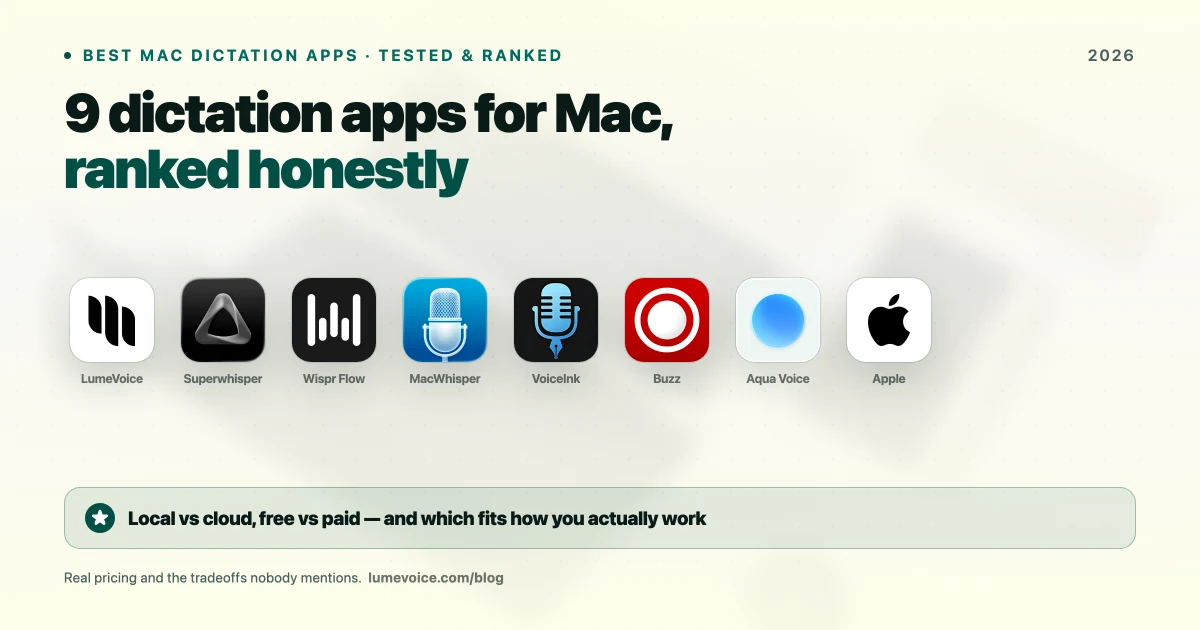
The hard part is choosing. There are dozens of options, many built on the same underlying Whisper models, and the differences that matter most are where your audio is processed, what happens to the text afterwards, and price. Here are the best AI dictation apps for Mac in 2026, and more importantly, how to work out which one is right for you.
This list is based on each app's documented features and published prices, checked in October 2026. We make LumeVoice, so weigh our first place accordingly; the tradeoffs below are written to help you choose even if another app suits you better.
Start With Two Questions#
Everything below follows from these:
1. Do you want to type with your voice, or transcribe recordings? Live dictation and file transcription are different products. MacWhisper is excellent at one and awkward at the other.
2. Must audio stay on your device? If yes, you need local processing and your list is short. If not, cloud tools can do heavier cleanup without using your Mac's memory.
Quick Comparison#
| App | Price | Processing | Best for |
|---|---|---|---|
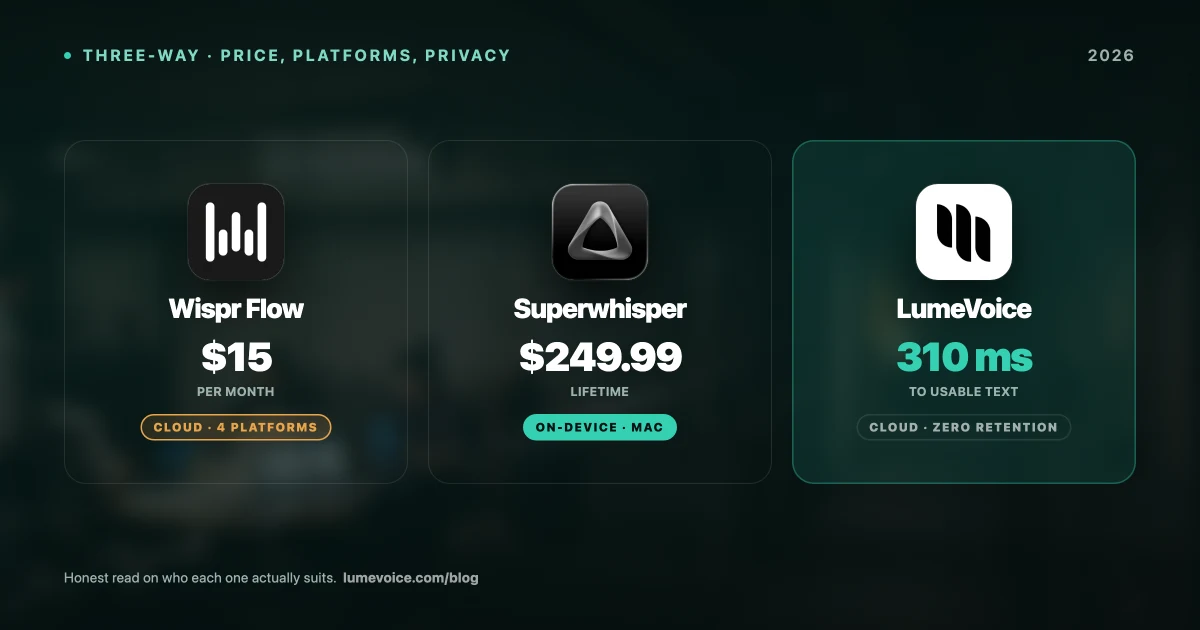
| LumeVoice | 3,000 free words, then $14.99/mo or $249 lifetime | Cloud (audio not stored) | Live dictation with automatic cleanup |
| Superwhisper | Free tier; $8.49/mo, $84.99/yr or $249.99 lifetime | Local, or cloud models | Offline and privacy-critical work |
| Wispr Flow | Free plan; $15/mo or $144/yr | Cloud | Polish on every platform |
| MacWhisper | Free / €59 one-time (Gumroad) | Local | Transcribing audio files |
| VoiceInk | Free from source / $25–$49 one-time | Local | Local dictation you own outright |
| Buzz | Free (open source) | Local | Free file transcription |
| Aqua Voice | Free Starter / $8/mo billed annually | Cloud | Low-cost cloud dictation |
| Apple Dictation | Free | On-device on Apple Silicon | Short messages |
| Handy / Hex | Free (open source) | Local | Free local dictation |
Swipe to see all columns
Prices as of October 2026; vendors change them, so check their sites.
1. LumeVoice — best for output you can send#
Built around what happens after transcription. Hold fn, talk, and Lume types finished text wherever your cursor is: filler words removed, self-corrections applied ("seven, actually no, nine" becomes "nine"), spoken lists turned into numbered lists, and grammar fixed. Double-press the key for hands-free mode when you're dictating something long.
- Price: 3,000 free words, no card required, then $14.99/mo, $79.99/yr, or $249 lifetime. Monthly and Annual start with a 7-day free trial when you first upgrade in the app (card required)
- Pros: Automatic cleanup, a custom dictionary, snippets and writing styles, 100 languages, and apps for Mac, Windows, iPhone and Android. Audio isn't stored after processing, and nothing you say is used to train a model
- Cons: Cloud only, with no offline mode, so it needs a connection. If audio must never leave your machine, choose Superwhisper or VoiceInk instead
2. Superwhisper — best for privacy and offline#
The strongest local option. Run it with local models and audio never leaves your Mac, so it works on a plane and there's no retention policy to trust. Cloud models are there too if you want them.
- Price: A free tier with limits; Pro is $8.49/mo, $84.99/yr or $249.99 lifetime, and every plan has the same features
- Pros: Fully local processing with local models, a choice of local and cloud models, and apps for macOS, Windows and iOS
- Cons: No Android app, large local models need plenty of memory, and there's more to set up than in simpler apps
See our Superwhisper pricing breakdown.
3. Wispr Flow — best polish and platform coverage#
One of the most polished products in the category, with apps for Mac, Windows, iPhone and Android.
- Price: Free plan, Flow Basic: 2,000 words a week on Mac and Windows and 1,000 on iPhone (Android is currently unlimited). Pro is $15/month, or $12/month billed annually ($144/year), with a 14-day Pro trial
- Pros: Automatic cleanup and formatting, all four major platforms, generous student terms (3 months free, then 50% off)
- Cons: Cloud only with no offline mode, and no lifetime option, so the cost keeps adding up
🎙️ Want cleanup without a subscription? LumeVoice Lifetime is $249 once, and it strips filler words automatically. Try it free →
4. MacWhisper — best for audio files#
If your job is turning recordings into transcripts, this is the tool. It's not a keyboard replacement: its live dictation is secondary to file work.
- Price: Free version (Small and Base Whisper models, single files); Pro is €59 one-time on Gumroad. The Mac App Store edition, Whisper Transcription, is sold separately at $6.99/month, $29.99/year or $99.99 lifetime
- Pros: Built for transcribing interviews, lectures and podcasts; local, offline processing
- Cons: macOS only, built around files rather than live typing
Full detail in our MacWhisper pricing guide.
5. VoiceInk — best local dictation you own#
Open source and local, and it types into any app: the same idea as Superwhisper, for a one-time price.
- Price: Free if you build it from source (GPLv3); licences are $25 for one Mac, $39 for two and $49 for three, one-time
- Pros: Local, one-time cost, auditable source
- Cons: Mac only (macOS 14 or later on Apple Silicon), fewer conveniences, and the free route means compiling it yourself
6. Buzz — best free file transcription#
Free and open source under the MIT licence. Buzz runs Whisper offline on Mac, Windows and Linux and transcribes files and recordings. A separate paid build is sold on the Mac App Store.
- Pros: Genuinely free, offline and cross-platform
- Cons: Plain interface, no live typing into apps
7. Aqua Voice — low-cost cloud dictation#
- Price: Free Starter plan with 1,000 words (one-time); Pro is $8/month billed annually ($96/year). See Aqua Voice's pricing page for other billing options
- Pros: Low annual price, apps for Mac, Windows and iOS
- Cons: Cloud only, subscription only (no lifetime), no Android app
8. Handy and Hex — free and local#
Both are free, open source and work offline. Handy (MIT licence) runs on Mac, Windows and Linux; Hex is Mac-only and needs Apple Silicon. Less polished than commercial tools, but free with no vendor relationship.
9. Apple Dictation — free and already installed#
- Pros: Zero setup, works in any app, and on Apple Silicon Macs it runs on-device in many languages. Fine for short messages
- Cons: No custom vocabulary and no AI cleanup, so names, jargon and verbal clutter are left for you to fix
What About Dragon?#
Nuance, now a Microsoft company, discontinued Dragon for Mac in 2018. Dragon Professional v16 runs only on Windows (about $699 one-time), and Dragon Anywhere is a mobile app for iPhone and Android ($14.99/month or $149.99/year). There's no Mac desktop version at any price, so on a Mac you're choosing among the apps above — see Dragon alternatives for Mac.
How to Choose#
Audio must stay on the device: Superwhisper (with local models), VoiceInk, MacWhisper, Buzz, Handy or Hex — or Apple Dictation, which runs on-device on Apple Silicon Macs in many languages. A cloud app can't meet this requirement, however good its privacy policy.
You want text you can send with little editing: LumeVoice, Wispr Flow or Aqua Voice.
You transcribe recordings: MacWhisper if you'll pay €59, Buzz if you won't. LumeVoice's desktop app also transcribes audio and video files.
You want free: Handy or Hex for dictation, Buzz for files, Apple Dictation for short messages.
You're on Windows or Android too: LumeVoice or Wispr Flow, which both cover Mac, Windows, iPhone and Android. Superwhisper has no Android app.
You're a student: Wispr Flow (3 months free, then 50% off) or LumeVoice (50% off, so $39.99 a year).
Conclusion#
There's no single best dictation app for Mac, because the tools split cleanly along two lines: local versus cloud, and transcription versus finished text.
Answer those two questions honestly and your shortlist drops to two or three. Then test on your vocabulary, in your accent, in the room you actually work in. Every option here has a free version or a free way to start, and an hour of real use tells you more than any ranking.
Dictation That Cleans Up After You#
Accurate transcription still leaves you deleting "um" and rewriting half-finished sentences.
LumeVoice turns your speech into clean, formatted text in any app on Mac, Windows, iPhone and Android — filler words removed, self-corrections applied, custom vocabulary for your terminology. Audio isn't stored after processing, and nothing you say trains a model. Free to start, no card needed.