Writers have dictated books for as long as there have been people willing to take dictation. Some did it because their eyes or hands failed them, others because they thought better out loud. Today the secretary is software, and the question is no longer whether you can draft a novel by voice, but whether it suits the way you write.
Dictation software for writers is a different problem from dictation for email. You're producing tens of thousands of words in one manuscript, in a long-form tool like Scrivener or Word, with invented names, dialogue and a voice you've spent years developing. This guide is for novelists, memoirists and nonfiction authors working on book-length projects. If you write blog posts, scripts or social content, our content creator dictation guide fits better.
We make LumeVoice. The other tools here are described from their own pages and our existing comparisons, as of October 2026.
Why writers dictate#
- Drafting without the inner editor. At the keyboard, it's easy to rewrite the same sentence five times. Speaking keeps you moving forward, and the draft gets finished.
- Hearing the prose. Dialogue you've said out loud tends to sound like speech.
- Getting away from the desk. Pacing the room, walking, lying on the sofa with the outline.
- Giving your hands a rest. Long books mean long hours at the keyboard. If typing hurts, see our accessibility pages.
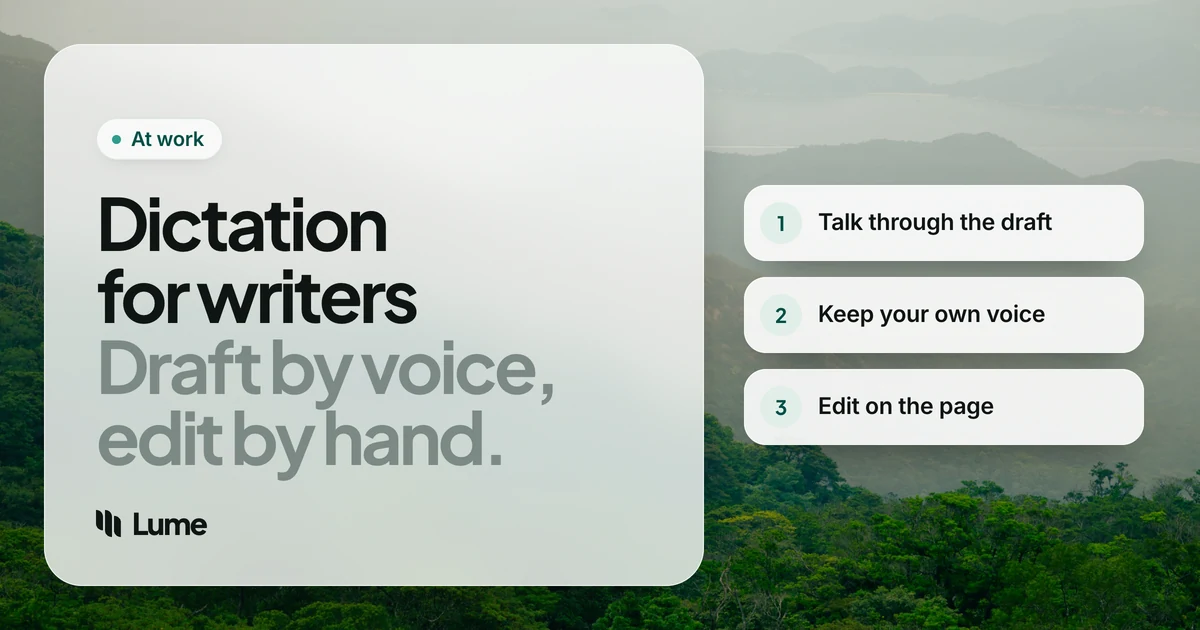
It doesn't suit everyone, and it doesn't suit every stage. Most writers who dictate use it for the first draft and type the revision.
What to look for#
Types into your manuscript. You want words landing in Scrivener, Word or Docs, not in a separate app you have to copy from.
Learns your world. Fantasy names, place names, an invented vocabulary. Without a custom dictionary, you'll correct the same name hundreds of times.
Hands-free for long passages. Holding a key for a whole scene is tiring. Look for a mode that keeps listening.
Cleanup you can live with. AI cleanup is great for email. In fiction, it can occasionally tidy away something you meant. More on that below.
Works where you write. Café Wi-Fi, a cabin with none, a train. Know which tools need a connection.
The options#
Dragon Professional. The long-standing choice for authors on Windows. Custom words and shareable word lists, voice commands for selecting and correcting text, and macros. Windows only: Nuance discontinued Dragon for Mac in 2018, and the Dragon Anywhere phone app stopped selling in July 2026. About $699 once at US retailers, as of October 2026 (Dragon pricing). If you write on Windows and want to edit by voice as well as draft, it's still the most complete tool.
LumeVoice. AI dictation for Mac, Windows, iPhone and Android on one plan. Hold fn on a Mac or Ctrl + Win on Windows, or double-press for hands-free mode and talk through a whole scene. Filler words and stutters go, self-corrections are applied, and punctuation and paragraphs are added. Add character and place names to the custom dictionary on desktop. Writing styles change how the text is presented. The desktop apps also transcribe audio files, so a walk-and-talk voice memo can become a draft. It needs a connection, and it has no voice commands for editing: you dictate, then edit with the keyboard.
Wispr Flow. Similar AI dictation on the same four platforms, cloud-based. Pro is $15 a month or $144 a year, as of October 2026 (pricing).
Superwhisper. Can run fully on your Mac with local models and no internet connection, which is a real advantage for writers who work in places without Wi-Fi. It also runs on Windows, iPhone and Android, and sells a lifetime license (pricing).
Built-in tools. Apple Dictation (free on Mac and iPhone), Windows voice typing (Windows key + H), Google Docs voice typing and Word's Dictate. None removes filler words or learns your character names, but they cost nothing and will tell you whether drafting out loud works for you. Word's Dictate has formatting commands, and Docs voice typing has editing commands in English.
The drafting loop#
Dictation works best as a loop with clear stages. Mixing them, dictating a sentence and then fixing it, then dictating the next, is the slowest way to use it.
1. Outline before you speak#
You can't type your way out of a muddle when you're talking. Before a session, write a few lines on what happens in the scene: who's there, what they want, how it ends. Keep it in view.
2. Draft the scene in one pass#
Open the scene in Scrivener, Word or Google Docs, double-press the shortcut and tell the scene. Don't stop to fix things. If a sentence comes out wrong, say it again; LumeVoice applies spoken self-corrections, so "she walked, no, she ran to the gate" lands as the corrected sentence.
You say (illustrative): "The rain had stopped by the time Aelwyn reached the harbor. Um, the boats were still tied up, rocking, and the, uh, fish market was closing. New paragraph. She looked for the ferryman, then remembered, actually, she didn't remember, she realized he'd never said which pier."
What lands: The rain had stopped by the time Aelwyn reached the harbor. The boats were still tied up, rocking, and the fish market was closing.
She looked for the ferryman, then realized he'd never said which pier.
This example is illustrative, to show what the cleanup does; "Aelwyn" is a dictionary entry here.
3. Mark, don't fix#
When you hit something you'd normally stop to research, a date, a street name, the right word, say a marker like "check this" and carry on. Search for the marker when you revise.
4. Revise at the keyboard#
Revision is where voice drafts become prose. Read the scene back, cut, restructure, sharpen. Reading the draft aloud during revision is a good way to hear where it drags.
Where cleanup and fiction disagree#
AI cleanup is built for everyday writing, and a few of its habits need watching in fiction. This is the part most dictation guides skip.
- Filler in dialogue. If a nervous character says "um, I, I didn't see anything", the cleanup will probably remove the "um" and the stutter. Add those touches in revision, or type that line.
- Self-corrections in dialogue. "Meet me at five, actually six" spoken by a character may come out as "Meet me at six." If the correction is the point of the line, type it.
- Deliberate fragments. Grammar fixes can smooth a fragment you wrote for rhythm. Read closely.
- Dialogue punctuation. Quotation marks and dialogue tags are fiddly in any dictation tool. Fix them during revision.
None of this is a reason not to dictate fiction. It's a reason to revise dictated pages with care, which you were going to do anyway.
Long-form setup tips#
Build a world dictionary. Before a project, add your character names, places and invented terms to the custom dictionary on Mac or Windows. Update it when a new character arrives.
Dictate into a scratch file for messy sessions. If a session is exploratory, dictate into a separate document and move the good parts into the manuscript. Your Scrivener binder stays clean.
Use a decent microphone. A headset or desk mic usually picks up your voice more clearly than a laptop's built-in mic, especially in a room with echo.
Walk and talk. Record a voice memo on a walk, then transcribe it in LumeVoice's desktop app from the menu bar or tray, Finder or File Explorer. Treat the transcript as raw material, not a draft. Or dictate straight into a notes app with the Lume keyboard on iPhone or the floating bubble on Android.
Your manuscript and your privacy#
Unpublished work is valuable, and some writers are wary of where it goes. Fair question.
LumeVoice processes audio in the cloud. Your audio isn't stored after processing, what you say is never used to train models, and your dictation history stays on your device, not our servers. It needs an internet connection and holds no compliance certifications. If you'd rather nothing leave your computer, Superwhisper's local models or Apple Dictation in the languages your Mac processes on the device are the tools to look at. Dragon Professional on Windows is installed software too.
Tell the scene, then revise it
LumeVoice types your spoken draft straight into Scrivener, Word or Google Docs on Mac and Windows, with character names from your dictionary and your phone on the same plan. Start with 3,000 free words, no card required.
Picking one#
- Windows writer who wants to edit by voice too: Dragon Professional.
- You write where there's no Wi-Fi, or want nothing sent to a server: Superwhisper's local models.
- Testing whether you can draft out loud: Apple Dictation, Windows voice typing or Docs voice typing.
- Clean drafts in any app on Mac, Windows and your phone, with your names spelled right: LumeVoice.