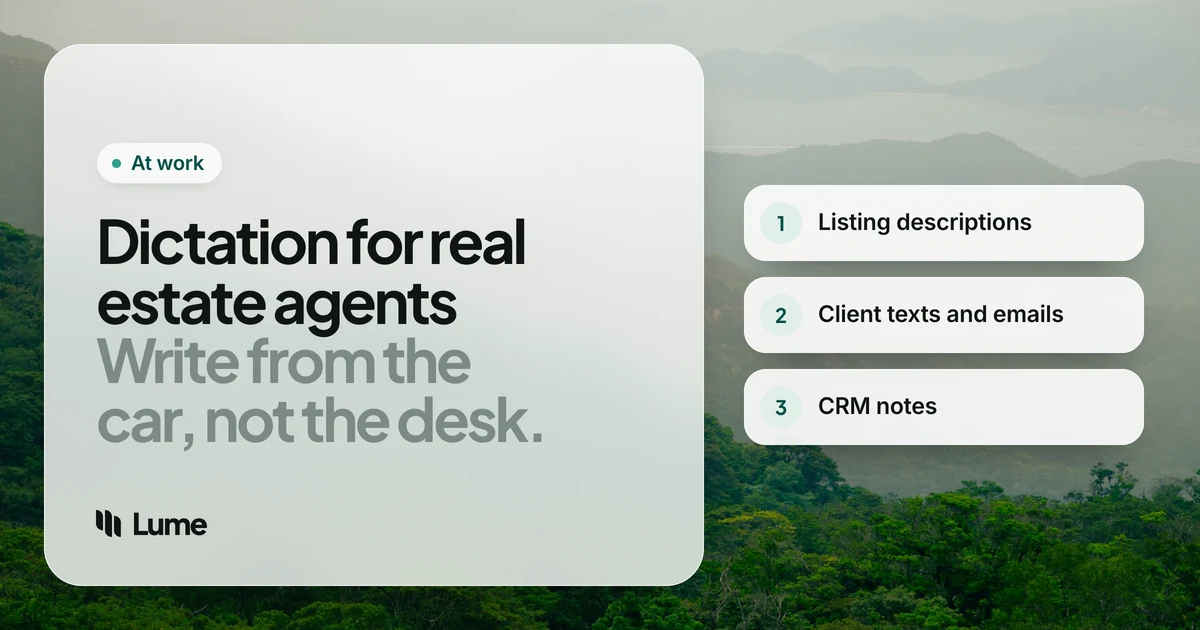
Real estate is a talking job that runs on writing. You talk to buyers, sellers, lenders and other agents all day, then every conversation needs a written trail: a listing description, a text confirming Saturday's showing, an email with the inspection summary, a note in the CRM so you remember that the Garcias want a bigger yard. Most of that writing happens on a phone, in a parked car, with ten minutes before the next appointment.
That's why dictation software for real estate agents is worth a look. You already speak clearly and quickly for a living. The right tool turns that into text you can send, in the apps you already use.
Here's what agents actually write, what to look for in a tool, five options worth considering, and the workflows that make the biggest difference. We make LumeVoice, so it's on the list; the others are described from their own published pages as of October 2026.
What agents write every day#
Most of an agent's writing falls into four buckets:
- Listing copy. The MLS remarks, the brochure blurb, the social post. These need to be vivid and accurate, and they need a second read.
- Client messages. Texts and emails confirming times, sharing feedback after a showing, explaining the next step in a transaction. Lots of them, mostly short, often from your phone.
- CRM notes. What the buyer said they liked, the seller's motivation, when to follow up. These are the notes that make you look like you remember everything six months later.
- Coordination. Emails to lenders, title, inspectors and the other side. Clear, polite and full of dates and addresses.
The pattern: lots of short pieces, written away from a desk, where speed and getting names and addresses right matter more than polish.
What to look for#
It must work on your phone, in any app. If a tool only works inside one notes app, you'll be copying and pasting all day. Look for something that types straight into Messages, WhatsApp, Gmail and your CRM app.
Cleanup, not just transcription. Built-in dictation writes down everything, including "um, so, the kitchen is, actually, the kitchen was redone in 2021." AI dictation removes the filler and applies the correction. For client-facing messages, that's the difference between sending and editing.
Names and street names. Agents dictate a lot of proper nouns: subdivisions, street names, client names. A custom dictionary or a way to fix repeated mistakes saves frustration.
Privacy you can explain. Client addresses, finances and timelines are sensitive. Know where your audio goes and whether it's kept.
Price that fits a solo business. Many agents pay for their own tools. A free option for light use and one plan that covers phone and computer both help.
Five options worth considering#
1. Apple Dictation (free, iPhone and Mac)#
Tap the microphone on the iPhone keyboard and talk. It's built in, it works in nearly every app, and on iPhone it works without an internet connection in many languages, which is handy in a basement or a rural listing with no signal. It writes down what you say rather than cleaning it up, so expect to fix filler words and punctuation in longer messages. For quick "On my way, see you at 3" texts, it's often all you need. Compare it in detail in LumeVoice vs Apple Dictation.
2. Gboard voice typing (free, Android)#
If you use an Android phone, Gboard's voice typing is the obvious starting point. On Pixel 6 and later, advanced voice typing stays on the phone. Pixel 11 owners also get Rambler, which removes filler words, fixes grammar and lets you rewrite by voice. If you have a Pixel 11, try Rambler first: it may cover what you need for free. More options are in our Gboard voice typing alternatives guide.
3. LumeVoice#
LumeVoice is an AI dictation app for Mac, Windows, iPhone and Android, and one plan covers all four. On iPhone it's the Lume keyboard: switch to it in any app, tap Start Lume, and talk. On Android it's a floating bubble over the keyboard you already use, so you keep Samsung Keyboard or Gboard. On a computer, hold fn on a Mac or Ctrl + Win on Windows, talk, and let go.
It removes filler words, applies self-corrections ("Saturday at ten, actually eleven" becomes "Saturday at eleven"), punctuates and turns spoken lists into real lists. Snippets let you say a short cue and get a full block of text, such as your signature with license number. You can also set an output language: speak English, get Spanish.
The trade-off: it's cloud-based, so it needs a connection, and the custom dictionary that feeds names to speech recognition is on Mac and Windows only (on phones, it fixes words it keeps mishearing). See it on iPhone and Android.
4. Wispr Flow#
Wispr Flow is a polished AI dictation app on Mac, Windows, iPhone and Android, with cleanup, a dictionary and snippets. Its Free plan gives 2,000 words a week on Mac and Windows and less on phones; Pro is $15 a month, or $144 a year billed annually, as of October 2026 (details). Like LumeVoice, it's cloud-only. If your team or brokerage wants single sign-on and admin controls, Wispr sells team plans; LumeVoice doesn't have one. Our LumeVoice vs Wispr Flow comparison covers the rest.
5. Superwhisper#
Superwhisper runs on Mac, Windows, iPhone and Android, and its big advantage is that it can run fully offline with local models. If your brokerage won't let client details go to a cloud service, that's the one to look at. Pro is $8.49 a month, $84.99 a year or $249.99 lifetime as of October 2026 (pricing breakdown). It offers more settings to configure, which suits agents who like to tinker.
Workflows that save the most time#
These are illustrative examples of how the cleanup works, not recordings of real clients or measured results.
The walkthrough-to-listing draft#
Walk the property with your phone, open your notes app, and talk through each room as you go. Back in the car, you have a rough draft to shape into MLS remarks.
You say (illustrative): "Okay so living room, um, big south facing windows, original oak floors, refinished. Kitchen was redone in, uh, 2019, no, 2021, quartz counters, gas range. Primary bedroom has a walk in closet and, um, the en suite has a double vanity."
What lands: Living room: big south-facing windows, original oak floors, refinished. Kitchen was redone in 2021, with quartz counters and a gas range. The primary bedroom has a walk-in closet, and the en suite has a double vanity.
That's notes, not finished copy. You'll still write the hook and check every fact against the listing sheet.
The after-showing text#
Buyers want to hear from you while the house is fresh in their minds. Before you pull out of the driveway, open Messages and talk:
You say (illustrative): "Hi Dana, thanks for coming out today. The sellers are reviewing offers Monday, so if you want to write one let's talk tomorrow. Also I'll send you the disclosures tonight, actually, tomorrow morning."
What lands: Hi Dana, thanks for coming out today. The sellers are reviewing offers Monday, so if you want to write one, let's talk tomorrow. I'll send you the disclosures tomorrow morning.
The CRM note before you forget#
The best CRM notes are written within minutes of the conversation. Open the contact in your CRM app or in the browser, tap into the notes field and say what you learned: budget, timeline, must-haves, who makes the decision. Spoken lists come out as lists, so "first, they need three bedrooms, second, under 600, third, close to the high school" becomes a numbered list.
Email to the transaction team#
For longer emails to lenders and title, a computer is easier. Dictate into Gmail or Outlook, then check every date, dollar figure and address before you send. A snippet for your sign-off saves a few seconds every time.
A word on fair housing#
Dictation makes it easy to say what you'd naturally say, and natural speech about homes sometimes drifts into describing people: who a neighborhood is "perfect for", or who'd "fit in". In listing copy, that's where fair-housing problems start. No dictation app checks this for you, and you shouldn't expect one to. The wording is your responsibility under the federal Fair Housing Act, your state's rules and your MLS and brokerage guidelines.
A simple habit: describe the property and its features, not the buyer. Reread every listing description before it goes live, whether you typed it or spoke it.
Privacy: what to ask before you dictate client details#
Client names, addresses, finances and timelines are personal data. Before using any dictation app for them, check two things: where the audio is processed, and whether it's kept.
- Built-ins: Apple Dictation on iPhone and Gboard's advanced voice typing on Pixel can process speech on the phone itself for many languages.
- Superwhisper can run fully offline with local models.
- Wispr Flow and LumeVoice are cloud services.
LumeVoice sends your audio for processing and doesn't store it afterwards, and what you say is never used to train models. Your dictation history stays on your device, not on our servers. It doesn't hold compliance certifications, so if your brokerage has a policy on client data, that policy wins. Ask before you dictate sensitive details.
Getting set up in ten minutes#
- Install on your phone first. That's where most of your writing happens.
- Set up a snippet for your signature and license number, and another for your scheduling link.
- On a computer, add names to the dictionary: your brokerage, local subdivisions, street names that get misheard.
- Try it on low-stakes messages for a week, then move on to emails and listing drafts.
- Keep a rule for listings: dictate the draft, type the final pass.
Write your next listing draft by talking
LumeVoice turns what you say into clean text in Messages, Gmail and your CRM, on iPhone, Android, Mac and Windows. Every new account gets 3,000 free words, no card required.
The bottom line#
If you send mostly short texts, the dictation built into your phone may be enough, and it costs nothing. Once you're writing listing drafts, longer client emails and detailed CRM notes, an AI dictation app that cleans up as you talk saves the editing step. Pick one that works on your phone and computer, check how it handles client data against your brokerage's rules, and keep the final read of every listing for yourself.