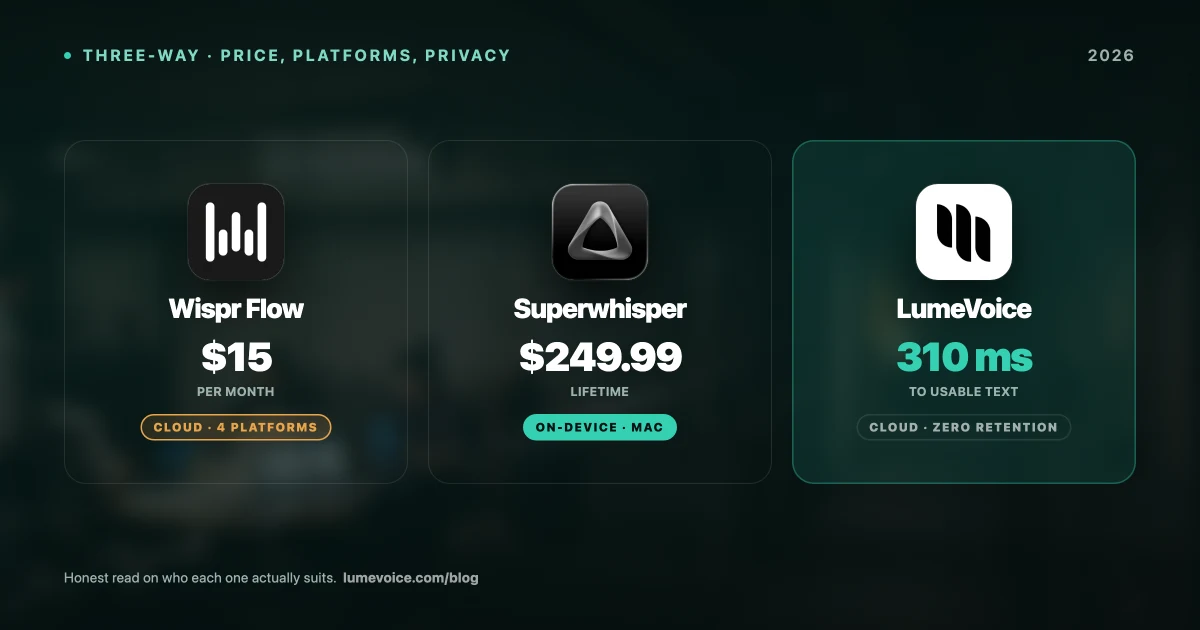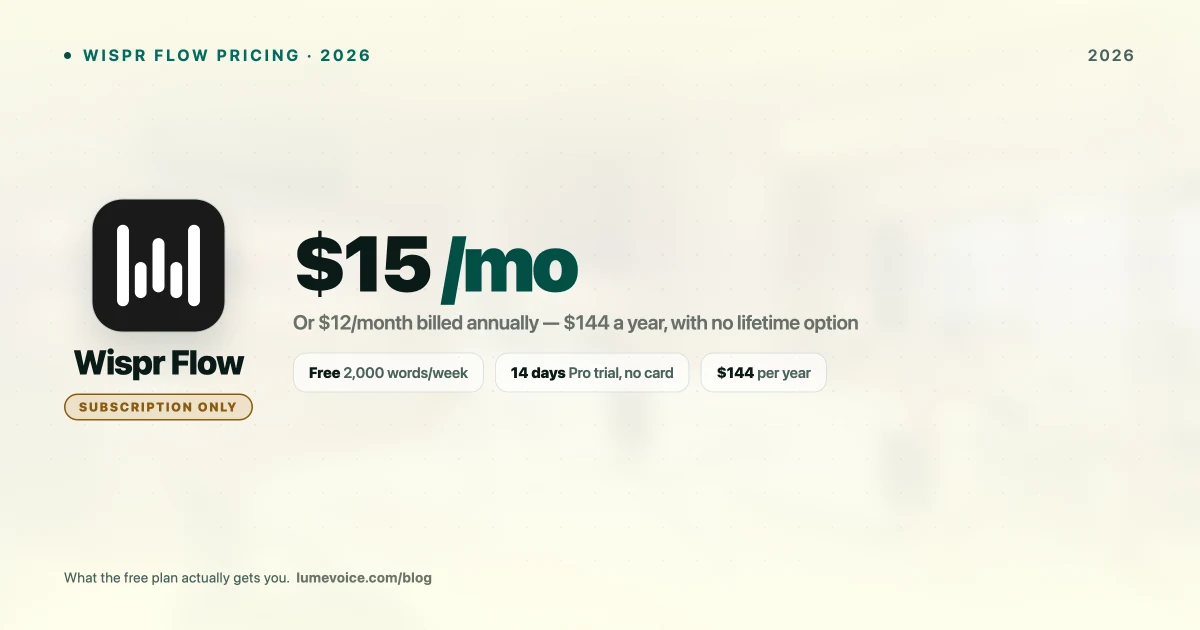
Wispr Flow costs $15 per user per month, or $12/month billed annually. That's the short answer. The longer answer — what the free tier actually allows, what you give up, and when the subscription genuinely pays off — takes a bit more unpacking.
Here's every Wispr Flow plan in 2026, the discounts most reviews skip, and an honest read on who should pay.
Wispr Flow Pricing: Every Plan#
| Plan | Price | What you get |
|---|---|---|
| Flow Basic | Free | 2,000 words/week desktop, 1,000/week iPhone, unlimited on Android |
| Flow Pro | $15/mo or $12/mo annually ($144/yr) | Unlimited words on all platforms, Command Mode, shared dictionary |
| Flow Enterprise | Contact sales | SOC 2 Type II, ISO 27001, enforced HIPAA, SSO/SAML |
Swipe to see all columns
Three things worth knowing that don't appear on most comparison pages:
The annual plan saves 20%. $144/year versus $180 if you pay monthly. If you're going to use it for a year, take the annual plan.
Students and educators get 3 months free, then 50% off. One of the more generous education discounts in this category — it puts Pro at roughly $6/month for students.
There's a 14-day Pro trial with no card required — separate from the free plan. You can test the full feature set before deciding.
What the free plan actually restricts#
Flow Basic isn't a crippled demo. You get 100+ languages, the custom dictionary, and Privacy Mode. The constraint is purely volume:
- Desktop (Mac/Windows): 2,000 words per week
- iPhone: 1,000 words per week
- Android: unlimited
Two thousand words a week sounds generous until you actually dictate. That's roughly four decent emails a day before you hit the wall mid-week. If you're using this as a genuine keyboard replacement, you will exhaust it.
The Android exception is genuinely interesting — if you mainly dictate on an Android phone, the free plan may be all you ever need.
The Three-Year Cost#
Subscriptions are easy to underestimate. Here's what Wispr Flow actually costs over time versus tools that sell a licence outright:
| 1 year | 2 years | 3 years | |
|---|---|---|---|
| Wispr Flow Pro (annual) | $144 | $288 | $432 |
| Wispr Flow Pro (monthly) | $180 | $360 | $540 |
| Superwhisper lifetime | $249.99 | $249.99 | $249.99 |
| LumeVoice lifetime | $249 | $249 | $249 |
| MacWhisper (Gumroad) | €59 | €59 | €59 |
Swipe to see all columns
Wispr Flow is cheaper in year one. It becomes more expensive than a lifetime licence somewhere around month 21, and by year three you've paid roughly $180 more than a one-time purchase.
That's not automatically a bad deal — a subscription buys continuous development and the freedom to walk away. But if you're confident you'll still be dictating in three years, the arithmetic favours buying once.
🎙️ Prefer to pay once? LumeVoice is $249 lifetime, removes filler words automatically, and runs on Mac, iPhone, and Android. See the plans →
What You're Paying For#
Wispr Flow's genuine strengths, fairly stated:
Cleanup that works. It doesn't just transcribe — it removes filler words, fixes grammar, and formats output. This is the core of the product and it's good.
Genuine cross-platform coverage. Mac, Windows, iPhone, and Android, with the Android app arriving in February 2026. That's broader coverage than most competitors, including Superwhisper (no Android) and MacWhisper (Mac only).
Command Mode. Highlight text and edit it by voice. Genuinely useful, and few rivals match it.
Interface polish. It's the most designed product in the category, and that counts for something you touch dozens of times a day.
Where It Gets Harder to Justify#
It's cloud-only. No offline mode, no local processing option. On a plane, on bad hotel Wi-Fi, or anywhere with restricted networking, Wispr Flow stops working. If you need dictation that survives offline, Superwhisper or MacWhisper are the answer — see our offline dictation guide.
Audio leaves your device by design. That's inherent to the architecture. For most work it's fine, and Enterprise adds SOC 2, ISO 27001, and enforced HIPAA. For material that genuinely cannot be transmitted, no policy substitutes for local processing — our legal and medical privacy guide covers what to verify.
No lifetime option. You're renting permanently. Whether that matters depends on your time horizon.
The free tier runs out fast. Two thousand words a week on desktop is a taste, not a working allowance.
Who Should Pay for Pro#
- You dictate daily across multiple devices and the free cap is a constant annoyance
- You want cleanup without configuration — it works well out of the box
- You need Windows and iPhone alongside Mac
- You're a student or educator — 3 months free then 50% off is a genuinely good price
- Someone else is paying. At $15 on a company card the calculation changes entirely
Who Should Not#
- You dictate occasionally. The free plan probably covers you, especially on Android.
- You need offline dictation. Cloud-only is a hard blocker, not a preference.
- You'd rather buy once. A lifetime licence pays for itself in under two years.
- You're on Android only. The free plan gives unlimited words — paying adds little.
How It Compares on Price#
| Tool | Entry | Ongoing | One-time option |
|---|---|---|---|
| Wispr Flow | Free (2k words/wk) | $15/mo or $144/yr | ❌ None |
| Superwhisper | Free (15-min cap) | $8.49/mo or $84.99/yr | ✅ $249.99 |
| LumeVoice | Free trial | $14.99/mo or $79.99/yr | ✅ $249 |
| MacWhisper | Free tier | — | ✅ €59 (Gumroad) |
| Aqua Voice | Free tier | $8/mo ($96/yr) | ❌ None |
| Apple Dictation | Free | Free | — |
Swipe to see all columns
Wispr Flow is the most expensive subscription in this group. It's also the most polished and the most broadly cross-platform, so it isn't overpriced so much as premium-priced.
Conclusion#
Wispr Flow's pricing is straightforward and fair for what it is — $15/month, $144/year, a real free tier, and unusually good student terms. The product is polished and the cleanup genuinely works.
Two questions decide it: do you need dictation that works offline, and do you expect to still be using this in three years? A "yes" to either points elsewhere — offline needs a local tool, and a three-year horizon makes a lifetime licence cheaper.
If neither applies, and especially if you're a student or on Android, Wispr Flow is a reasonable buy. Start with the free plan or the 14-day trial and see whether you hit the cap.
Pay Once Instead of Every Month#
If the part that bothers you is renting your keyboard forever, there's another option.
LumeVoice turns your speech into clean, formatted text in any app on your Mac or Android phone — filler words removed, self-corrections resolved. $249 once, or $79.99/year. Zero cloud data retention, never used for training. Free to use, no card needed.